FRO1
FRO1 TOR0
TOR0 LAZ1
LAZ1 CAG1
CAG1 STR3
STR3 AUX1
AUX1 ITKA1
ITKA1 FC Goa2
 AFG
AFG ZIM67/7 (11.3/20 ov)
 FCU1
FCU1 KOE0
KOE0 RAC0
RAC0 RMA1
RMA1 FCA0
FCA0 CDN0
CDN0 LYON
LYON ANG
ANG PAR
PAR MON
MON LIV
LIV ARS
ARS SGE
SGE HSV
HSV WI-A
WI-A LIONS
LIONS LEC
LEC GEN
GEN ELC
ELC VAL
VAL JUV
JUV NAP
NAP GET3
GET3 SEV1
SEV1 COMO1
COMO1 VEN0
VEN0 MCFC2
MCFC2 SCD3
SCD3 NAM131/5 (21.2/50 ov, target 130)
 IRE129
 LIONS206/3
 TITNS127/3 (13.5/20 ov, target 207)
 TOK
TOK MIS152/4 (18/20 ov)
 NZ-A218/3 (62 ov)
 IND-A346
 QLD202/5 (71 ov)
 VIC307
 SYL218 & 89/2 (38 ov)
 CHATT210
 MYMS108 & 57/2 (14 ov) (f/o)
 KHU288
 DHA
DHA BAR
BAR RAN122/3 (39 ov)
 RAJ231
 NED
NED OMA
OMA MS-W
MS-W PS-W
PS-W MOW
MOW BRB
BRB KAY
KAY KAG
KAG CHR
CHR SPR
SPR ASSAM
ASSAM KNTKA
KNTKA TPURA
TPURA SAU
SAU NZ195/3 (18 ov)
 IND191/8
 PAK331/7 (48.3/50 ov, target 326)
 SL325/8
 UAE266/5 (49/50 ov, target 264)
 SS-W196/8
 HH-W109 (17.4/20 ov, target 197)
 ST-W180/4 (16.4 ov)
 BH-W178/5
 BIR1
BIR1 TOT3
TOT3 BHA2
BHA2 CRY1
CRY1 WHU4
WHU4 LIV1
LIV1 CHA0
CHA0 CHE4
CHE4 BAL0
BAL0 AKT0
AKT0 OLM
OLM TOU
TOU Aston Villa1
 Fulham1
 Barcelona6
 Alavés1
 Milan3
 Inter Milan1
I’ve been running an RTX 5090 on my desk for a while now, and when DLSS 4.5 dropped, I wanted to actually sit down and test it properly instead of just going by NVIDIA’s slides. So I fired up five very different games, ran back-to-back comparisons on my curved MSI monitor, and paid close attention to both the numbers and what my eyes were actually telling me. Here’s what I found.
What’s Actually New in DLSS 4.5
DLSS 4.5 isn’t a ground-up rebuild — it’s a refinement of the transformer-based architecture NVIDIA introduced with DLSS 4. The headline addition is a 2nd-generation transformer model for Super Resolution, trained on a significantly larger, higher-fidelity dataset and using roughly five times the compute of the original model. Alongside it, NVIDIA has rolled out Dynamic Multi Frame Generation, which auto-adjusts how many frames get generated to hit a target frame rate, and a new Ray Reconstruction model aimed at reducing ghosting, boiling pixels, and reflection artifacts in ray-traced scenes.
For anyone tracking our ongoing RTX 50 series coverage, this is very much an iterative update rather than a generational leap — closer in spirit to a driver-level polish pass than a new DLSS version number would suggest.

Test Config Specifications:
- Monitor: MSI MAG342CQR E2 Curved Gaming Monitor
- Motherboard: MSI PRO Z890-S WIFI Motherboard
- CPU: Intel Core Ultra 7 265K
- RAM: 32GB (2X16) Corsair Vengeance Performance DDR5 Memory
- Primary SSD: Western Digital SN850 500GB PCIe Gen 4 SSD
- Secondary/Game SSD: 480GB Crucial SATA SSD, WD Green 960GB SATA SSD
- Power Supply: Antec HCG-1000-EXTREME PSU
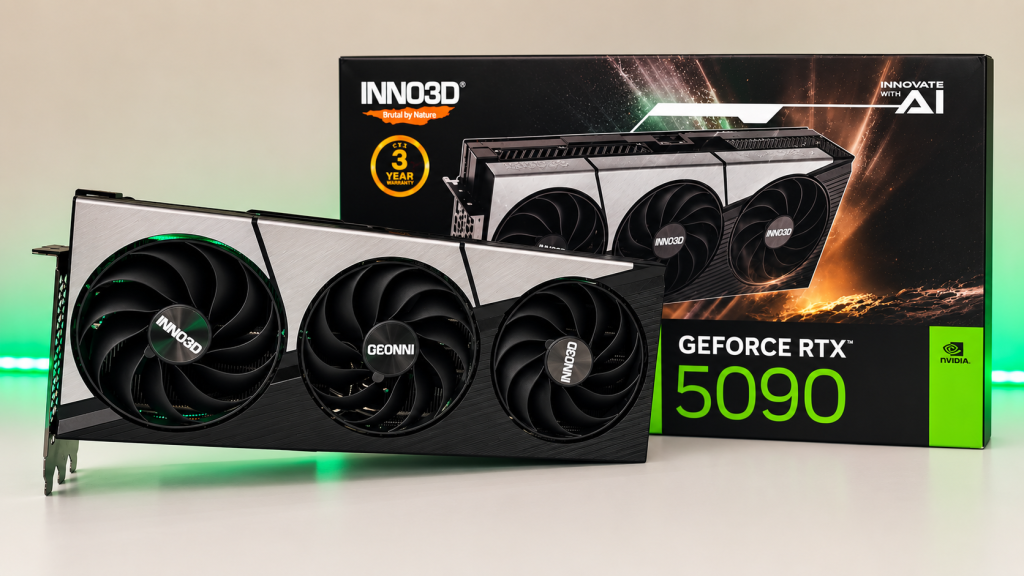
- GPU: INNO3D GeForce RTX 5090 X3 OC
- CPU Cooler: DEEPCOOL GAMMAXX L360 ARGB
- Cabinet: MSI MAG PANO 130R PZ
- OS: Microsoft Windows 11 Pro
Performance: FPS Before and After DLSS 4.5
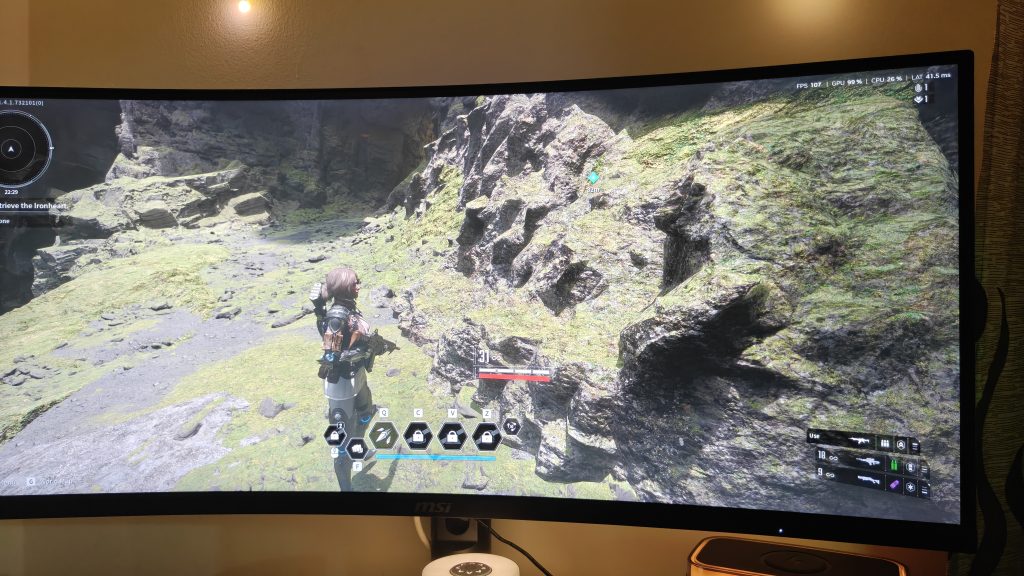
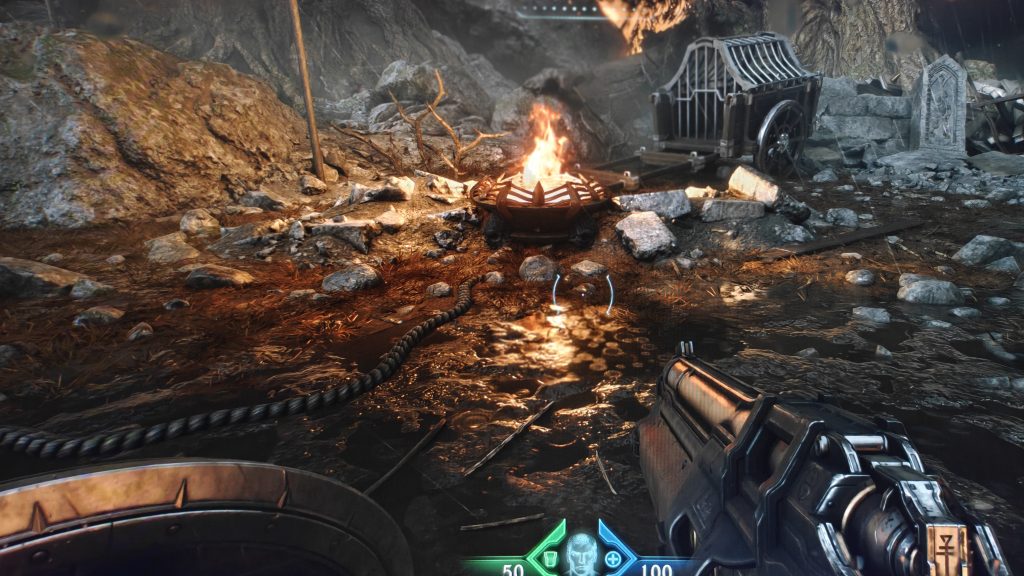
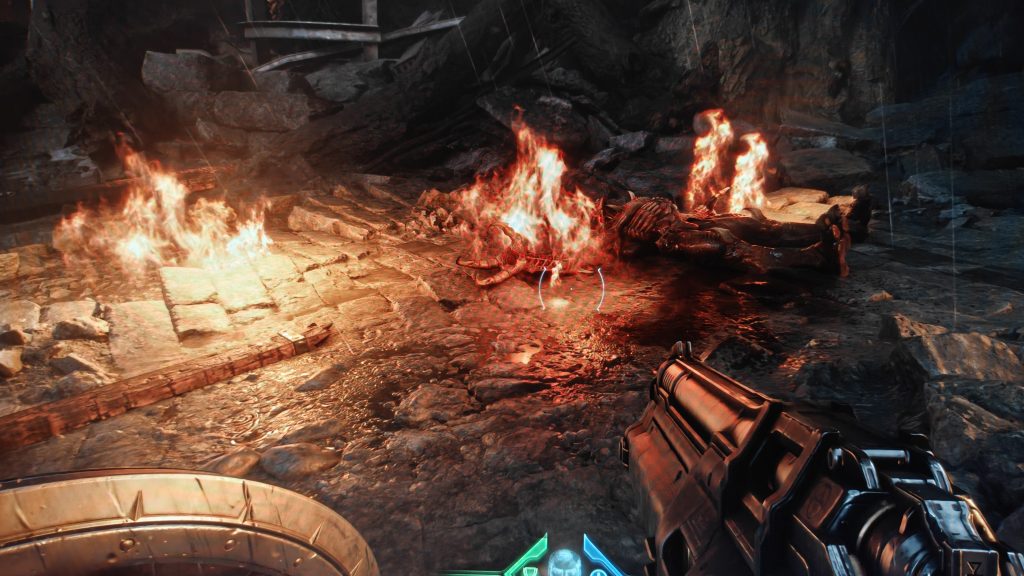
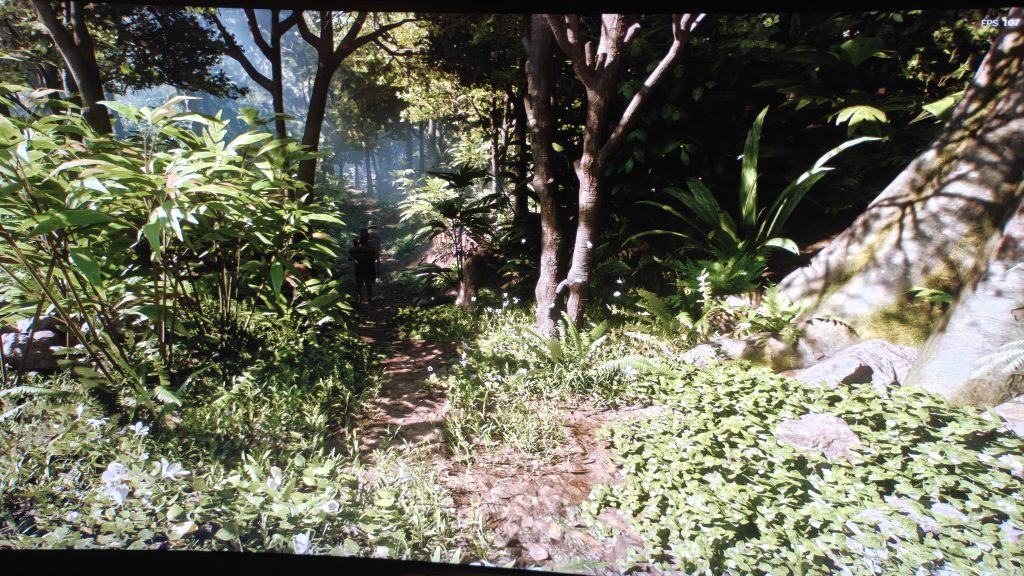
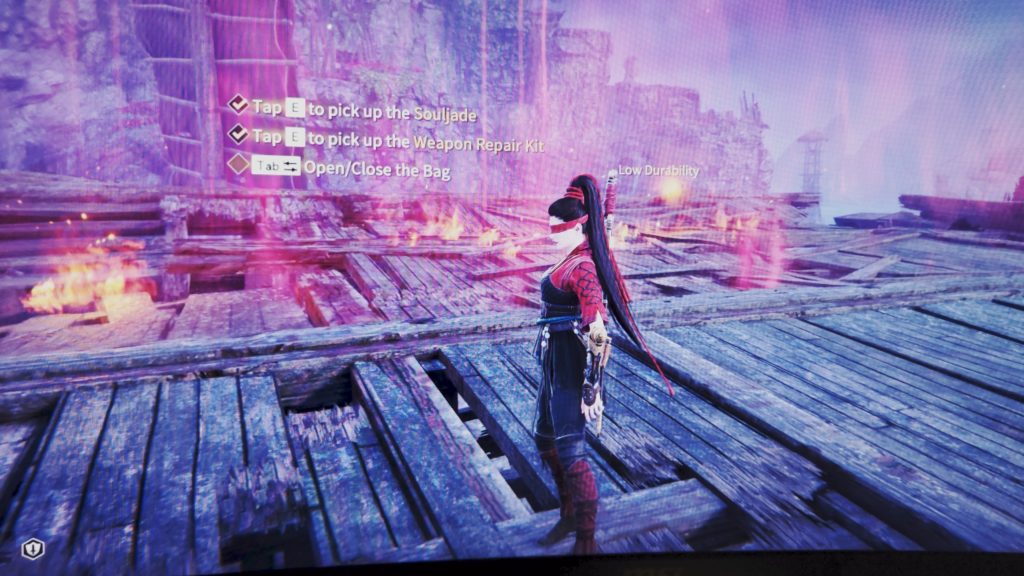
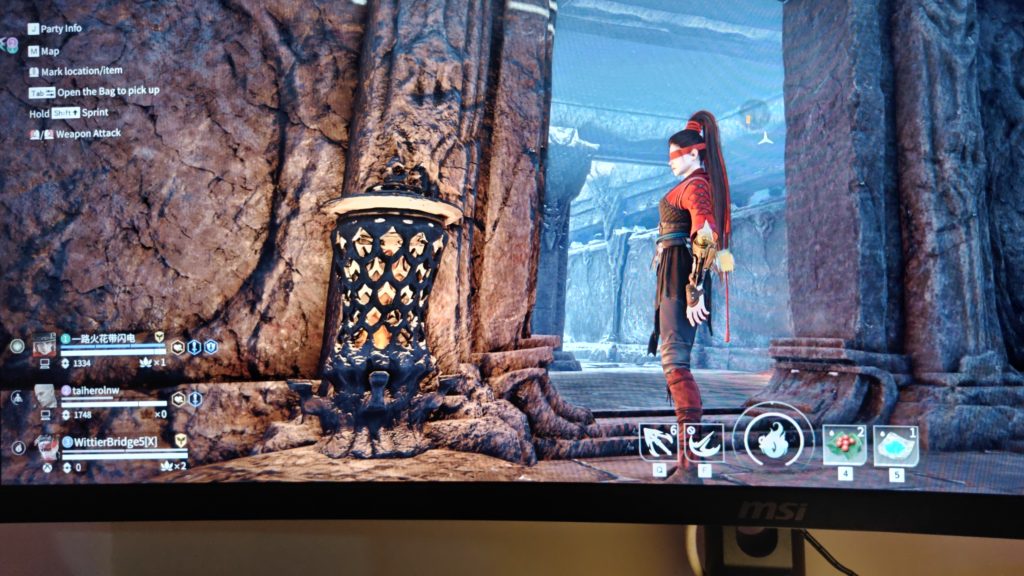
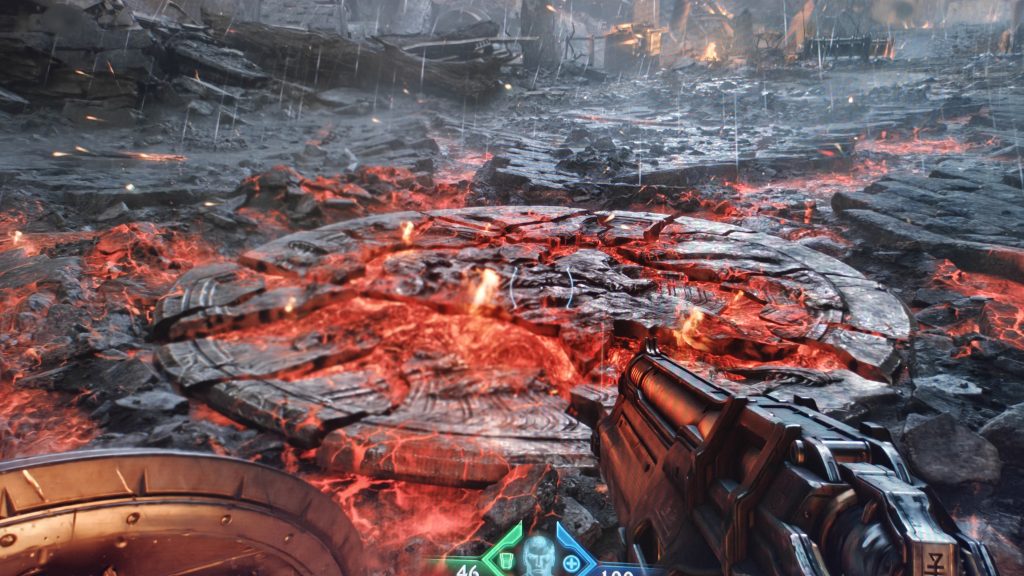
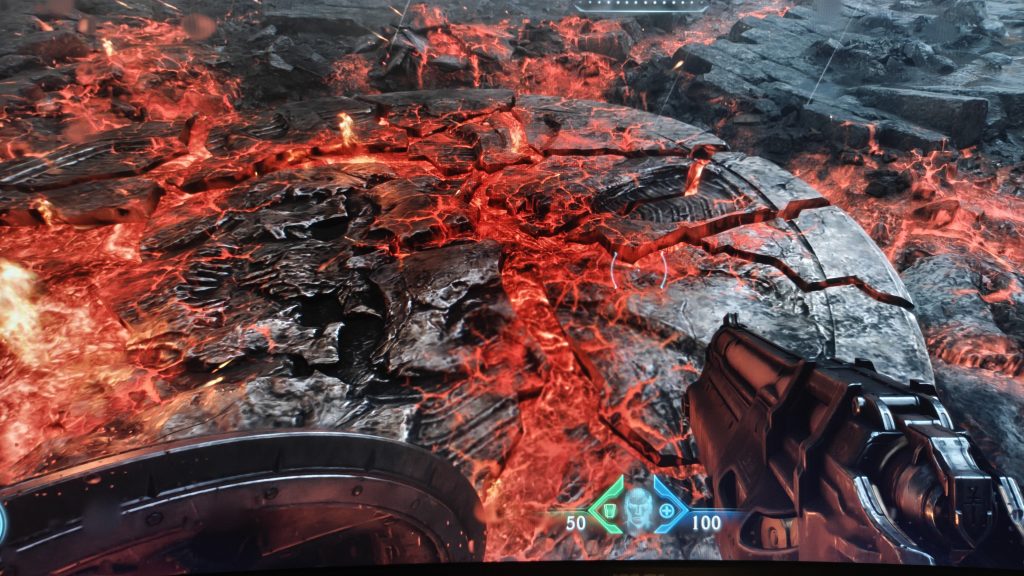
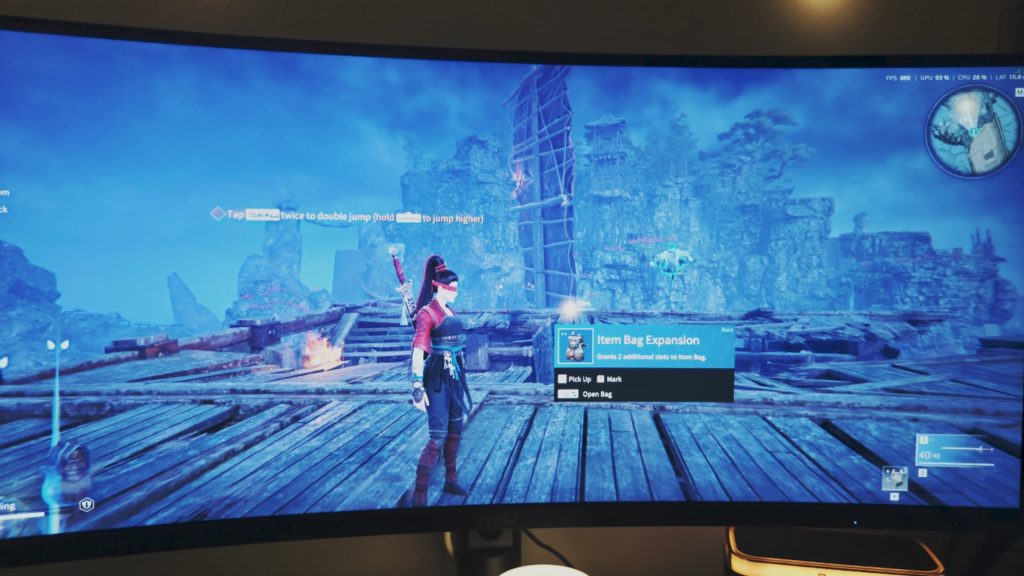
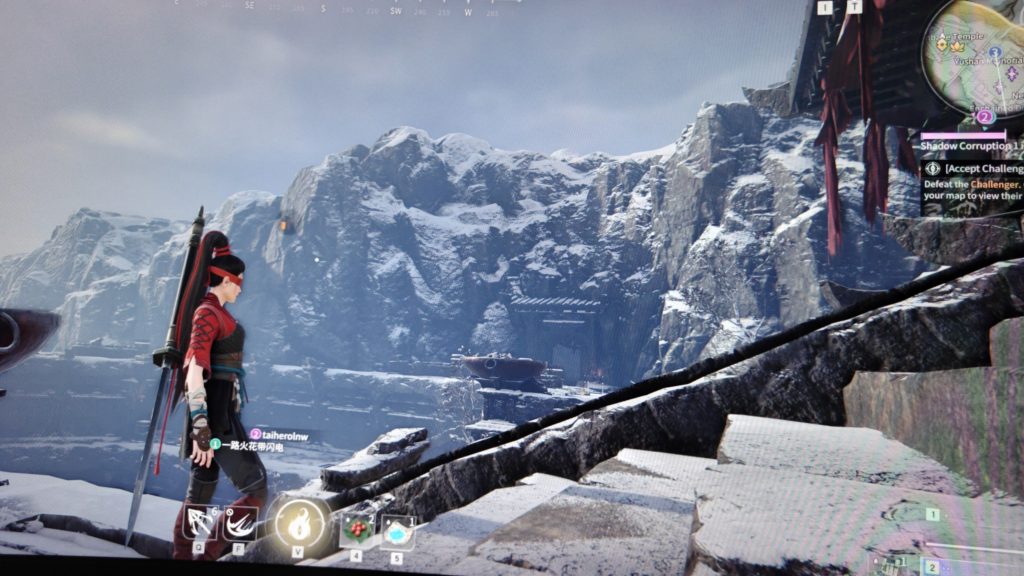
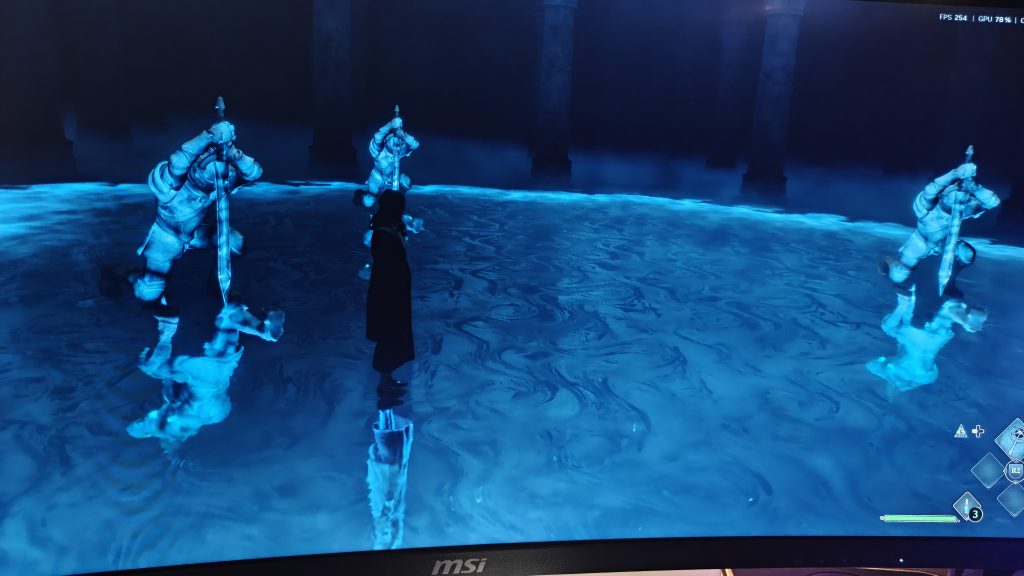
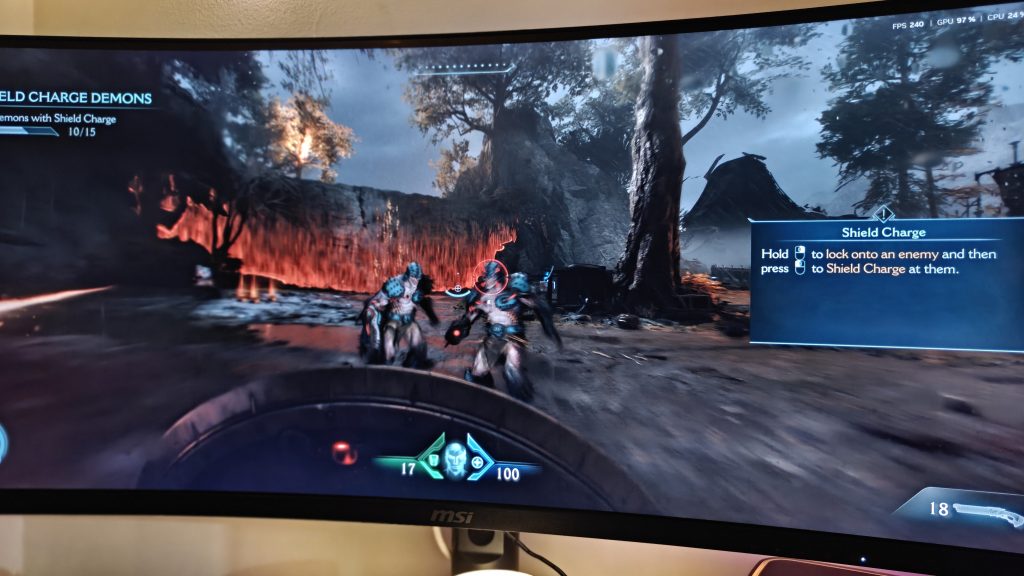
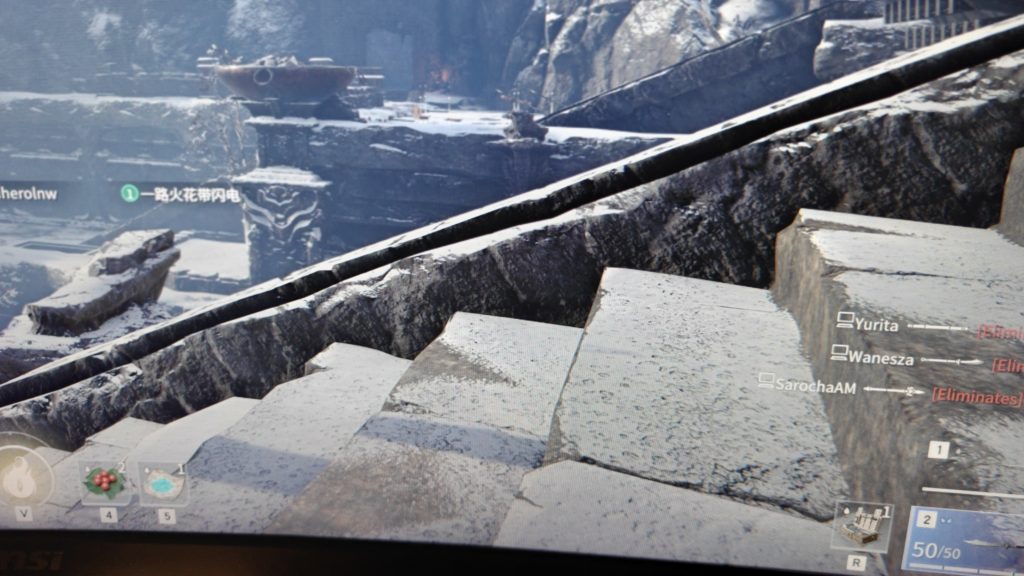
Across my test suite, DLSS 4.5 delivered a modest but consistent FPS bump in most titles. Here are some game screenshots, Without DLSS 4.5 vs With DLSS 4.5:

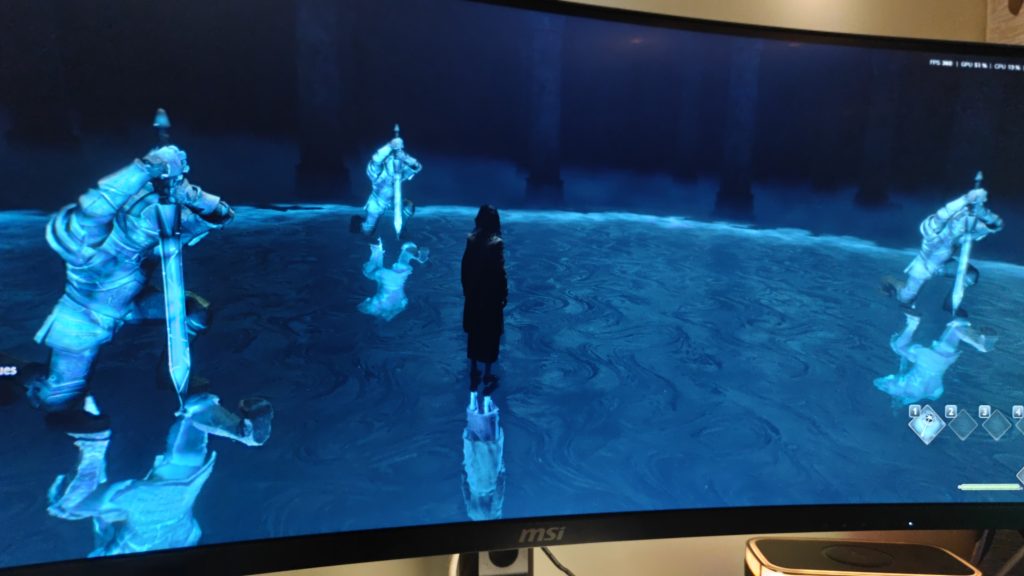
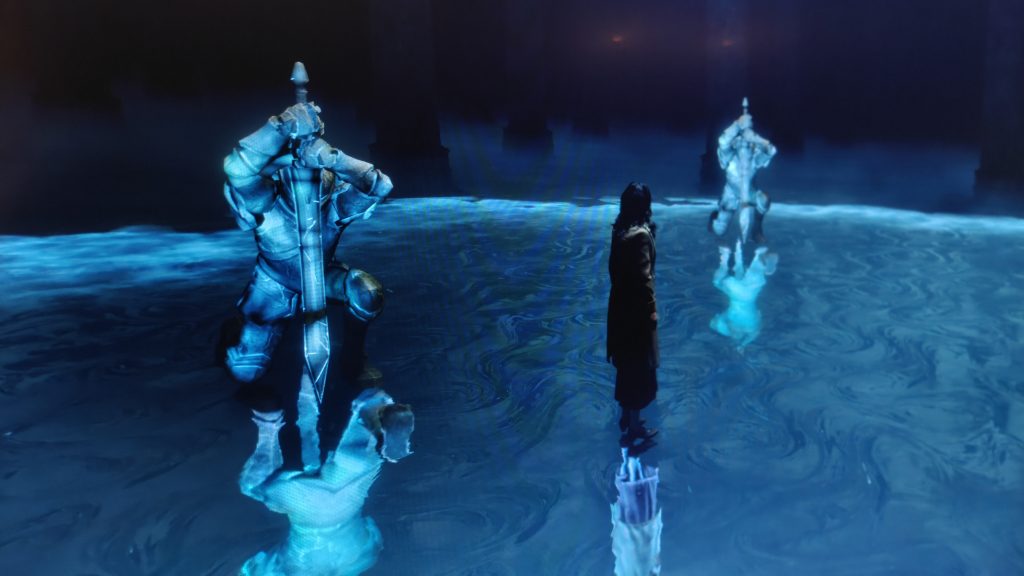
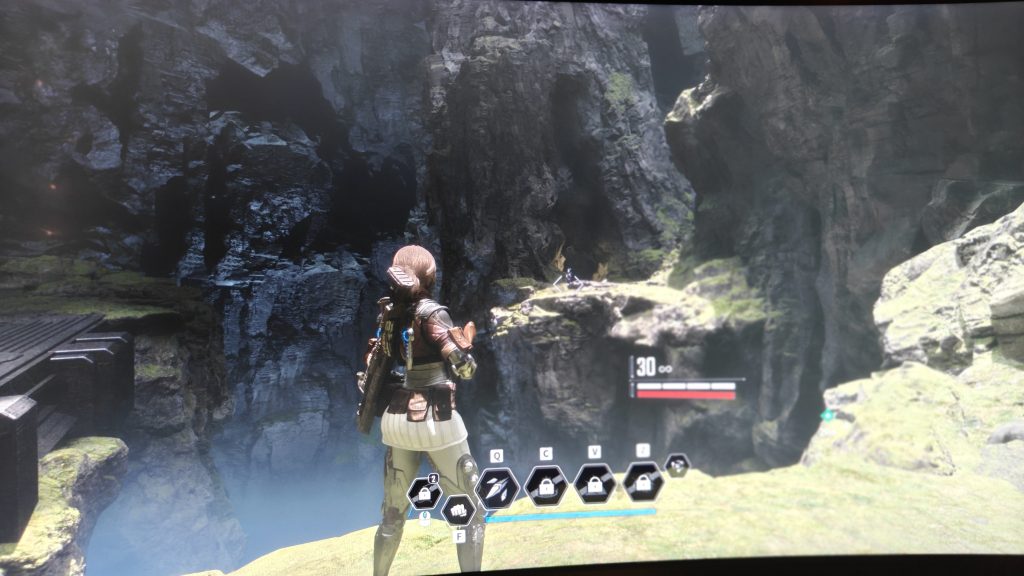
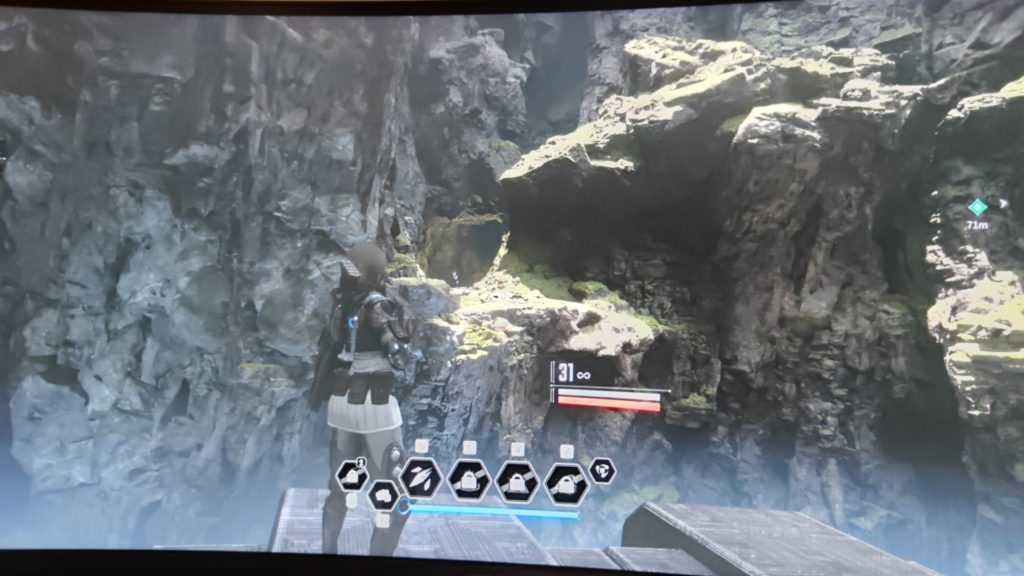
| Game | Without DLSS 4.5 | With DLSS 4.5 |
|---|---|---|
| Hogwarts Legacy | 260 FPS | 300 FPS |
| Naraka Bladepoint | 400 FPS | 440 FPS |
| Doom: The Dark Ages | 290 FPS | 260 FPS |
| The First Descendant | 100 FPS | 110 FPS |
| Indiana Jones and the Great Circle | 90 FPS | 106 FPS |
Doom: The Dark Ages was the outlier, dipping slightly with DLSS 4.5 enabled — likely a game-specific quirk given how differently id Tech handles upscaling compared to Unreal-based titles like Indiana Jones. It’s a good reminder that DLSS gains aren’t uniform across engines, something we’ve flagged before in our game performance benchmarks. Enabling Frame Generation on top pushes numbers further, though at that point you’re trading a bit of latency for the extra headline FPS — worth knowing if you’re chasing competitive numbers in a title like Naraka Bladepoint.

Visual Quality: Where DLSS 4.5 Actually Shines
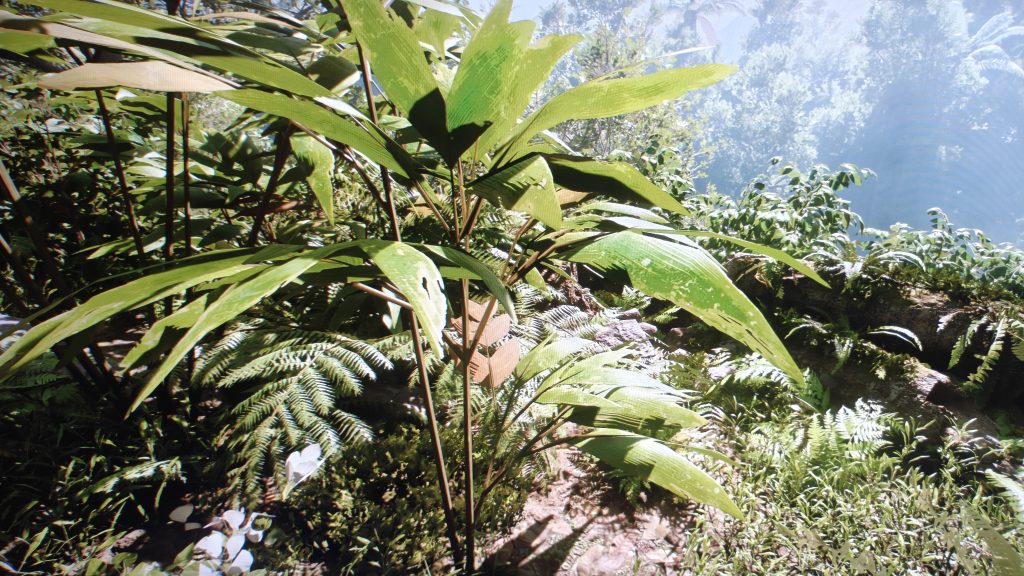
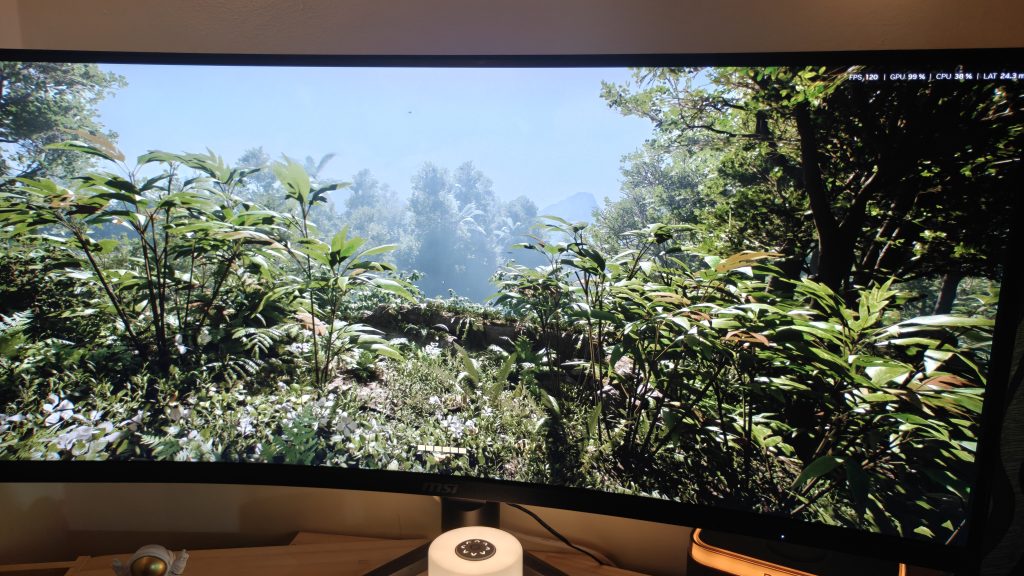
The bigger win here is clarity, not speed. I spent a good chunk of my test time just walking through dense forest scenes — the kind packed with foliage, ferns, and fine rock texture that historically break upscalers — and DLSS 4.5 noticeably tightens up edge definition and cuts down on shimmer in foliage that would otherwise flicker under motion. NVIDIA credits this to the larger transformer dataset, and it lines up with what Hardware Unboxed and TechPowerUp reported in their own testing — better image quality with no measurable performance cost.
Physics and scene detailing also feel a touch more grounded — leaves settle with slightly more natural shadowing, and distant tree lines resolve with less of the “watercolor” softness that plagued earlier DLSS generations. If you’ve read our breakdown of ray tracing and path tracing differences, this kind of incremental fidelity gain is exactly the trend NVIDIA has been chasing since DLSS 3.
That said, I want to be honest about who notices this. This is a “pause, zoom in, compare screenshots” upgrade, not a “jaw-drop mid-match” one. Side-by-side, the sharpness difference is real and repeatable — but for the average player deep in a Naraka Bladepoint fight or a Doom firefight, it’s subtle enough to miss entirely. I certainly had to slow down and look carefully to catch it.
How to Enable DLSS 4.5
Getting DLSS 4.5 running is straightforward, though a chunk of it is still in early access as of writing:
- Open the NVIDIA app and go to Settings > About.
- Opt in to Early Access / beta releases (a full stable rollout follows in a later driver cycle).
- Make sure you’re on GeForce Game Ready Driver 580.88 WHQL or newer.
- Go to the Graphics tab, pick a supported game (or hit Global Settings to apply it library-wide).
- Under DLSS Override > Model Presets, select the latest preset (Preset F enables the new Ray Reconstruction model) for Super Resolution, Frame Generation, or Ray Reconstruction as needed.
For games with native DLSS 4.5 integration, you won’t need any of this — it just shows up in the in-game graphics settings once you update.
Which Games Support It
DLSS 4.5 Ray Reconstruction currently enhances around 30 games through the NVIDIA app override, with more being added weekly. Titles with native DLSS 4.5 support (built directly into the game rather than forced via override) include 007 First Light, ARC Raiders, Marvel Rivals, and several others rolling out through 2026, alongside RTX Remix mods like Painkiller and the Morrowind RTX project. Call of Duty: Modern Warfare 4 is also expected to ship with it. Given how quickly NVIDIA has been expanding the list, it’s worth checking the NVIDIA DLSS games list directly for the latest supported titles before assuming your favorite game is covered.
Should You Turn It On?
DLSS 4.5 is a genuinely good, low-risk update: improved clarity with essentially no performance penalty, and in most games, a free FPS bump alongside it. It’s not a dramatic leap like the original jump to DLSS 4 was — think refinement, not revolution. For anyone weighing whether it’s worth updating drivers for, the answer is yes; there’s no real downside to enabling it. If you’re deciding between GPUs altogether, our RTX 5090 buying guide has more on where the card stands right now.
Buy from here