BAN
BAN WI235/4 (70 ov)
 AFG
AFG ZIM326/5 (87 ov)
 CRU0
CRU0 BAH0
BAH0 GOA
GOA Bengaluru
 Hamburg
 Gladbach
 Venezia
 Udinese
 Toulouse
 Strasbourg
 Everton
 Coventry
 Sevilla
 Alavés
 NZ
NZ IND
IND Inter Kashi
 SC Delhi
 AZ1
AZ1 JUV2
JUV2 B040
B040 OLM1
OLM1 SLB3
SLB3 LECH1
LECH1 CEL1
CEL1 USG2
USG2 KRBLS280 & 2/1 (2 ov)
 SRB241 & 388/5d
 FSLB259 & 54/1 (26 ov) (f/o)
 PRB503/4d
 LAHW234 & 40/4 (17 ov, target 412)
 FATA362 & 283
 ISB215 & 163/6 (51 ov)
 MUL327
 DMJIR290 & 134/5 (46 ov) (f/o)
 HYD-R519/8d
 PCBXI151/8d
 SL223/7d & 121/6 (38 ov)
 ZIM-A
ZIM-A IRE-A420/9 (90 ov)
 MS-W
MS-W SS-W
SS-W MR-W
MR-W AS-W
AS-W BH-W
BH-W HH-W
HH-W UGA-W
UGA-W NAM-W
NAM-W KAY
KAY SPR
SPR TUSK
TUSK RHINO
RHINO MOUNT
MOUNT ROCKS
ROCKS WI-A123 (16.3/20 ov, target 220)
 LIONS219/7
 ST-W166 (19/20 ov, target 184)
 PS-W183/3
 WAR138/7 (20 ov)
 BOL138/5
 BIK83
BIK83 KAG86/1 (9.4/20 ov, target 84)
 JAB133/8 (20 ov, target 150)
 LUL149/8
 CCSU1
CCSU1 NHVN0
NHVN0 HOF0
HOF0 DREX0
DREX0 Leeds
Leeds Spurs
Spurs CEL3
CEL3 BES2
BES2 HBE0
HBE0 OFI2
OFI2
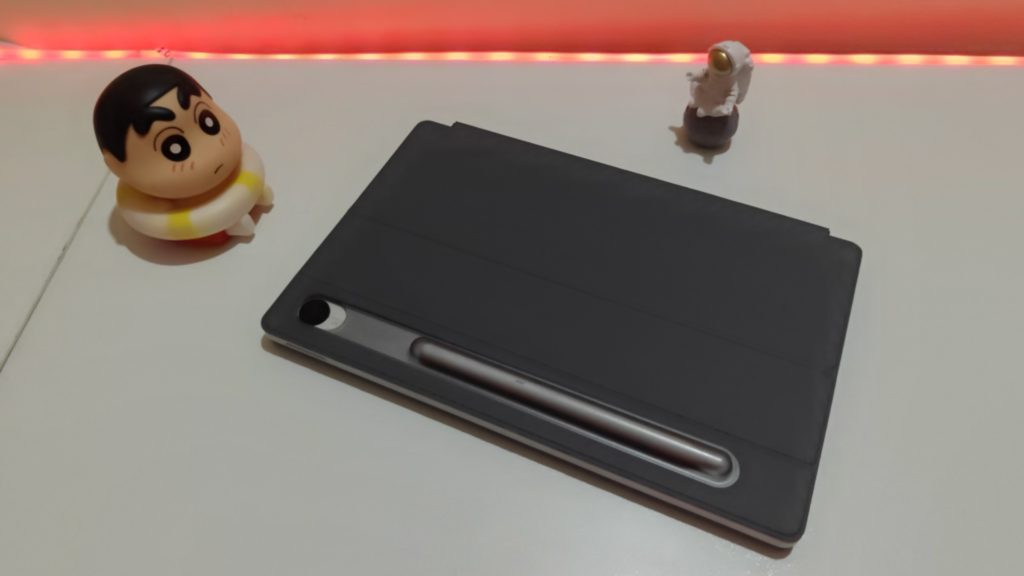
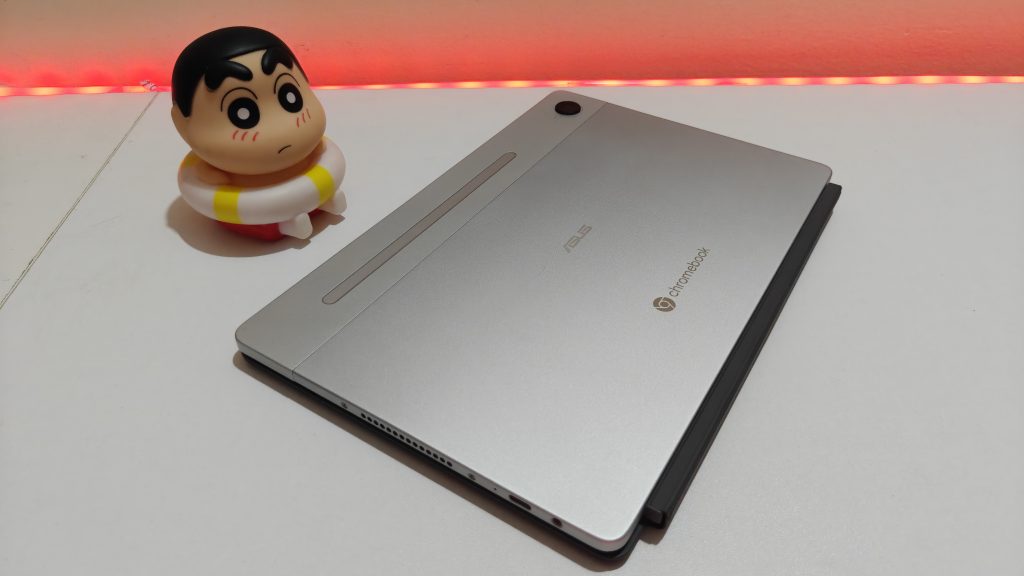
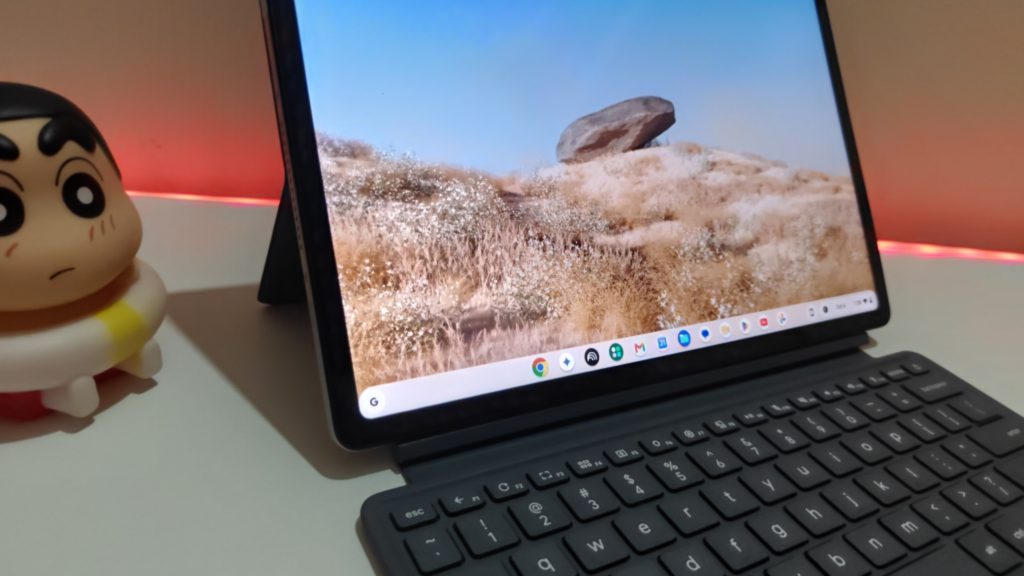
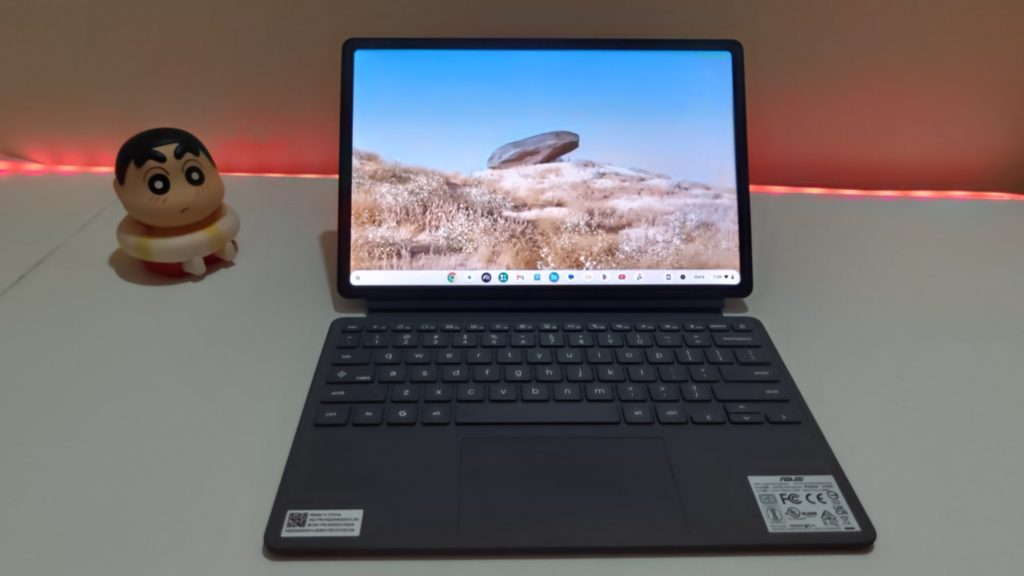
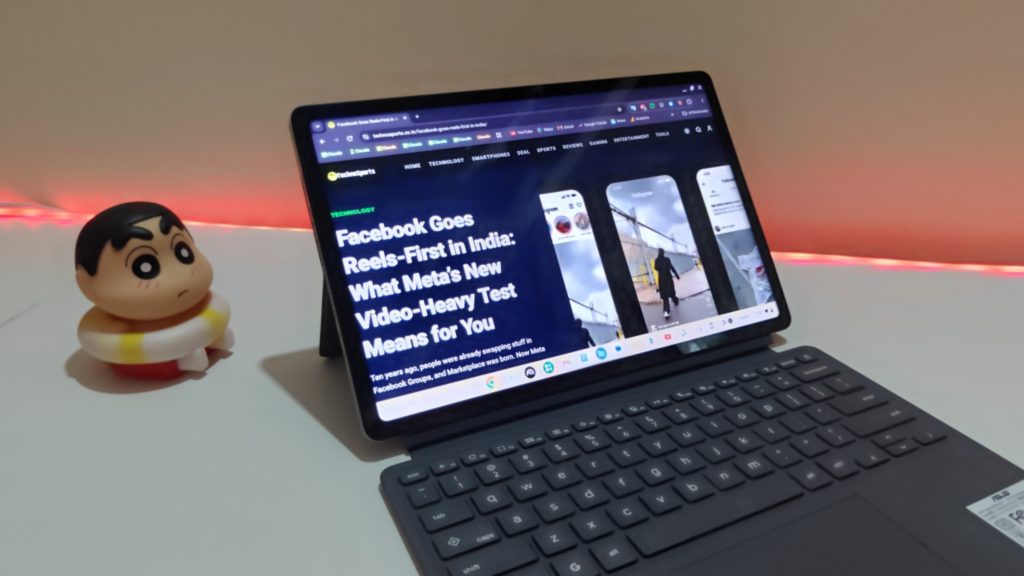
The ASUS Chromebook CM32 Detachable (model CM3206DM4A) is a 12.1-inch Chromebook that works as a tablet and a laptop. It has a 2.5K touchscreen, a magnetic keyboard, a stand cover and a bundled ASUS Pen. It weighs just 0.64 kg.
After using it, my verdict is simple. It is a nice secondary device for browsing, email, video calls and streaming, but it is not fast enough to be the only laptop for most people. For more, see our laptop reviews and ASUS coverage.
TechnoSports rating: 7/10
ASUS Chromebook CM32 Specifications
| Spec | Details |
|---|---|
| Model | CM3206DM4A |
| Processor | MediaTek Kompanio 540 |
| GPU | ARM Mali-G57 MC2 |
| Memory | Up to 8GB LPDDR5X (on board) |
| Storage | Up to 128GB eMMC |
| Display | 12.1-inch 2.5K (1600 x 2560) touchscreen, 120Hz, Corning Gorilla Glass, 98% DCI-P3 |
| Battery | 42Wh, up to 12 hours claimed; 45W Type-C charger |
| Connectivity | Wi-Fi 6, Bluetooth 5.4 |
| Ports | 1x USB 3.2 Gen 2 Type-C, 1x audio combo jack |
| Cameras | 5MP front, 5MP rear |
| Audio | Dual speakers with Dolby Atmos |
| Weight | About 0.64 kg |
| In the box | Stand cover, ASUS Pen 2.0 |
| Software offer | Google AI Pro with 5TB cloud storage for 3 months (worth Rs 5,850) |
Display: The Best Part
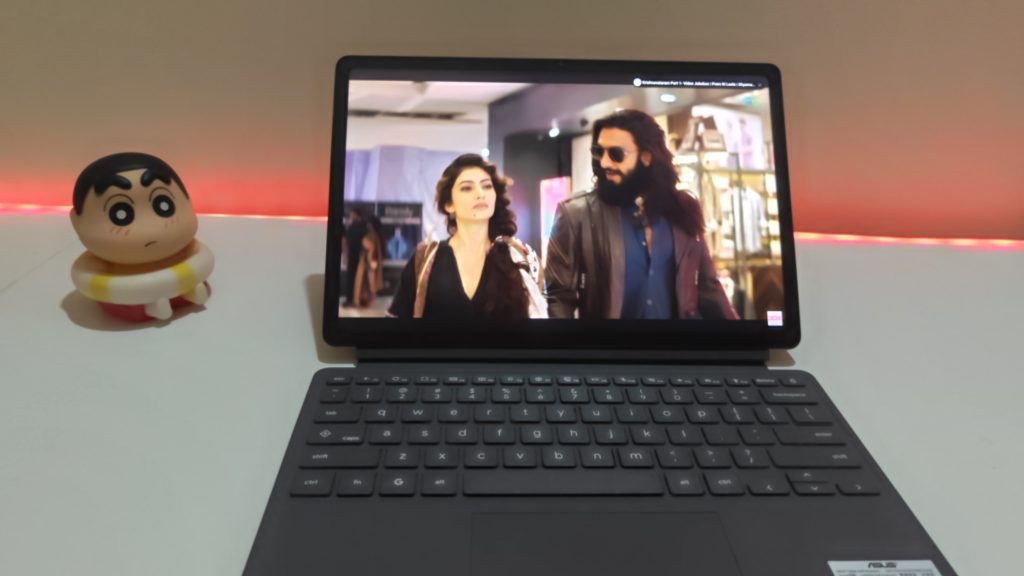
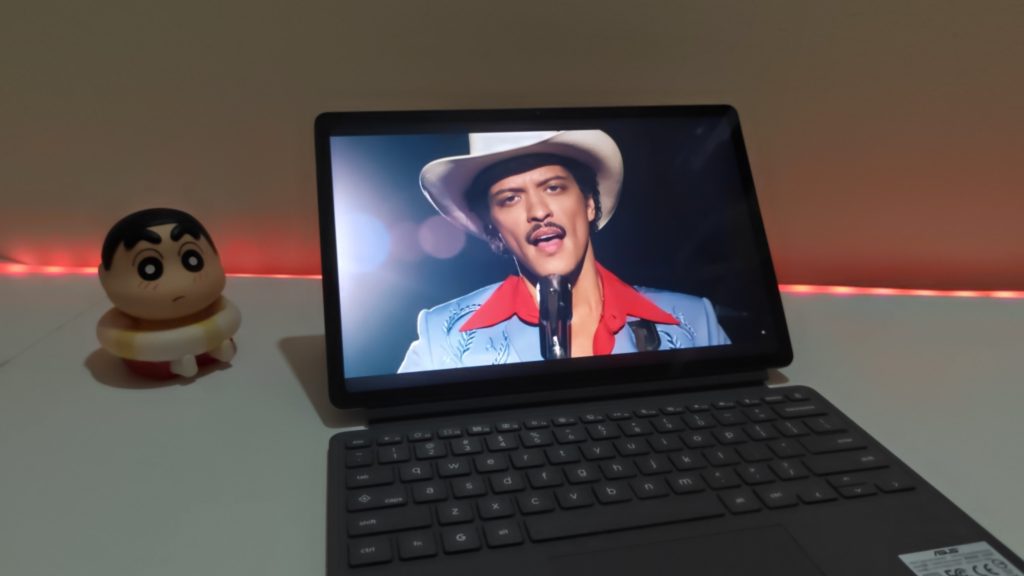
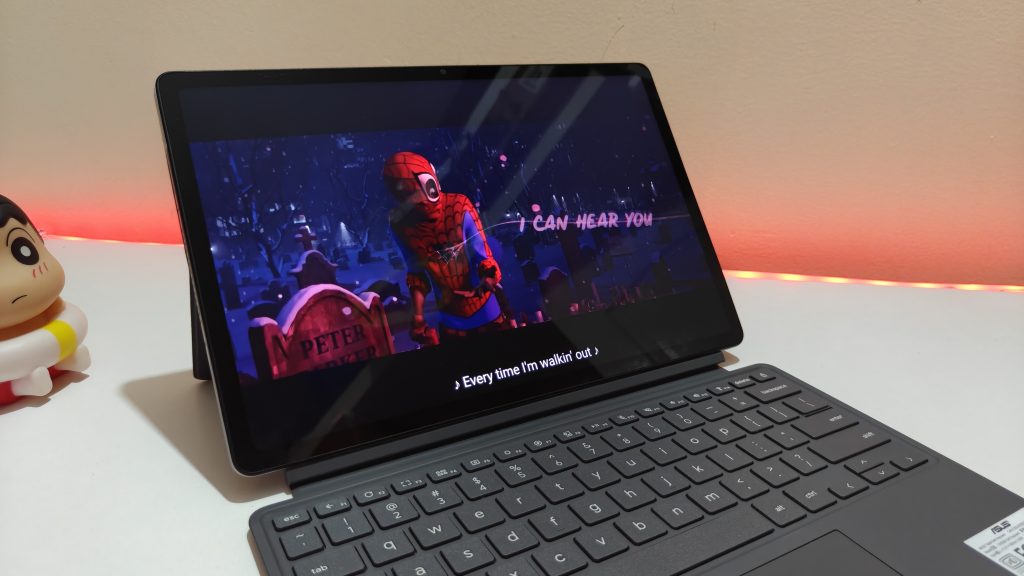
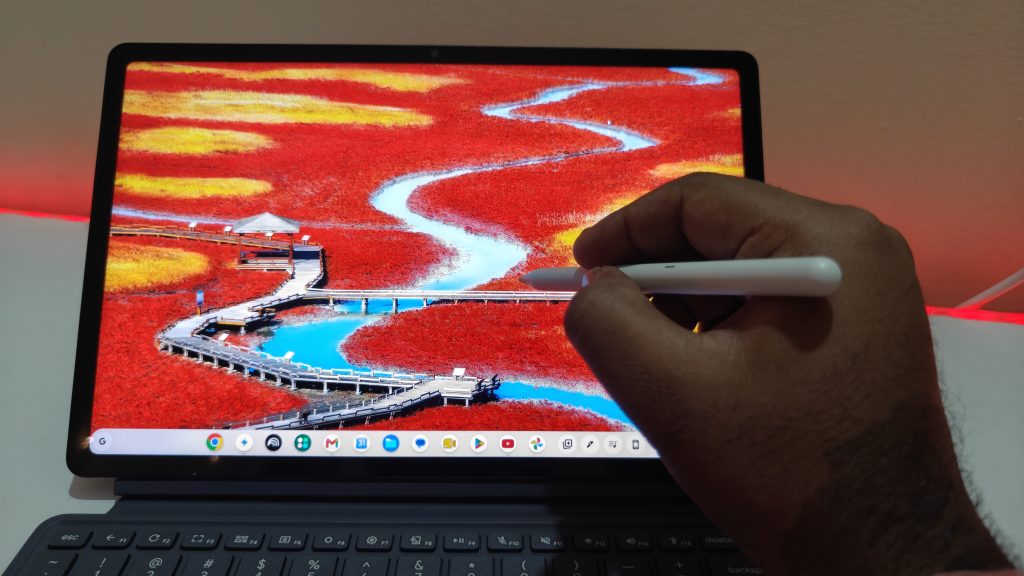
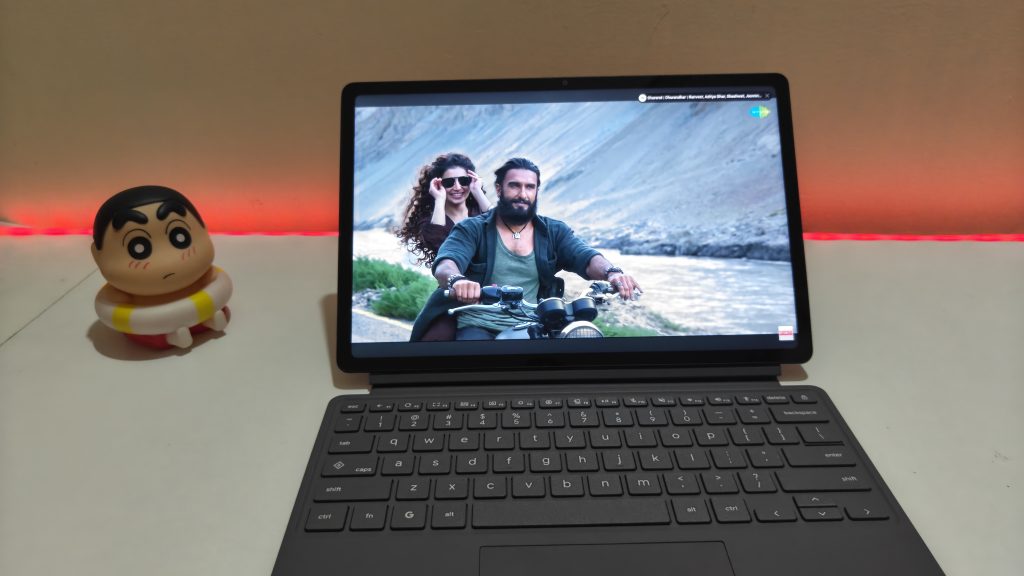
The screen is the highlight. It is bright, sharp and responsive to touch, and it is a pleasure for watching videos, reading and browsing. Reviewers have also praised the panel, with Digit measuring it at around 600 nits and finding text crisp. The 16:10 shape suits long documents too.
The glass and anti-fingerprint coating help keep it clean. The 120 Hz refresh rate and 98% DCI-P3 coverage are strong for a Chromebook in this price band.
Performance: Fine for Basics, but Not Fluid
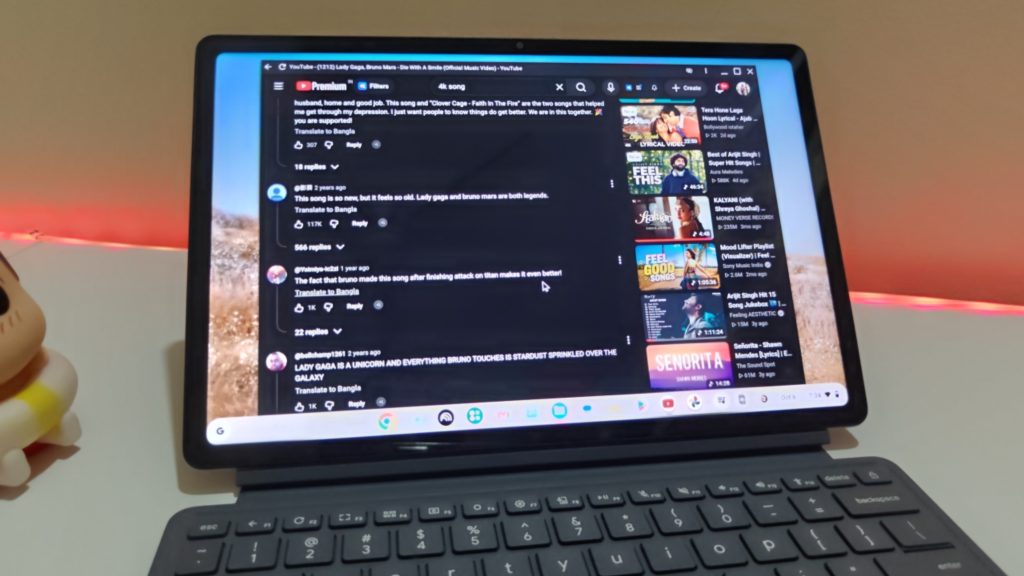
I’ll be direct here, because this is the main drawback. The Kompanio 540 handles everyday tasks, but it never feels fast. Opening tabs, switching apps and scrolling can feel slightly laggy. It works, but it isn’t smooth.
ChromeOS is clean, simple and looks good, though it sometimes feels a little bloated on this hardware. The battery side is good, so the software is well tuned for power use, but I would like it to be quicker. With updates, ASUS and Google could improve this over time. Google’s upcoming laptop-focused platform may also be better optimised for devices like this.
The chip is comfortable for browsing, writing, streaming and video calls, but not suited to video editing, demanding games or heavy desktop software.
Design, Keyboard and Pen
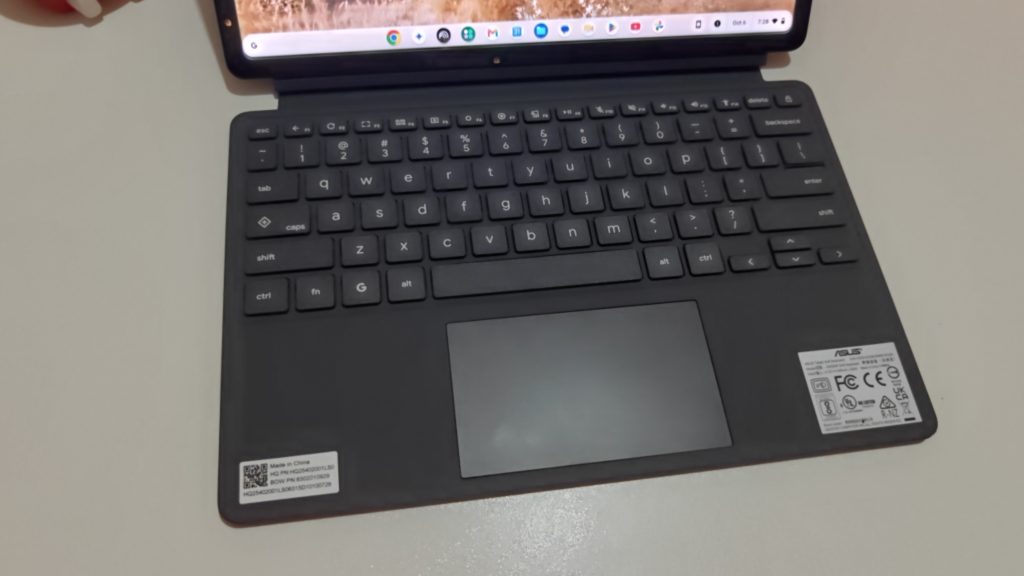
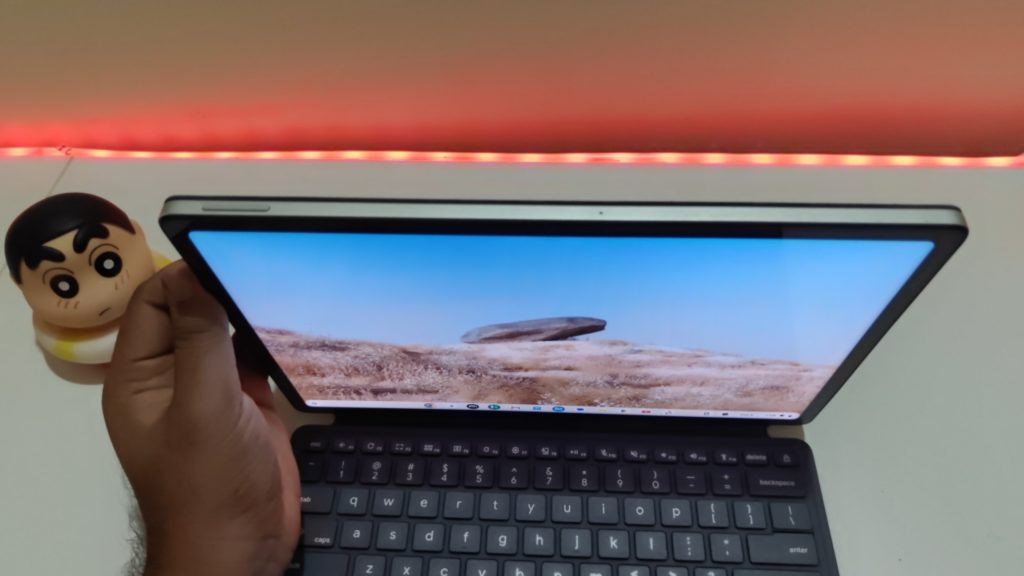
The metal build feels premium, and the detachable design with a magnetic stand lets you switch between tablet and laptop mode quickly. The full-size keys have 1.35mm of travel, and the keyboard and trackpad feel good to type on.
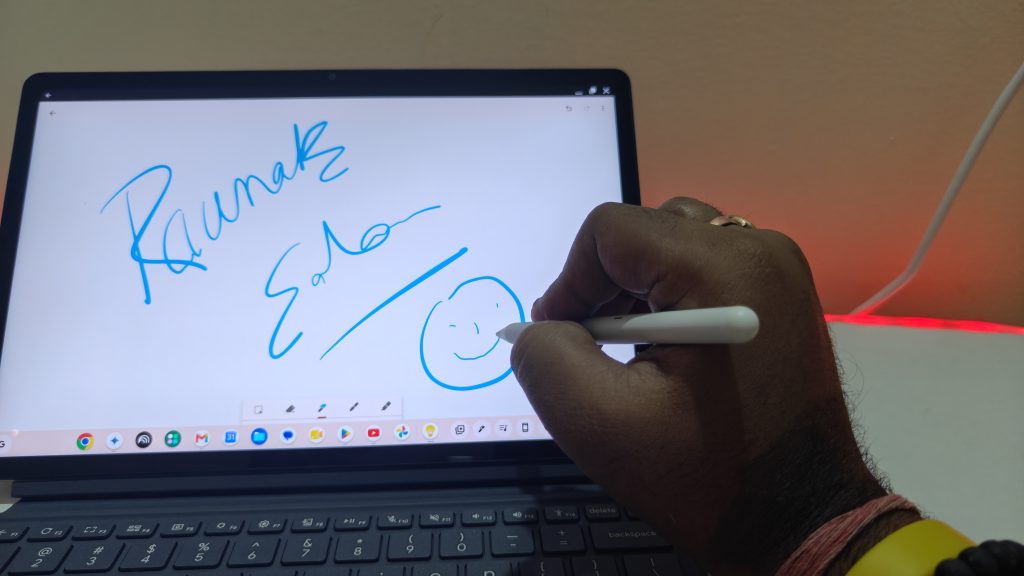
The design is where I’m less sold. The pen stores on the outside of the device, in the cover area, which felt odd to me and not very practical. The keyboard and stand setup is also best on a desk, since it is less stable on your lap.
There is only one USB-C port, which also charges the device, so you may need a hub. There is no fingerprint sensor, and it says Android apps do not always scale well to the big screen, so tablet mode is less polished than an iPad.
Battery and Connectivity
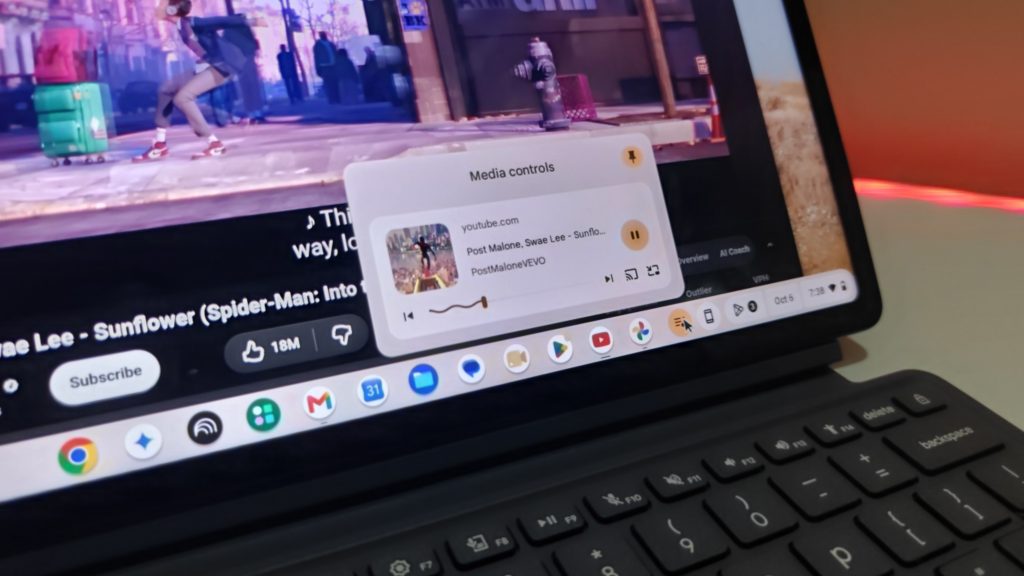
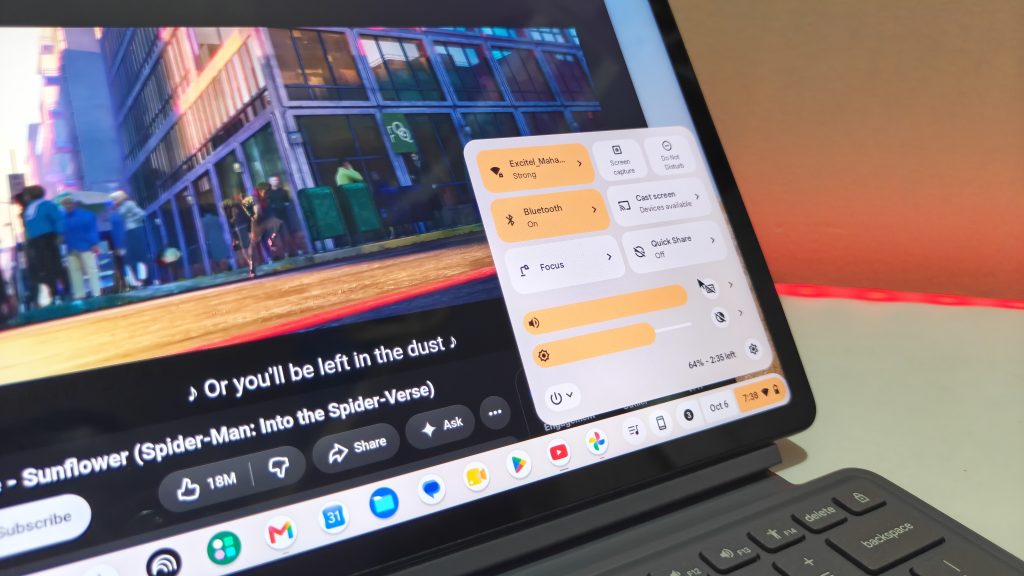
Battery life is really good for the work this device is meant for. ASUS claims up to 12 hours and for me it reports about 8 to 9 hours of real use. Connectivity has been solid for me, with Wi-Fi 6 and Bluetooth 5.4. Charging works through the 45W Type-C charger.
Camera and Speakers
The 5MP front camera is average. It won’t match a MacBook’s webcam, but it gets the job done for calls. The rear camera is better for scanning documents than for photos. The Dolby Atmos speakers are fine for casual viewing.
Price in India
ASUS launched the CM32 in India alongside the CM14 and CM15 Chromebooks. The starting price of this device is Rs 37,990, and the 4GB/64GB model is at Rs 37,990 and the 8GB/128GB model at Rs 48,999. Prices vary by configuration and seller, so check Amazon and the ASUS eShop before buying.
Pros and Cons
| Pros | Cons |
|---|---|
| Bright, sharp 2.5K touchscreen | Performance is not fluid |
| Very light at 0.64 kg | Pen placement feels awkward |
| Good battery life | Less stable on a lap |
| Comfortable keyboard and trackpad | OS can feel a little bloated |
| Clean ChromeOS | Average camera |
| Good connectivity | Pricey at the 8GB level |
| Pen and stand cover included |
Is the ASUS Chromebook CM32 Worth Buying?
Buy it if you want a secondary laptop, a device for a child, or a tablet-style experience with a keyboard for browsing, email, streaming and video calls.
Skip it if you want a main laptop with a dedicated ChromeOS experience, or need smooth multitasking. At the higher price, capable Windows laptops are also an option. It is easy to recommend near Rs 38,000 and harder to justify close to Rs 50,000.
Buy from Amazon India: https://link.amazon/B0irfJ0jz
FAQs
Is the ASUS Chromebook CM32 good for students?
Yes, for note-taking, browsing and online classes, thanks to the pen, light weight and long battery.
What processor does it use?
The MediaTek Kompanio 540 with Mali-G57 MC2 graphics.
Does it come with a pen?
Yes, the ASUS Pen 2.0 is in the box, along with the stand cover.
Can it replace a main laptop?
Not for most people. It works best as a second device.