NED
NED OMA
OMA NAM316/7
 IRE79/4 (16.1/50 ov, target 317)
 SA203/2 (44.4 ov)
 AUS
AUS BEI0
BEI0 JHM1
JHM1 RCH0
RCH0 KRE0
KRE0 ABH
ABH ALF
ALF AFG
AFG ZIM
ZIM SAS
SAS LAZ
LAZ ROMA
ROMA CAG
CAG TOR
TOR COMO
COMO BAN
BAN WI
WI IND-W
IND-W ZIM-W
ZIM-W GOA
GOA SC Delhi
 PAK110
 SL114/2 (18.1/50 ov, target 111)
 NZ198/3
 IND199/4 (13.2/20 ov, target 199)
 Sevilla2
 Osasuna0
 PSG2
PSG2 Lyon0
Lyon0 JER
JER KUW
KUW PNG
PNG QAT
QAT JAB
JAB KAY104/6 (16/20 ov)
 SIKM184
 NAGA187 & 46/4 (34 ov)
 JHK131/4 (47 ov)
 DELHI515/5d
 ODSA194
 SVCS13/0 (5 ov)
 BRODA616
 J & K6/0 (4 ov)
 CHD685/5d
 HP49/0 (14 ov)
 CGR216/8 (95 ov)
 AP231
AP231 AUCK
AUCK CANT
CANT CD
CD ND
ND DEN
DEN KENYA
KENYA POA
POA SPR
SPR BIK149 (19.3/20 ov, target 158)
 CHR157/3
 BRB149/5 (16.2/20 ov, target 148)
 MIS147
 MOW107/9
 TOK111/5 (18.4/20 ov, target 108)
 LUL88/3 (9.5/20 ov, target 88)
 Milan
Milan Bologna
 Parma
Parma Udinese
 Venezia
 Inter Milan
 Mohun Bagan1
 Chennaiyin0
 DHC0
DHC0 VIS1
VIS1 JDT3
JDT3 PORT0
PORT0 KYO5
KYO5 NEW2
NEW2
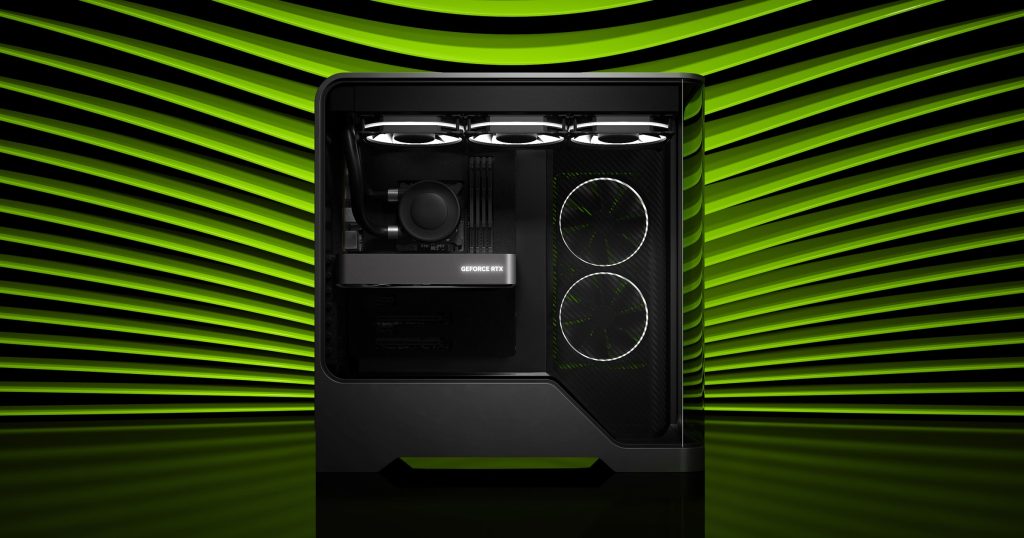
Want 1440p gaming without blowing your entire savings? This RTX 5060 build comes in at just over ₹1,05,000 on Amazon India, leaving real headroom for a monitor and Windows 11 while staying well under the ₹1.5 lakh mark. We scoured current Amazon India listings to put together a balanced, no-bottleneck build that doesn’t waste money on parts that won’t matter for gaming performance.
Building your own PC instead of buying a pre-built isn’t just about saving money — it’s about control. You decide which brand makes your cooler, how much RAM you actually need, and whether you want RGB lighting or a clean, understated look. This guide walks through exactly that decision-making process, considering the situation we are in, 2026; getting a good PC built is really difficult, no doubt.
The Complete Parts List
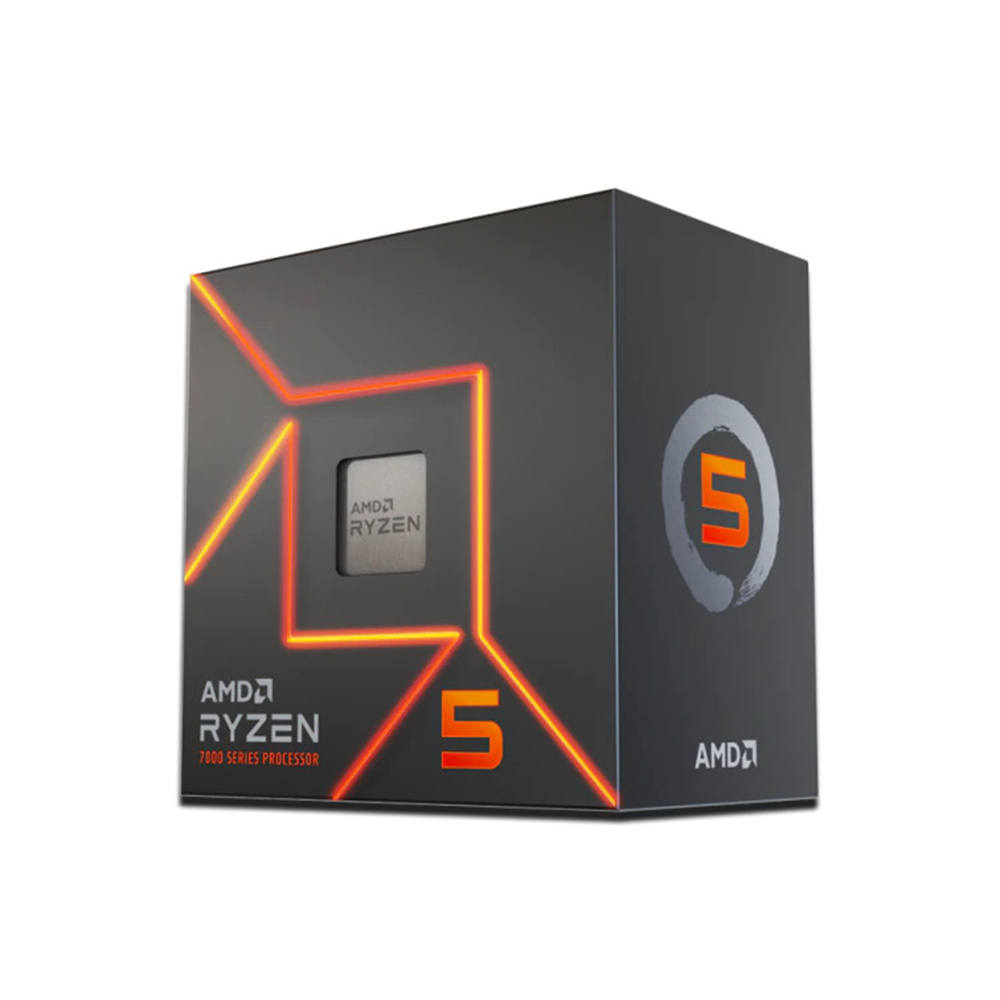
We picked an AMD AM5 platform here because it’s upgrade-friendly — you can drop in a faster Ryzen chip later without changing the motherboard. The Ryzen 5 7600 pairs beautifully with the RTX 5060’s 8GB GDDR7 buffer for smooth 1080p-to-1440p gaming with DLSS 4 in the mix.
| Component | Pick | Price (Amazon India) |
|---|---|---|
| CPU | AMD Ryzen 5 7600 | ₹18,490 |
| Motherboard | MSI PRO B650M-E Motherboard | ₹6,490 |
| RAM | Corsair Vengeance 16GB (2x8GB) DDR5 6000MHz | ₹22,490 |
| GPU | Zotac RTX 5060 8GB | ₹39,990 |
| SSD | Consistent 512GB NVMe SSD | ₹6,490 |
| PSU | MSI MAG A650BN 650W 80+ Bronze | ₹4,790 |
| Cabinet | Ant Esports ICE-511 ARGB Mid Tower | ₹4,490 |
| CPU Cooler | Deepcool AK400 | ₹1,790 |
| Total | ≈ ₹1,05,020 |
Why the Ryzen 5 7600 Is the Right CPU Here
The Ryzen 5 7600’s 6 cores and 12 threads won’t bottleneck the RTX 5060 in any current title, and its 65W TDP keeps thermals chill even with a budget air cooler. It’s also part of AMD’s AM5 platform, which AMD has committed to supporting through multiple CPU generations — so when you’re ready to upgrade in two or three years, you can likely just swap the chip and keep everything else.
We went with 16GB DDR5 RAM because games in 2026 are increasingly RAM-hungry, especially with background overlays, Discord, and browser tabs running alongside your game. Dual-channel DDR5 at 6000MHz also squeezes extra frames out of AMD’s infinity fabric, which scales surprisingly well with memory speed on Ryzen chips.
Why the Zotac RTX 5060 8GB Still Holds Up
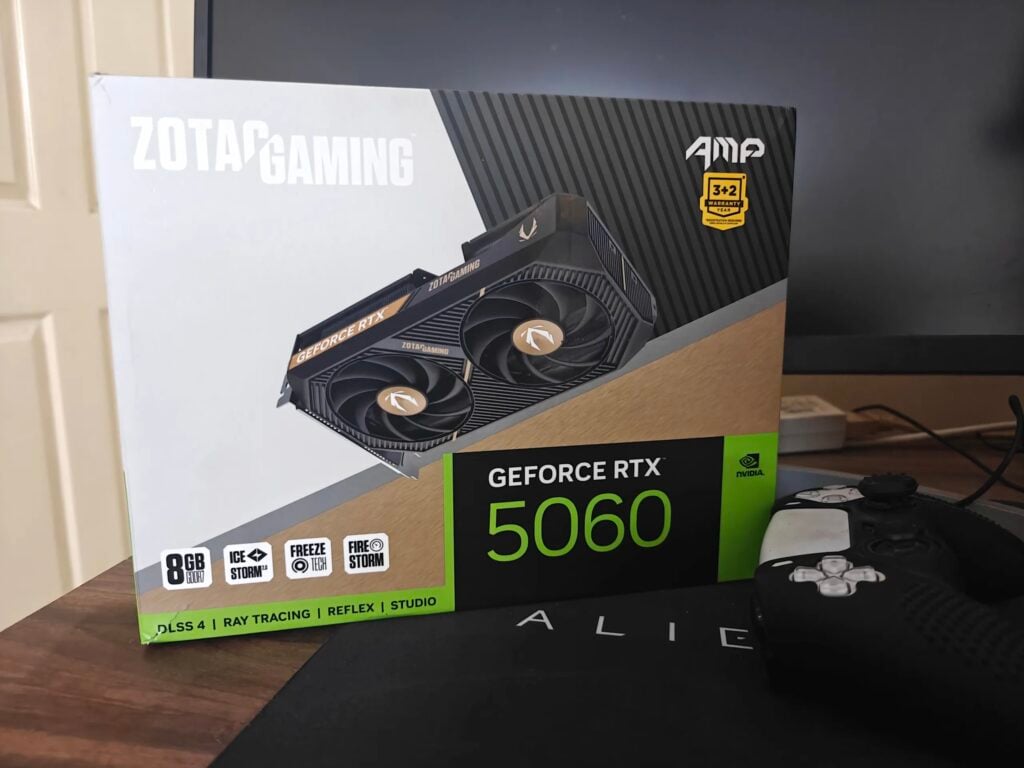
The NVIDIA GeForce RTX 5060 leans on DLSS 4 frame generation to punch above its 8GB VRAM weight class, making 1440p high-refresh gaming genuinely achievable here rather than aspirational. DLSS 4’s improved frame generation can nearly double your perceived frame rate in supported titles, which matters more than raw VRAM size for most popular esports and AAA games at 1080p and 1440p.
That said, 8GB is the one real ceiling on this build. If you’re playing heavily modded titles or working with 4K texture packs, you’ll feel it sooner than on the 16GB card. For straightforward gaming at 1080p or 1440p with high settings, though, it’s a non-issue.
Storage, Power, and the Rest of the Build
In 2026, getting a 1TB SSD is very difficult, undoubtedly, so we had to settle on a budget Consistent 512GB NVMe SSD, which, to be honest, gets the job done in the long term and adds more storage with time. The MSI MAG A650BN’s 650W rating gives this system plenty of headroom even under sustained gaming loads, and 80+ Bronze certification means you’re not wasting electricity as heat.
For the cabinet, the Ant Esports ICE-511 brings decent airflow and tempered glass without the premium price tag of boutique cases. Pair it with the included fans plus two extra 120mm units for positive air pressure, and thermals stay well in check even in Indian summers without air conditioning.
The Deepcool AK400 air cooler is more than sufficient for the 7600’s 65W TDP — you genuinely don’t need liquid cooling at this tier, and putting that budget toward the GPU or RAM instead makes more sense.
Performance Expectations
At 1080p, this build should comfortably push past 100 FPS in most competitive titles like Valorant, CS2, and Apex Legends, and 60-90 FPS at high settings in demanding AAA releases. At 1440p, expect 60-100 FPS with DLSS 4 enabled in most modern titles, with some give-and-take depending on ray tracing settings.
Budget Headroom and What to Add
With roughly ₹45,000 still inside the ₹1.5 lakh ceiling, you can comfortably add a 1080p/1440p 165Hz monitor, a Windows 11 license, and a keyboard-mouse combo without compromising on any of the core components above. A 27-inch 1440p 165Hz IPS panel typically runs ₹18,000-22,000 on Amazon India, leaving further room for peripherals.
If you’d rather save further, Windows 11 isn’t strictly mandatory at build time — many users run a free trial or dual-boot a Linux distribution for daily tasks while deciding.
For more gaming hardware breakdowns, check out our latest GPU coverage and PC building guides on TechnoSports.
Final Word
This build proves you don’t need a six-figure GPU to enjoy modern AAA titles at solid frame rates — smart component pairing and DLSS 4 do the heavy lifting, leaving your wallet intact for the monitor and peripherals that complete the experience.