Finding the perfect gaming monitor doesn’t mean breaking the bank. Whether you’re into competitive FPS or immersive AAA titles, India’s gaming monitor market offers solid options across every budget. Here’s your definitive guide to the best picks.
Table of Contents

Gaming Monitors Under ₹10,000 (Budget Picks)
Perfect for casual gamers and FPS enthusiasts, these 1080p monitors deliver impressive refresh rates without emptying your wallet.
| Monitor | Price | Key Feature |
|---|---|---|
| Samsung Odyssey G3 | ₹10,499 | 27″ FHD, ~180Hz |
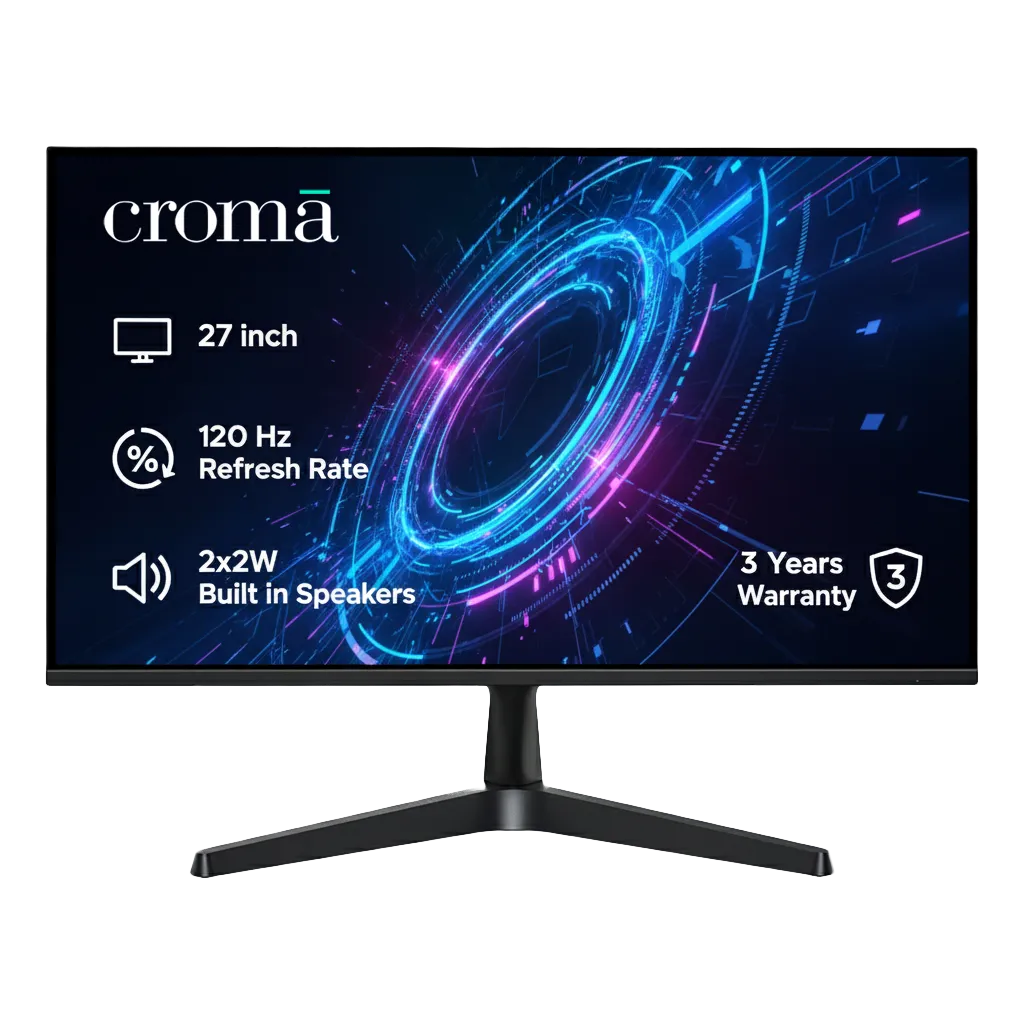
| Croma F Series 27″ | ₹9,999 | Large FHD panel |
| LG 27G411A-B Ultragear | ₹10,999 | Solid all-rounder |
| MSI MAG 255XF | ₹13,100 | 300Hz for esports |
Top Pick: The Samsung Odyssey G3 dominates this segment with its 180Hz refresh rate and vibrant display—ideal for competitive gaming.
Pro Tip: Many monitors slightly exceed ₹10k but drop during sales on gaming monitors listings.
Gaming Monitors Under ₹20,000 (Balanced Performance)
This sweet spot offers 165-240Hz refresh rates, better response times, and QHD resolution options.
Standout Choices:
- Acer Nitro XV272U X1 (₹15,999): 27″ WQHD with 170Hz—exceptional value for 2K gaming
- Lenovo Legion R27fc-30 (₹16,699): Curved 280Hz display for immersive esports
- MSI MAG 255XF (₹13,100): Ultra-responsive 300Hz panel
These monitors excel for competitive titles like CS2 and Valorant while delivering gorgeous visuals for content creation. Check out more gaming peripherals at Technosports for a complete setup.

Gaming Monitors Under ₹30,000 (Premium Features)
Ready for AAA titles and next-gen consoles? This tier brings 240Hz+ refresh, QHD resolution, and superior color accuracy.
Premium Options:
- ViewSonic VX2758A-2K-PRO: 240Hz 2K panel (~₹21k+)
- Alienware Gaming Monitors (₹25,499): Industry-leading build quality
- LG/ASUS TUF series: Feature-rich 27-32″ displays
Expect larger screens, immersive curved panels, and professional-grade color reproduction—perfect for both gaming and creative work.
FAQs
Which refresh rate is best for gaming monitors?
For competitive gaming, aim for 144Hz minimum; casual gamers can stick with 75-120Hz.
Is 1080p enough for gaming in 2025?
Yes, for budget builds and esports; upgrade to 1440p if your GPU supports it.