SA329 & 387 (134.4 ov)
 AUS429
 BAN272 & 86/7 (32 ov)
 WI245
WI245 UAE
UAE NED
NED PAK
PAK SL
SL Chennaiyin
 Kerala
 Chelsea
 Man Utd
 Levante
 Atlético
 Al Taawoun
 Al Ettifaq
 Bologna
 Monza
Monza Mohun Bagan
 Punjab FC
 LILL1
LILL1 RCL0
RCL0 VIL0
VIL0 ESP1
ESP1 ELV4
ELV4 M051
M051 HAC1
HAC1 PSG5
PSG5 ND
ND AUCK
AUCK WELL
WELL CANT
CANT SOA154 & 278/6 (87.3 ov, target 422)
 WA406/5d & 169
 TAS427
 NSW46/3 (16 ov)
 NZ-A
NZ-A IND-A189/6 (63.3 ov)
 QLD
QLD VIC122/1 (35.5 ov)
 NZ
NZ IND
IND NAM
NAM IRE
IRE AFG
AFG ZIM
ZIM AS-W
AS-W MS-W
MS-W PS-W
PS-W MR-W
MR-W ST-W
ST-W BH-W
BH-W SS-W157/6 (20 ov, target 155)
 SCOT144/4
 OMA120/4
 Leverkusen
 Stuttgart
 Gladbach
 Paderborn
 NICE5
NICE5 REN2
REN2 SHA6
SHA6 AHL1
AHL1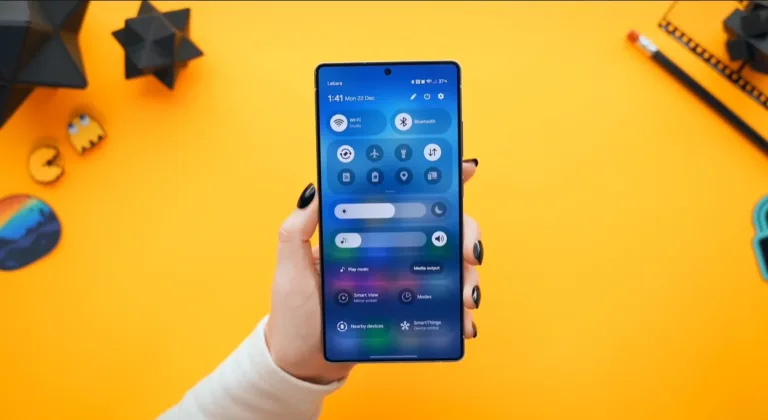
Samsung released Home Up version 17.5.00.18 with full One UI 8.5 compatibility, introducing resizable large folders, unified app/task/people panels, and foldable-specific customizations. The Good Lock module update resolves weeks of compatibility issues that plagued beta testers, restoring comprehensive home screen personalization capabilities with deeper control over icons, widgets, and layouts.
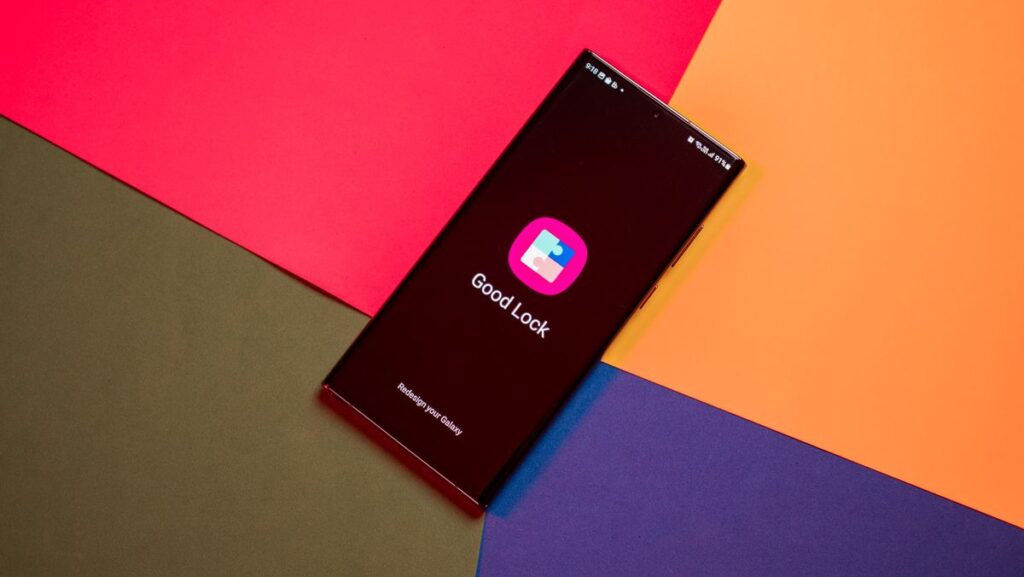
Deep Customization Returns After Beta Compatibility Crisis
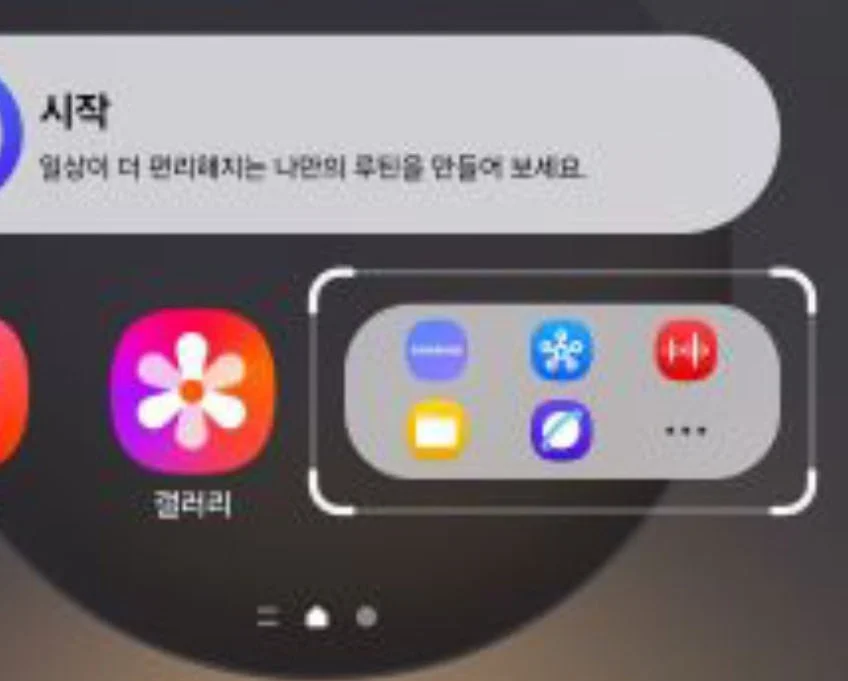
After weeks of “not compatible with your new operating system” errors frustrating One UI 8.5 beta participants, Home Up now delivers meaningful control over Galaxy home screens. Users gain enhanced Large Folder customization with less cramped layouts, allowing instant access to multiple apps while occupying minimal space through resizable configurations.
| Feature | Enhancement | Benefit |
|---|---|---|
| Large Folders | Resizable layouts with app icons/widgets | Less cramped, intentional organization |
| Unified Panel | Apps, people, and tasks in one surface | Eliminates view-switching delays |
| Foldable Controls | Adjustable cover screen favorites | Optimized Z series experience |
| Gesture Toggle | Disable previous app switching gesture | Cleaner navigation preferences |
| Share Exclusions | Remove items from direct sharing menu | Personalized sharing workflow |
Foldable-Specific Enhancements and Bug Fixes
Galaxy Z series owners receive special attention with controls over how many favorite apps display on cover screens—addressing persistent complaints about limited customization on external displays. The update also introduces gesture navigation toggles, letting users disable the previous app switching gesture for cleaner interactions.
Samsung solved DIY home layout misalignment issues and initialization problems in the Backup and Restore widget. However, users report enabling the blur option can cause animation freezing and jitter—a known limitation Samsung is addressing in subsequent updates.
The timing proves critical as Home Up remains the most-sideloaded Good Lock module because it touches the home screen where every change feels personal. Unlike decorative screenshot layers, these tools shape user experience around individual habits rather than manufacturer-imposed defaults. Large folders finally feel intentional instead of improvised containers, with icons breathing better and widgets aligning cleaner.
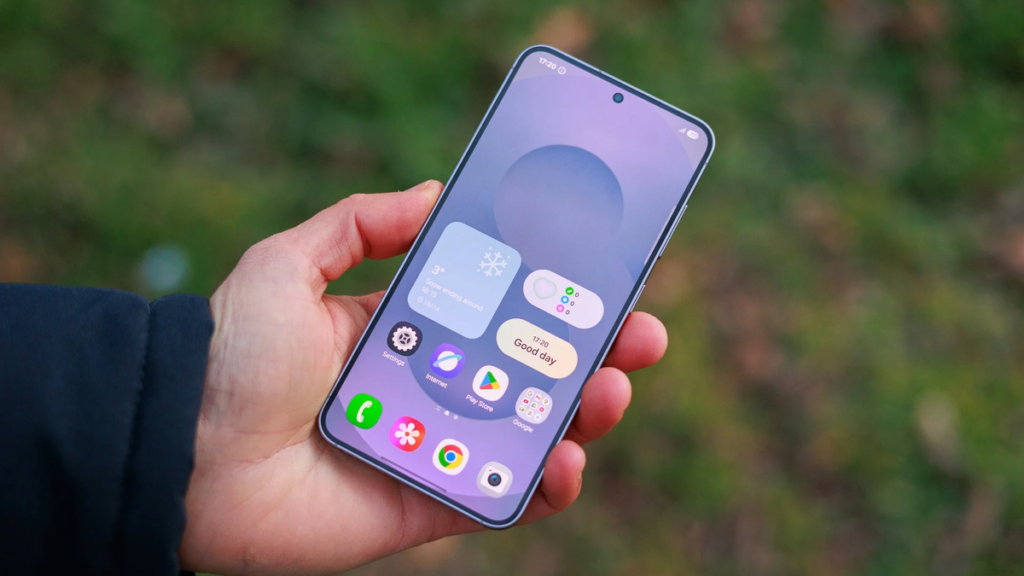
The unified panel consolidating apps, tasks, and people represents one of the most practical changes—saving seconds that accumulate rapidly across hundreds of daily home screen interactions. Samsung also enabled excluding specific items from appearing in direct sharing within the Share popup menu, streamlining workflow for power users.
Download the update through the Good Lock app from Galaxy Store, and explore more One UI 8.5 developments as Samsung refines beta builds toward stable release.