MIL2
MIL2 INT1
INT1 TRY1
TRY1 MNS0
MNS0 AVL0
AVL0 FUL0
FUL0 BAR1
BAR1 ALA0
ALA0 SKC1
SKC1 DAL1
DAL1 STL0
STL0 SD1
SD1 Coritiba1
 Vitória0
 AJA1
AJA1 AZ0
AZ0 NZ
NZ IND
IND NAM
NAM IRE
IRE Como
Como Venezia
 Mumbai City
  SC Delhi
 Getafe
 Sevilla
 Frosinone
 Torino
 Lazio
Lazio Cagliari
 Strasbourg
 Auxerre
 HIL2
HIL2 FAT0
FAT0 TOT2
TOT2 CRY0
CRY0 BET2
BET2 MCF1
MCF1 MUN2
MUN2 DOR2
DOR2 JER
JER QAT
QAT KENYA
KENYA PNG
PNG TAS427
 NSW174/8 (60 ov)
 NZ-A
NZ-A IND-A291/7 (88 ov)
 QLD
QLD VIC282/9 (84 ov)
 DHA
DHA BAR
BAR SYL218
 CHATT64/1 (15 ov)
 MYMS
MYMS KHU280/8 (82 ov)
 RAN
RAN RAJ155/6 (59 ov)
 AFG
AFG ZIM
ZIM NED
NED OMA
OMA ST-W
ST-W BH-W
BH-W SS-W
SS-W HH-W
HH-W MS-W
MS-W PS-W
PS-W OTAGO
OTAGO CD
CD PAK331/7 (48.3/50 ov, target 326)
 SL325/8
 UAE266/5 (49/50 ov, target 264)
 MR-W136/6
 AS-W185/2
 WAR133/6 (16.3/20 ov, target 131)
 WPR130/8
 MOW171/8
 VAG101 (18.4/20 ov, target 172)
 CAM2
CAM2 GAE0
GAE0 AND0
AND0 KVCW0
KVCW0 WAA0
WAA0 USG0
USG0 Inter Kashi
 GOA
GOA Union Berlin
 Cologne
 UDI2
UDI2 ROMA5
ROMA5 RAY3
RAY3 CEL0
CEL0
What if a laptop for under ₹30,000 could feel genuinely smart, not just cheap? The Primebook 2 Max (2026) is betting on exactly that — a Made-in-India, Android-powered laptop built specifically for students and everyday users who want speed, AI features, and a big screen without a big price tag.
Primebook 2 Max: Specs
Unlike Windows laptops in this range that often skimp on RAM or display quality, Primebook packs in genuinely useful hardware.
| Specification | Details |
|---|---|
| Processor | MediaTek Helio G99 (Octa-core, up to 2.2 GHz) |
| RAM | 8GB LPDDR4X |
| Storage | 256GB UFS (expandable via microSD up to 1TB) |
| Display | 15.6″ Full HD IPS, Anti-glare |
| Operating System | Android 15-based PrimeOS 3.0 |
| Battery | Up to 12 hours |
| Camera | 1440p webcam |
| Keyboard | Backlit |
| Price (India) | Approx. ₹27,990 – ₹34,990 |
Why This Isn’t Just Another Budget Laptop
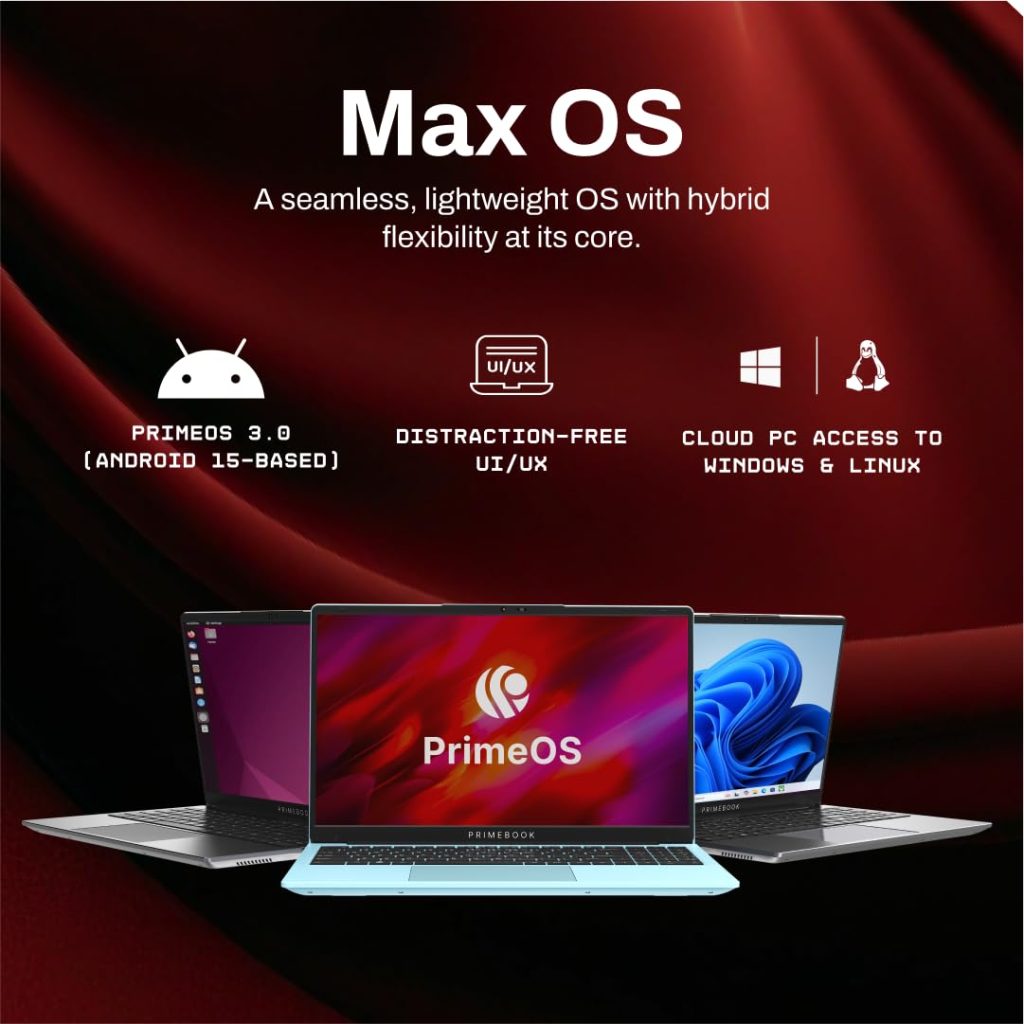
Here’s the twist: instead of running Windows, the Primebook 2 Max runs on PrimeOS, a custom Android 15-based operating system. Android itself is the world’s most widely used mobile operating system — a foundation you can read more about on Wikipedia — and Primebook has adapted that familiar ecosystem into a laptop-friendly, multi-window experience.
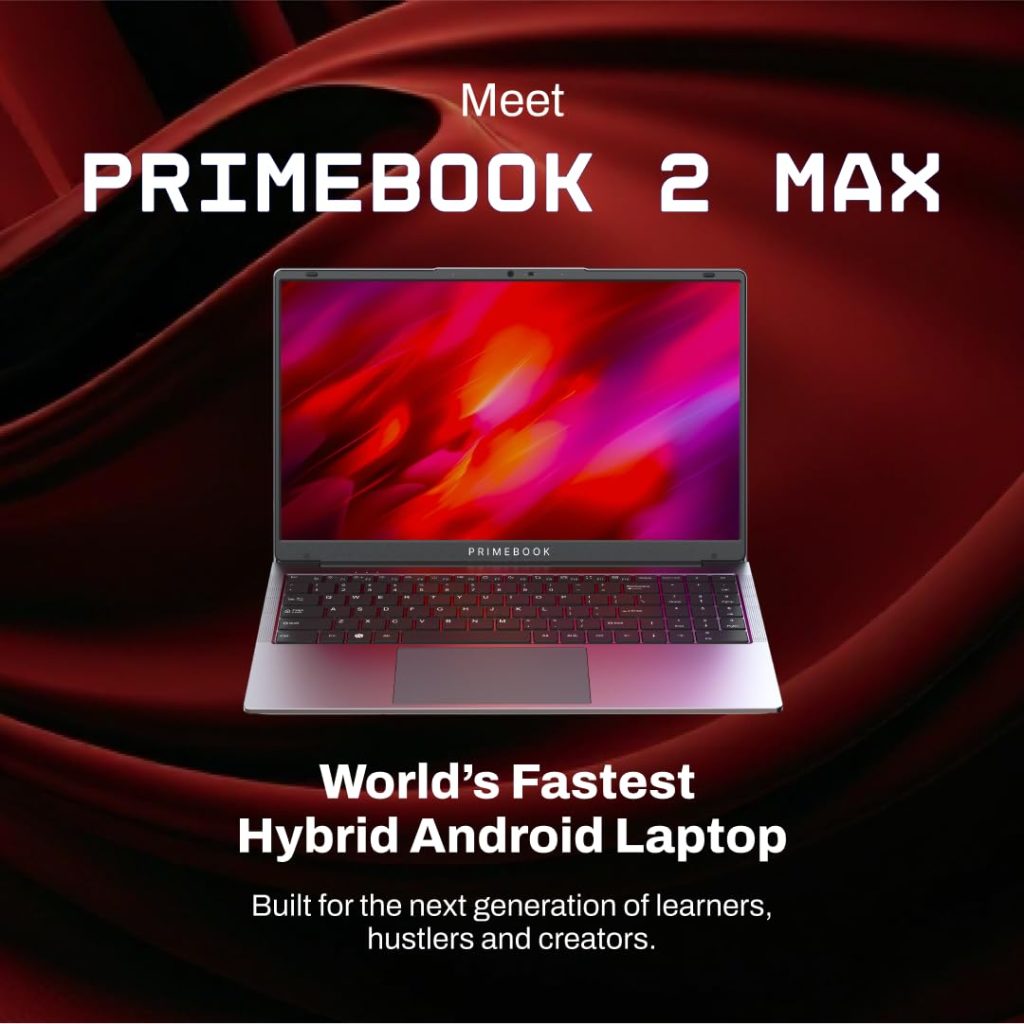
This means access to the full Android app library, a desktop-style file manager, and built-in AI tools like an on-screen Gemini-powered assistant that can summarize content or answer questions contextually, right from the keyboard. For students juggling online classes, assignments, and casual browsing, this translates into a genuinely snappy experience — without the bloat that sometimes weighs down entry-level Windows machines.
Who Should Actually Buy This?
The Primebook 2 Max is tailor-made for:
- Students who need a large, crisp display for notes, research, and online classes
- First-time laptop buyers on a tight budget who still want modern features like AI assistance
- Casual users focused on browsing, streaming, and everyday productivity rather than professional software
It’s important to set expectations here — this isn’t a replacement for a full Windows laptop if you need specific desktop software like Photoshop or advanced coding IDEs, though PrimeOS does offer Cloud PC access for those situations. If you’re comparing this against traditional Windows ultrabooks in the same budget, it’s worth checking out detailed laptop comparisons on TechnoSports before finalizing your pick.
The Bottom Line
The Primebook 2 Max proves that budget laptops don’t have to feel like compromises. With a solid display, genuinely useful AI features, and an Android ecosystem that’s easy to navigate, it’s one of the smartest picks for students and casual users looking to save money without sacrificing daily usability.
FAQs
Q1: Can the Primebook 2 Max run Windows software?
Q2: Is the battery life good enough for a full day of classes?
Yes, it offers up to 12 hours of battery life on a single charge.