NZ
NZ IND
IND NAM
NAM IRE
IRE MOZ
MOZ UGA
UGA Aston Villa
 Man City
 Rayo
Rayo Elche
Elche GMB
GMB ZMB
ZMB NGA
NGA LES
LES Cagliari
 Bologna
 IPS1
IPS1 NFO1
NFO1 ALA1
ALA1 MCF1
MCF1 TOR3
TOR3 MON2
MON2 BRE1
BRE1 NICE2
NICE2 TAS129/7 (23.3/35 ov, target 276)
 VIC304/7 (50 ov)
 WA
WA NSW38/1 (9/50 ov)
 NZ-A135/3 (41 ov)
 IND-A113
 DHA
DHA RAJ
RAJ MYMS
MYMS CHATT
CHATT RAN
RAN BAR
BAR SYL
SYL KHU
KHU MEX-W
MEX-W ARG-W
ARG-W UAE
UAE NED
NED AFG170/3 (34.3/50 ov, target 170)
 ZIM169
 IND-W200/1 (27.1/50 ov, target 198)
 ZIM-W197
 DOLPH56/0 (3.5/8 ov, target 56)
 SWD51/4 (8/8 ov)
 WSW1
WSW1 BRI1
BRI1 Como
Como Sassuolo
 Augsburg
 Union Berlin
 Cologne
 Schalke
 Mainz
Mainz Bremen
 RB Leipzig
 Elversberg
 VFB2
VFB2 BMG3
BMG3 AHL4
AHL4 KHA1
KHA1
Your smartphone just got a serious upgrade in creativity and common sense. OPPO’s latest ColorOS 16 August update expands AI Remix Collage beyond the Reno16 series, while quietly rolling out smarter security, cleaner home screens, and a handful of everyday conveniences that make the phone feel noticeably more thoughtful to use.
Creativity Gets an OPPO AI Boost
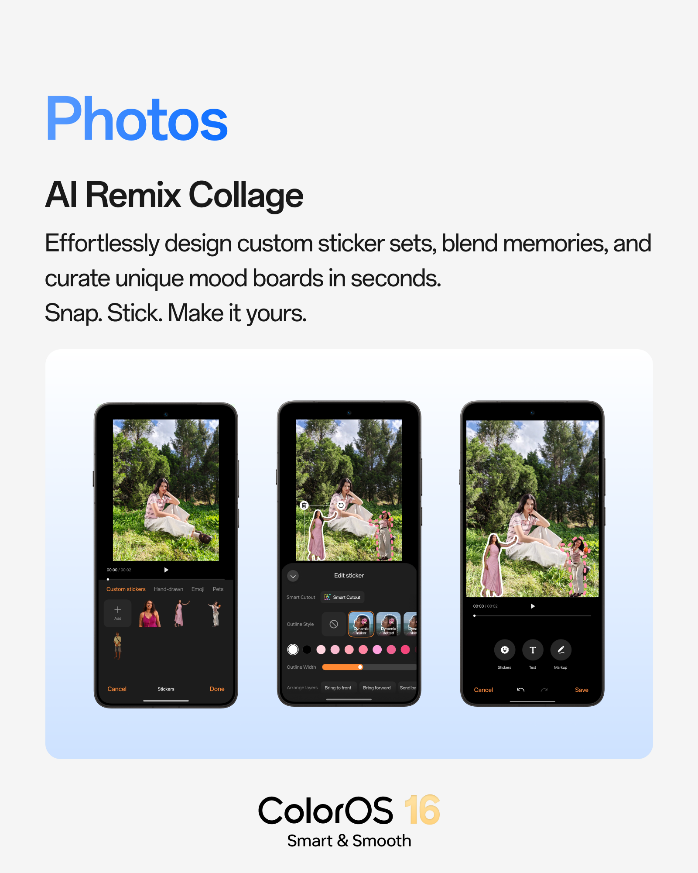
The headline feature, AI Remix Collage, now reaches a wider range of devices, letting users turn ordinary photos into personalized sticker sets, mood boards, and collages. With Smart Cutout, customizable outline styles, and layer controls, the tool gives people far more creative room than a simple photo frame ever could — perfect for anyone who treats their camera roll like a scrapbook.
What’s New in This Update
| Feature | What It Does |
|---|---|
| AI Remix Collage | Creates personalized sticker sets, mood boards, and collages from photos |
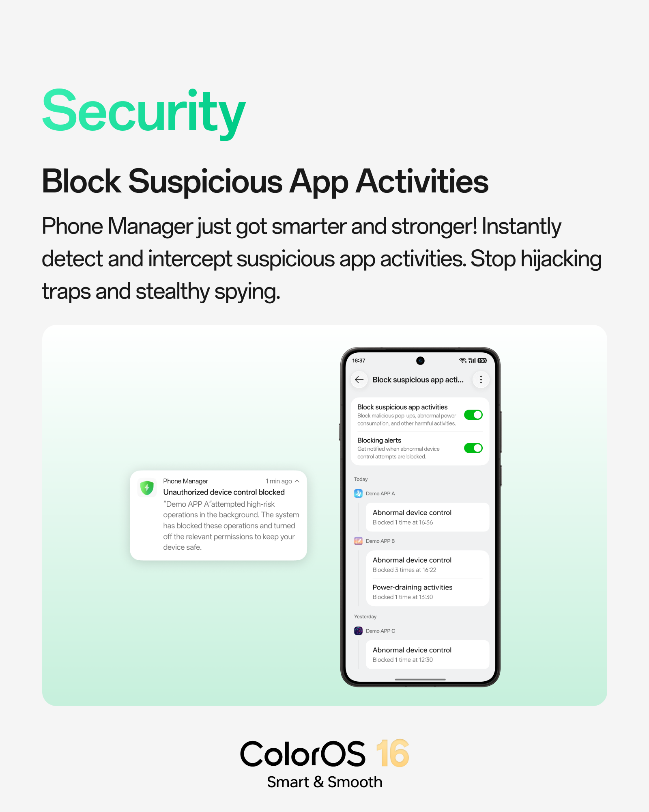
| Smarter Security | Detects and blocks suspicious app activity, pop-ups, and unusual power use in real time |
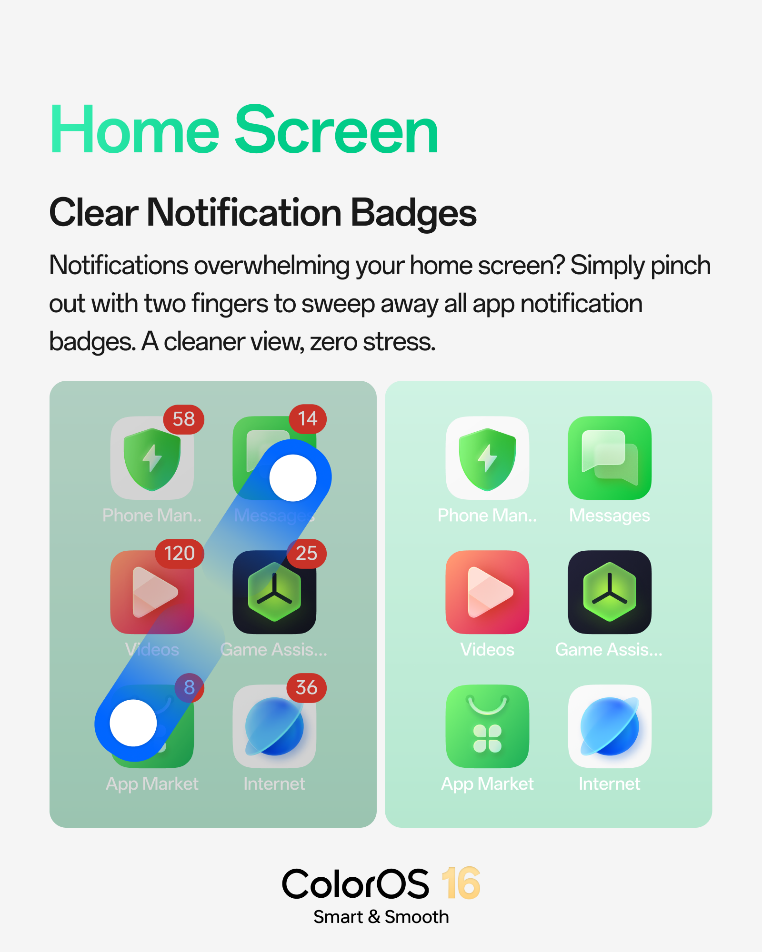
| Notification Badge Clear | Two-finger pinch clears all app badges instantly |
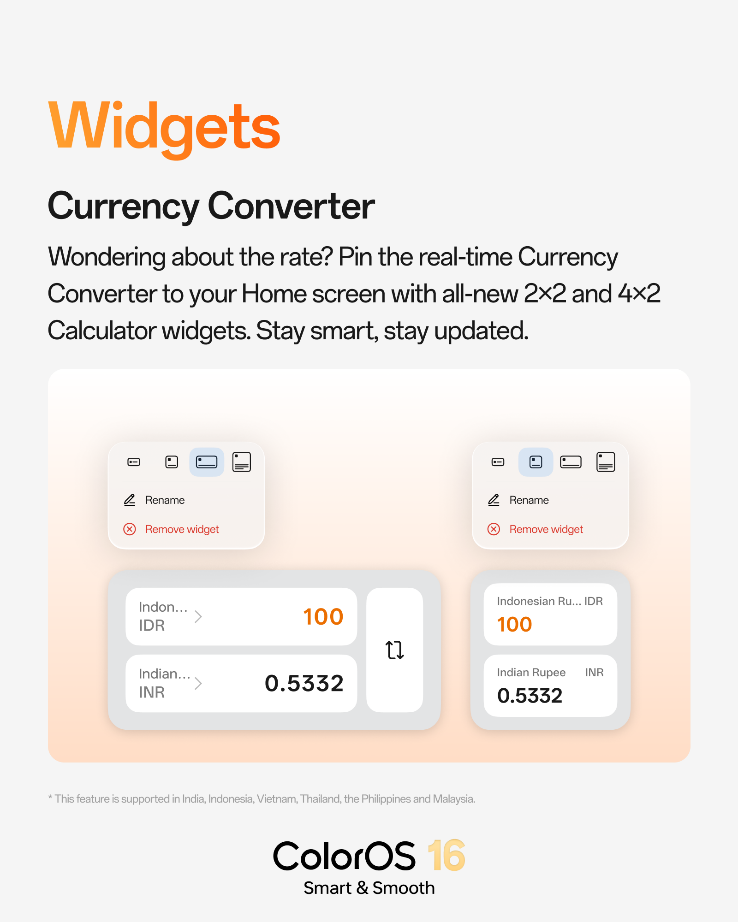
| Currency Converter Widgets | 2×2 and 4×2 widgets show real-time exchange rates on the Home Screen |
| Notes Annotation | Draw, highlight, and annotate directly on images within Notes |
Security That Actually Watches Your Back
Beyond creativity, this update leans hard into protection. The enhanced Phone Manager now actively detects and blocks suspicious app behavior — including malicious pop-ups, abnormal power drain, and unusual attempts to control the device — sending real-time alerts the moment something’s stopped. It’s the kind of quiet, background protection most people never think about until they need it.
Small Fixes That Add Up
Not every improvement needs to be flashy. A simple two-finger pinch on the Home Screen now clears every notification badge at once, cutting down on visual clutter without forcing users to dismiss each one individually. Frequent travelers and online shoppers also get a genuinely useful addition: new Currency Converter widgets that display real-time exchange rates right on the Home Screen, whether you’re managing a budget abroad or comparing prices while shopping internationally.
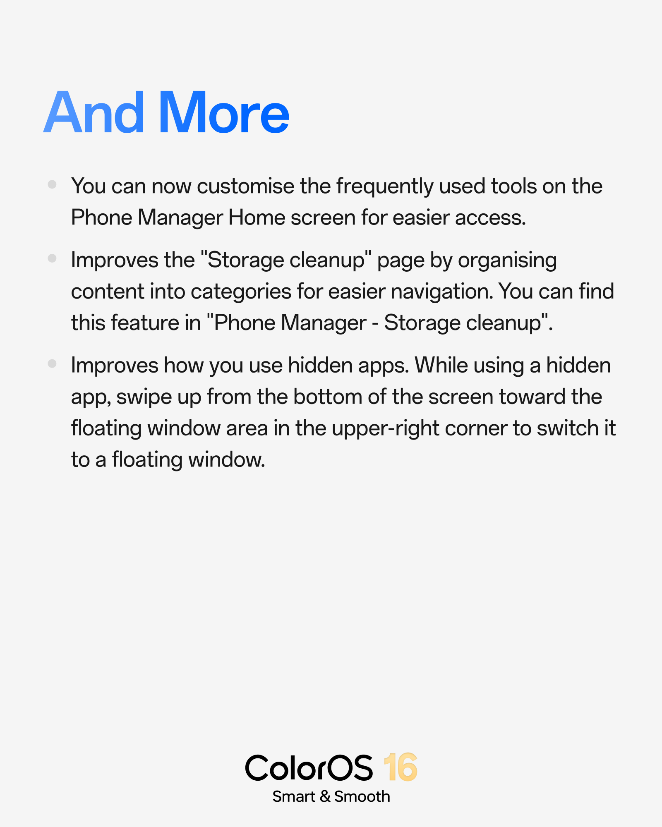
The Notes app rounds things out nicely, now supporting drawing, highlighting, and annotating directly on images — a handy addition for anyone who uses their phone to mark up documents, screenshots, or ideas on the go. OPPO also mentions further refinements, including customizable Phone Manager tools, a reorganized Storage Cleanup page, and easier access to hidden apps through floating windows, rounding out an update focused as much on daily usability as on new capabilities.
Running on ColorOS, OPPO’s Android-based interface, this update reflects a broader shift toward AI-assisted personalization paired with practical, security-first design — a combination that’s becoming standard across the industry’s latest software rollouts.
For more smartphone software updates and feature breakdowns, head over to TechnoSports.