ENG429/4
 SL407/6 (47.2/50 ov, target 430)
 FAT1
FAT1 SHA2
SHA2 KAI0
KAI0 PAO4
PAO4 ARA
ARA AZ
AZ DZG
DZG NEC
NEC FER
FER TOR
TOR JUV
JUV REN
REN LECH
LECH SUN
SUN OFI
OFI B04
B04 STG
STG OLM
OLM USG
USG HBE
HBE HAZ2
HAZ2 FAY2
FAY2 AUS-W
AUS-W NZ-W11/2 (2.4/14 ov)
 NAM174 (37.5/50 ov, target 230)
 IRE229/9
 NZ225/4
 IND230/6 (19.4 ov)
 EASTN
EASTN KZNIN
KZNIN BCBXI371/7 (90 ov)
 WI
WI IND-W
IND-W ZIM-W
ZIM-W LES
LES ZMB
ZMB NGA
NGA MOZ
MOZ AFG
AFG ZIM
ZIM GMB
GMB UGA
UGA DOLPH
DOLPH SWD
SWD TAS
TAS VIC
VIC AFG19
AFG19 BAN19
BAN19 BAN160
 CHN4
CHN4 SAM0
SAM0 ESP2
ESP2 AUS0
AUS0 Aston Villa3
 Viking FK1
 Bayern2
 Arsenal2
 Club Brugge3
 Lens0
Lens0 Inter Milan1
 Shakhtar0
 Betis1
 Feyenoord0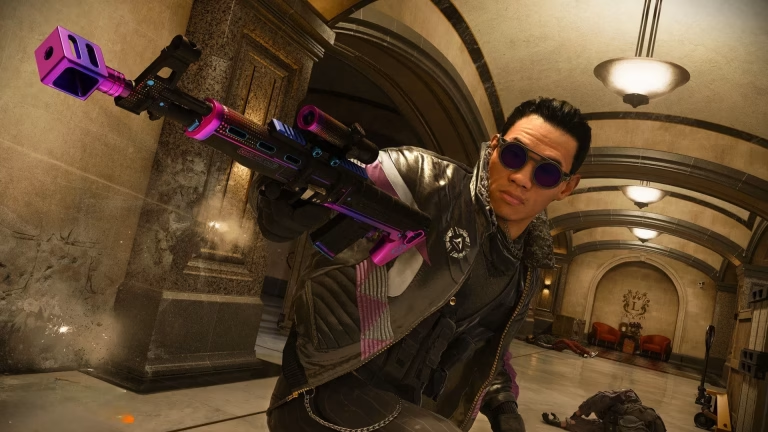
The integration of Black Ops 7 with Warzone has introduced various changes and new options that require adjustments to settings. Default configurations won’t cut it anymore—if you’re serious about dominating Urzikstan, these optimized settings will give you the competitive edge.
Call Of Duty Essential Mouse Settings
| Setting | Recommended Value | Why It Matters |
|---|---|---|
| DPI | 800-1200 | Balanced precision and speed |
| In-Game Sensitivity | 3.0-5.0 | Creates optimal eDPI range |
| ADS Multiplier | 0.90-0.95 | Optimal for mid-to-long range accuracy |
| Monitor Distance Coefficient | 1.33 | Balances hip-fire and ADS tracking for widescreen monitors |
| Mouse Acceleration | 0 (Off) | Provides raw and predictable tracking |
| Mouse Filtering | Off | Direct input without delays |
| Mouse Smoothing | Off | Eliminates post-processing lag |
| Mouse Wheel Delay | 50-80ms | Faster weapon swaps and actions |
Understanding eDPI: Your True Sensitivity
Your effective DPI (eDPI) is calculated by multiplying your mouse DPI by in-game sensitivity. An eDPI range of 2400-4800 is common for Black Ops games. For example: 800 DPI × 4.0 sensitivity = 3200 eDPI—perfect for most players.
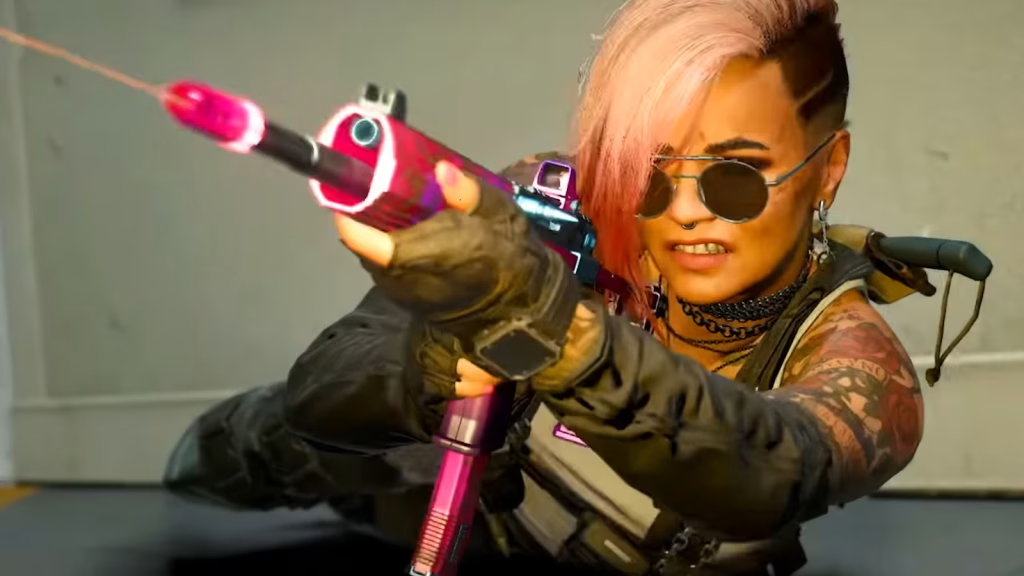
Key Keybind Optimizations
While personal preference rules here, these adjustments improve reaction time:
- Tactical/Lethal: Bind to mouse thumb buttons for instant access
- Prone/Dive: Mouse button 4 or 5 keeps your aim steady
- Reload: Keep on R but enable sprint-to-cancel
- Melee: Mouse scroll down for quick finishing moves
- Jump: Consider spacebar with scroll-up backup for bunny hopping
Combat Settings That Matter
Reload Priority: Set to “Prioritize Reload” in Warzone—you don’t want to accidentally pick up loot mid-gunfight.
Sprint Cancels Reload: Enable this for manual control over reload timing during intense pushes.
Auto-Weapon Switch: Turn OFF to avoid surprise weapon swaps when your magazine empties.
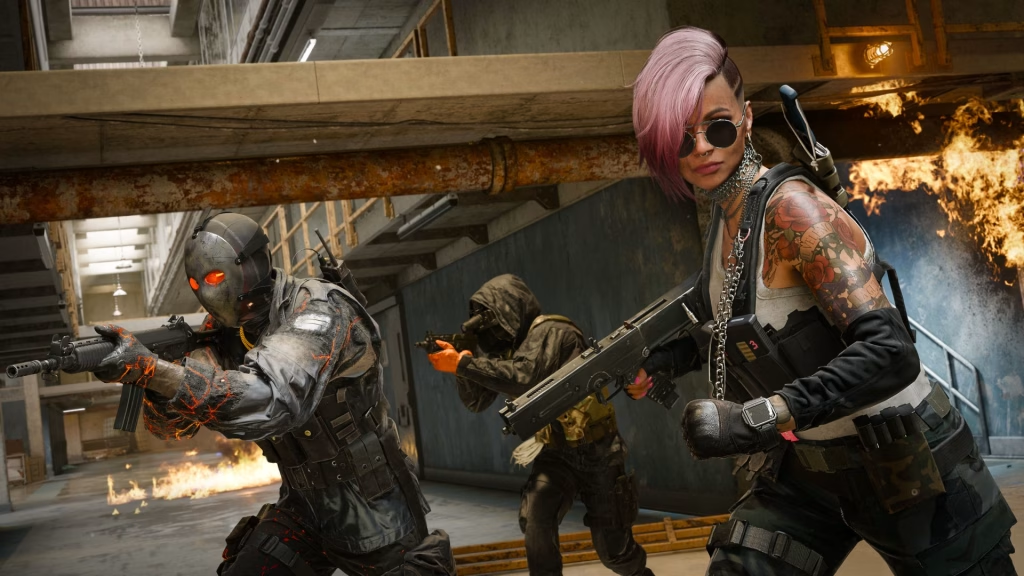
Fine-Tuning Your Setup
Start with these baseline settings, then test in a private match. Track a horizontal line across a wall with your sight—if you’re constantly overshooting, reduce horizontal sensitivity by 0.05 increments. Can’t keep up in close-quarters? Increase it slightly.
The goal is muscle memory. Once you find your sweet spot, stick with it across all Call of Duty titles to maintain consistency.
For more gaming optimization guides, check out our complete settings library at TechnoSports.
FAQs
Should I use the same sensitivity for Warzone and Multiplayer?
Yes, consistency builds muscle memory. Using identical sensitivity settings across Warzone and Black Ops 7 multiplayer helps your aim remain predictable, though you might want to adjust ADS multipliers slightly for different engagement ranges.
What’s the difference between mouse acceleration and smoothing?
Mouse acceleration changes your cursor speed based on how fast you move your mouse, making aim unpredictable. Smoothing adds artificial delays to “smooth out” movements. Both should stay OFF for competitive play—you want raw, 1:1 mouse input for precision.