SA329 & 387 (134.4 ov)
 AUS429
 BAN272 & 79/6 (29 ov)
 WI245
WI245 COR0
COR0 MIR0
MIR0 UAE
UAE NED
NED PAK
PAK SL
SL Chennaiyin
 Kerala
 Chelsea
 Man Utd
 Levante
 Atlético
 Al Taawoun
 Al Ettifaq
 Bologna
 Monza
Monza Mohun Bagan
 Punjab FC
 LILL1
LILL1 RCL0
RCL0 VIL0
VIL0 ESP1
ESP1 ELV4
ELV4 M051
M051 HAC1
HAC1 PSG5
PSG5 ND
ND AUCK
AUCK WELL
WELL CANT
CANT MOW27/1 (3.5/20 ov)
 TOK
TOK SOA154 & 182/1 (48 ov, target 422)
 WA406/5d & 169
 TAS335/5 (96 ov)
 NSW
NSW NZ-A
NZ-A IND-A49/1 (16.2 ov)
 NZ
NZ IND
IND NAM
NAM IRE
IRE AS-W
AS-W MS-W
MS-W PS-W
PS-W MR-W
MR-W ST-W
ST-W BH-W
BH-W SS-W
SS-W HH-W
HH-W AFG221/7
 ZIM202/5 (20 ov, target 222)
 BRB186/9 (20 ov, target 200)
 VAG199/6
 ENG121/0 (6 ov, target 160)
 AAE0
AAE0 GLP2
GLP2 HUR0
HUR0 TIG1
TIG1 COL5
COL5 UdeC1
UdeC1 COQ0
COQ0 ULC0
ULC0 RPO0
RPO0 CIP0
CIP0 UVA0
UVA0 PITT0
PITT0 NJIT0
NJIT0 BRY2
BRY2 ARMY1
ARMY1 L-MD0
L-MD0 LEH1
LEH1 COLG0
COLG0 UNH0
UNH0 UML0
UML0 STBK4
STBK4 NE0
NE0 Leverkusen
 Stuttgart
 Gladbach
 Paderborn
 NICE5
NICE5 REN2
REN2 SHA6
SHA6 AHL1
AHL1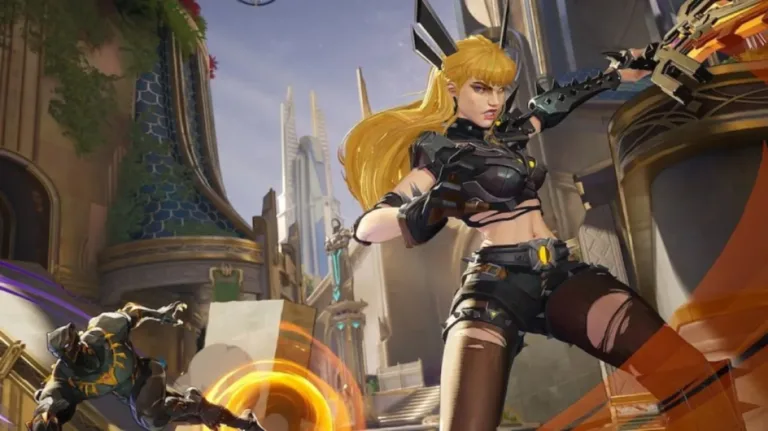
In the dynamic world of Marvel Rivals, a seamless gaming experience can sometimes be interrupted by technical challenges. The Igniting the Timestream error represents one such obstacle that can potentially disrupt your multiplayer matches, causing frustration and uneven gameplay dynamics.
Marvel Rivals : Comprehensive Troubleshooting Strategies
Error Fixing Methods
| Method | Platform | Detailed Approach |
|---|---|---|
| Server Check | All Platforms | Verify official Marvel Rivals X page for server status |
| Game Restart | PC/Console | Complete game client shutdown and relaunch |
| Network Verification | All Platforms | Router restart, connection stability check |
| File Integrity | PC | Steam file verification process |
Potential Error Causes
Root Causes of Timestream Error
- Server Maintenance
- Unstable Internet Connection
- Corrupted Game Files
- Periodic System Updates
Detailed Troubleshooting Steps
1. Official Server Verification
- Check Marvel Rivals X official page
- Look for server maintenance notifications
- Pause gaming during scheduled downtimes
2. Game Restart Procedure
PC Users
- Use Task Manager to completely close game
- Terminate all game-related processes
- Relaunch game client
Console Users
- Fully shut down console
- Wait 2-3 minutes
- Reboot and restart game

3. Internet Connection Optimization
- Restart router/modem
- Check network stability
- Consider using wired connection
- Run internet speed test
4. File Integrity Verification
- Steam users: Verify game file integrity
- Automatically download missing files
- Ensure complete game installation
Conclusion
Technical hiccups are part of the gaming experience. With patience and systematic troubleshooting, you can overcome the Igniting the Timestream error and return to epic Marvel Rivals battles.
Game on, heroes!
Honkai Star Rail WORLD Event: Master Your Exhibition Management
Frequently Asked Questions
FAQ 1: Are These Fixes Guaranteed to Work?
These are recommended troubleshooting steps, but results may vary depending on individual system configurations.
FAQ 2: How Long Should I Wait During Server Maintenance?
Typically, maintenance windows range from 30 minutes to 2 hours. Check official channels for precise timing.