NED
NED OMA
OMA NZ
NZ IND
IND NAM
NAM IRE
IRE PAK
PAK SL
SL SA
SA AUS
AUS Abha
Abha Al Faisaly
 AFG
AFG ZIM
ZIM Sassuolo
 Lazio
Lazio AS Roma
 Cagliari
 SEV2
SEV2 OSA0
OSA0 PSG2
PSG2 LYON0
LYON0 MBSG1
MBSG1 CFC0
CFC0 Barcelona1
 Real Madrid2
 NZ-A317 & 187/9 (65 ov, target 313)
 IND-A113 & 516
 SYL575/4 (167.3 ov)
 KHU
KHU MYMS465/7d
 CHATT424/6 (121 ov)
 RAN402 & 5/0 (2.3 ov)
 BAR443/9d
 SIKM133/4 (44.1 ov)
 NAGA187
 JHK
JHK DELHI446/5 (121 ov)
 ODSA194
 SVCS13/0 (5 ov)
 BRODA307/6 (100 ov)
 J & K
J & K CHD494/2 (111 ov)
 HP
HP CGR90/2 (40.5 ov)
 AP231
AP231 HYD
HYD PNJB333/9 (106 ov)
 BAN
BAN WI
WI IND-W
IND-W ZIM-W
ZIM-W BIK
BIK CHR
CHR BRB149/5 (16.2/20 ov, target 148)
 MIS147
 MOW107/9
 TOK111/5 (18.4/20 ov, target 108)
 LUL88/3 (9.5/20 ov, target 88)
 SPR87
SPR87 Torino
 Como
Como GOA
GOA SC Delhi
 Milan
Milan Bologna
 Parma
Parma Udinese
 Venezia
 Inter Milan
 FLA3
FLA3 CAM2
CAM2
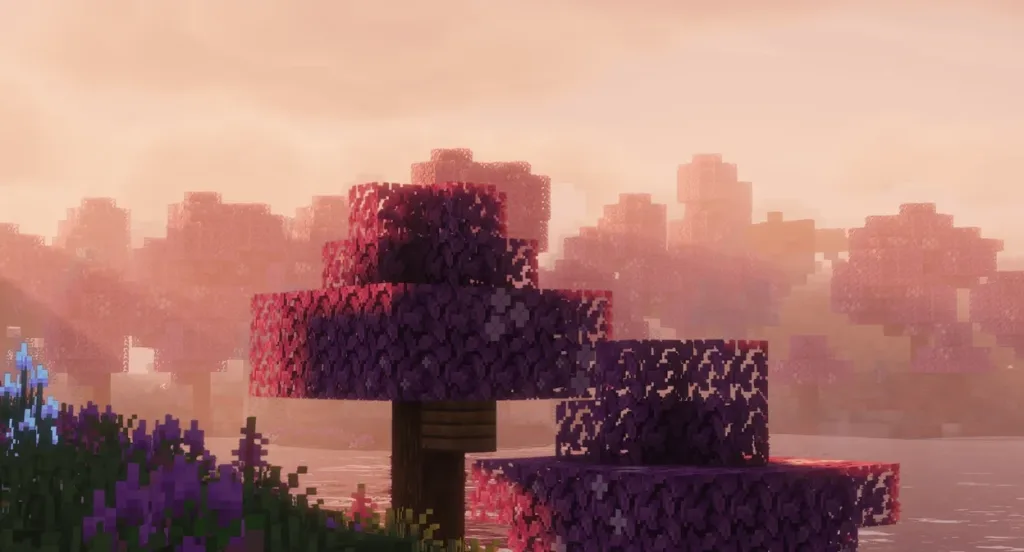
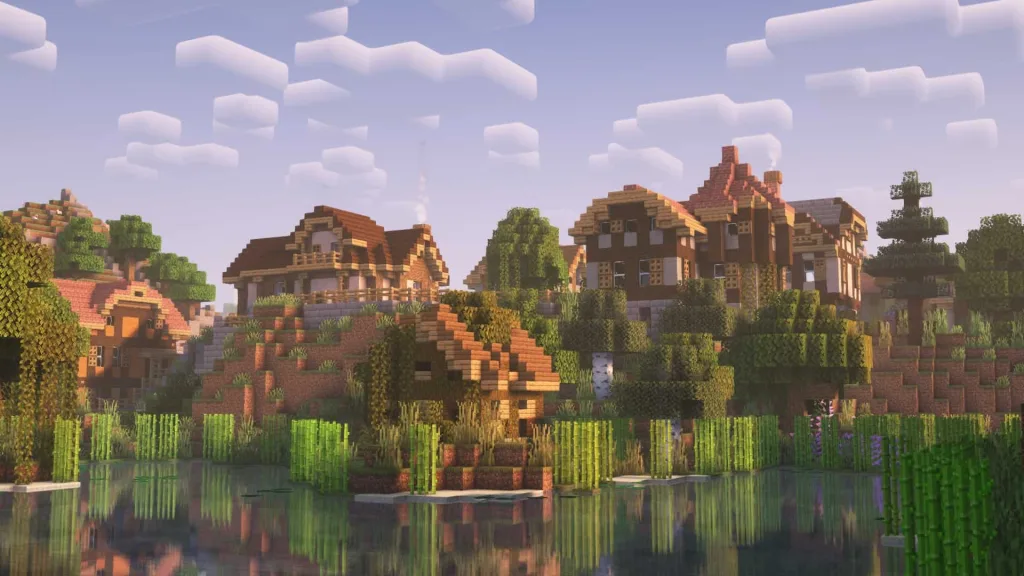
Transform your blocky Minecraft world into a breathtaking visual masterpiece! Shaders in Minecraft 1.21.8 can completely revolutionize your gaming experience, adding realistic lighting, shadows, and water effects that make every sunset and sunrise absolutely stunning. Whether you’re a seasoned builder or casual explorer, this comprehensive guide will help you install and optimize shaders for the ultimate Minecraft experience.
What Are Minecraft Shaders?
Minecraft shaders are advanced visual modifications that enhance the game’s graphics by improving lighting, shadows, water reflections, and atmospheric effects. Installing shaders in Minecraft 1.21.8 is a game-changer, transforming your blocky world into a visually spectacular adventure.
Requirements for Minecraft 1.21.8 Shaders
Before diving into installation, ensure your system meets these requirements:
| Requirement | Details |
|---|---|
| Minecraft Version | Java Edition 1.21.8 |
| Shader Loader | Iris Shaders (Recommended) or OptiFine |
| Fabric API | Latest version for 1.21.8 |
| Java Version | Java 17 or newer |
| RAM | Minimum 4GB allocated to Minecraft |
| Graphics Card | Dedicated GPU recommended |
Step-by-Step Installation Guide
Method 1: Using Iris Shaders (Recommended)
Step 1: Download Iris Shaders Head to the official Iris Shaders website and download the universal JAR for Iris Shaders. Run the JAR and make sure to select 1.21.8 as the version.
Step 2: Install Fabric (if needed) If you don’t have Fabric installed, the Iris installer will bundle it automatically. This makes the process incredibly user-friendly for beginners.
Step 3: Launch with Iris Profile After installation, launch Minecraft and select the “Iris & Sodium” profile from your launcher’s version dropdown menu.
Step 4: Download Shader Packs Visit trusted sources like CurseForge or Modrinth to download compatible shader packs. Popular options include Complementary Shaders, BSL, and Seus PTGI.
Method 2: Using OptiFine
For players preferring OptiFine, download the latest OptiFine version for Minecraft 1.21.8 from the official OptiFine website. From the home screen of Minecraft, head to ‘Options’ and then go to ‘Video Setting’, followed by ‘Shaders’.
Installing Your Shader Pack
Once you have your shader loader ready:
- Download your chosen shader pack (keep it as a .zip file)
- Open Minecraft and navigate to Options > Video Settings > Shaders
- Click “Open Shader Packs Folder” to access the shaders directory
- Drag and drop your shader pack into this folder
- Return to the game and select your shader from the list
Top Shader Packs for Minecraft 1.21.8
- Complementary Shaders: Perfect balance of performance and visuals
- BSL Shaders: Realistic lighting with customizable options
- Chocapic13’s Shaders: High-performance option for lower-end systems
- Seus PTGI: Premium ray-tracing effects (requires powerful hardware)
For more detailed reviews of these shader packs, check out our comprehensive shader comparison guide.
Performance Optimization Tips
Shaders can be resource-intensive. Here’s how to optimize performance:
- Allocate more RAM: Increase your Minecraft memory allocation to 6-8GB
- Adjust render distance: Lower values improve performance significantly
- Use performance-friendly shaders: Start with lighter shader packs
- Update your graphics drivers: Ensure optimal compatibility
Troubleshooting Common Issues
Game Crashing? The game crashes when loading a resource pack with an invalid shader on some AMD graphics – try different shader packs or update your GPU drivers.
Low FPS? Reduce shader quality settings and render distance. Consider switching to performance-optimized shader packs.
Shaders Not Loading? Ensure you’ve placed the .zip file in the correct shaders folder without extracting it.
For more Minecraft optimization tips, visit our performance guide section.
Ready to explore more Minecraft enhancements? Check out our latest Minecraft guides and discover the best texture packs to complement your new shaders!
Sources: