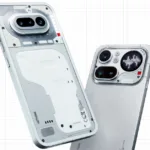
Nothing OS 5.0 Rolling Out to Nothing Phone (3): Nothing owners have a big software update to look forward to. Nothing OS 5.0, which the company says includes more than 80 changes, has started rolling out globally to the Nothing Phone (3), with a new translucent look called Lucent.
The rollout is staggered, so you may not see it right away, and other eligible phones will follow over the coming weeks. Here are the main features reported by 91mobiles. See more on our Nothing OS 5.0 tag page, and read about the brand at Nothing India.
Nothing OS 5.0: Key Features

| Area | What is new |
|---|---|
| Design | Translucent “Lucent” UI theme and 3D Noto emojis |
| Quick settings | New split quick settings panel |
| Lock screen | Expanded clocks, widgets and apps |
| Glyph | Glyph Timer |
| Widgets | Collector widgets |
| Apps | Batch editing of apps |
| Performance | Improvements reported |
| Rollout | Staggered, starting with Phone (3) globally |
The Lucent Look
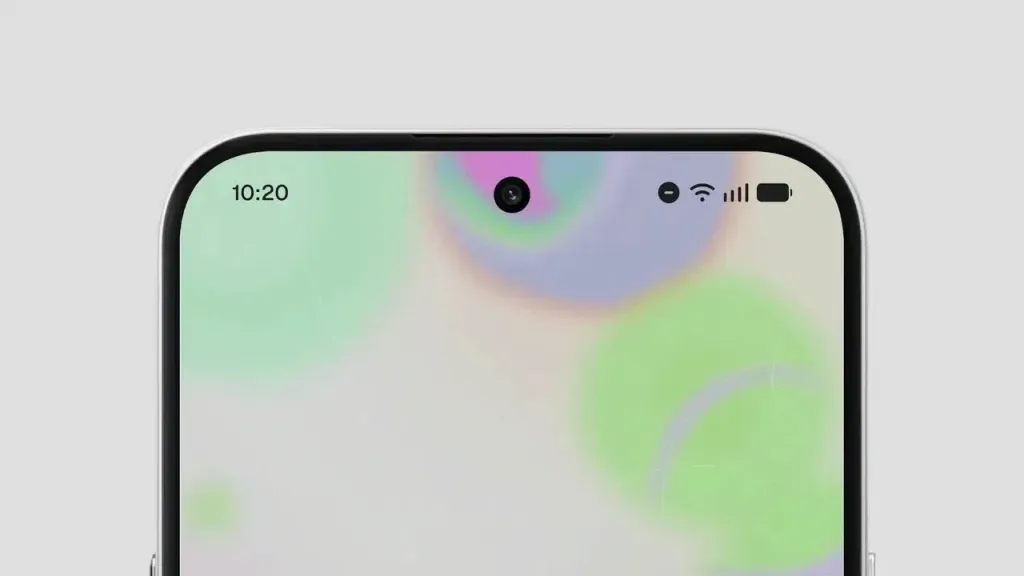
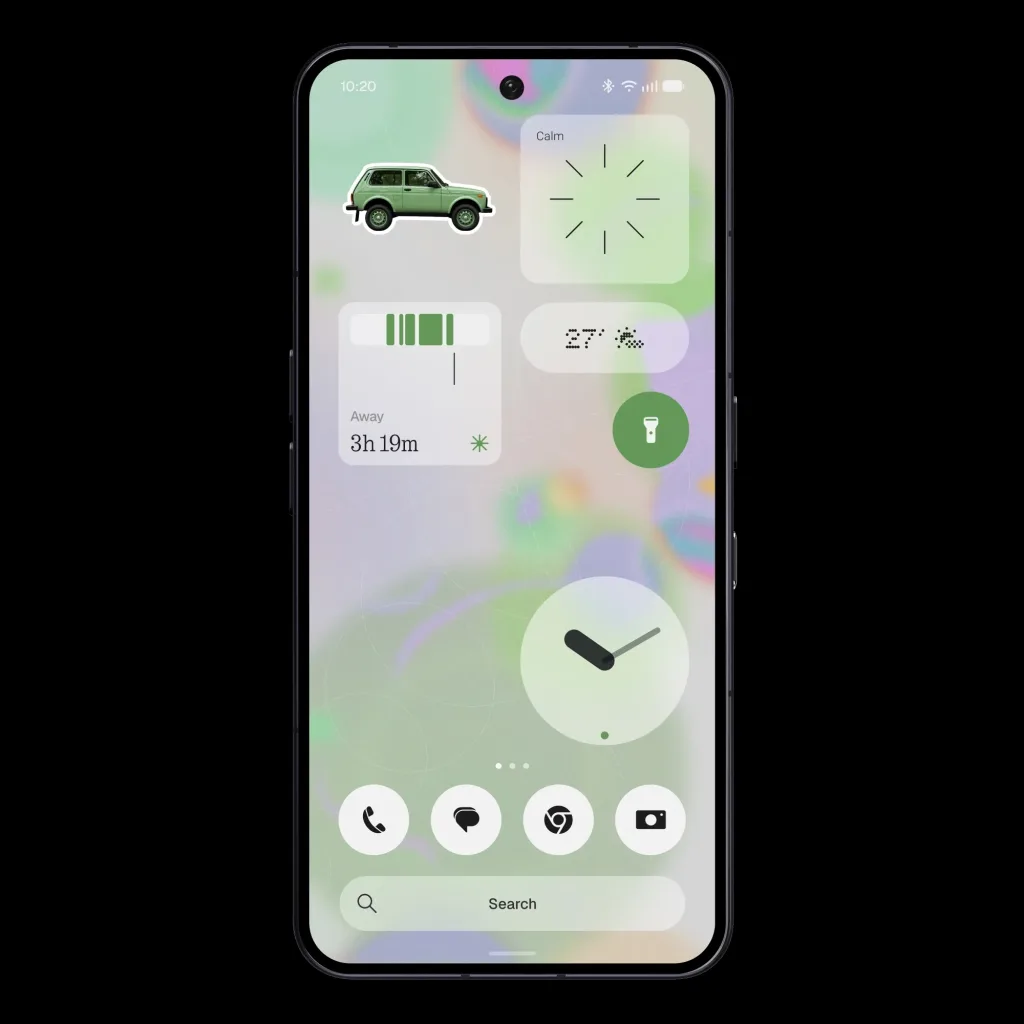
The headline change is Lucent, a translucent interface theme that lets the background show through menus and panels. It fits Nothing’s see-through design language and comes with 3D Noto emojis for a more playful feel.
Customisation Upgrades
The update adds expanded lock screen options with more clocks, widgets and apps. A new split quick settings panel changes how toggles and notifications are arranged. Collector widgets and app batch editing aim to help users organise their home screens faster, and a Glyph Timer uses the phone’s back lights as a timer.
Performance
The post lists performance improvements, but there are no numbers or tests yet. As with most updates, real gains will depend on the phone and the apps you use, so wait for user feedback.
How to Get the Update
Open Settings, then System, then System update, and check for updates. Because the rollout is staggered, it may take days or weeks to reach your device. Keep the phone charged, and back up important data before installing any major update.
Which Other Phones Will Get It?
The post only says other eligible phones will follow in the coming weeks. No device list or schedule was given, so owners of other Nothing and CMF phones should wait for an official announcement.
What Is Not Confirmed
The full list of 80+ changes, the list of eligible devices and exact timing for India were not provided. The rollout details come from a 91mobiles summary, so check Nothing’s community for the official changelog. Learn more about the company on Wikipedia.
Quick Answers
Which phone gets Nothing OS 5.0 first?
The global rollout has started with the Nothing Phone (3).
What is the Lucent UI?
Lucent is a translucent interface theme that lets the background show through menus and panels.
How do I check for the Nothing OS 5.0 update?
Open Settings, then System, then System update, and check for updates. The rollout is staggered, so it may take days or weeks to reach your device.
What changes come with Nothing OS 5.0?
Reported changes include the Lucent theme, 3D Noto emojis, expanded lock screen options, a split quick settings panel, collector widgets, app batch editing and a Glyph Timer.
Details in early reports and social posts can change as companies publish official information, so please treat the figures above as reported at the time of writing. We will update this article when new or corrected details arrive, and we suggest checking the official pages linked here before you buy, invest or plan around anything mentioned in this story.
Why this update matters: Nothing has built its brand on design and software details, so a major version number is a big moment for fans. Lucent shows the company is leaning further into its transparent look, while the lock screen and widget changes follow the wider trend of deeper personalisation. For owners, the practical advice is simple: make a backup, keep the phone charged, and install the update when it appears. If you notice bugs, report them through the feedback tool in Settings so the team can fix them in later patches. Because the rollout is gradual, do not worry if a friend gets it before you.
Keep an eye on Nothing’s official channels for the full changelog and for news on when the Phone (3a), Phone (3) Pro and CMF models will receive the same update.