A lot of gamers think cranking up frame rates in Valorant Esports means you’ll have to settle for blurry visuals. But here’s the thing—NVIDIA’s DLSS technology changes the game, letting you enjoy silky-smooth gameplay and crisp graphics at the same time. The trick? DLSS taps into AI-powered upscaling, and it’s become essential for anyone who wants to turn on real-time ray tracing without their PC grinding to a halt. If you’re curious how esports pros keep their action looking buttery-smooth in the latest shooters, there’s a good chance DLSS is their secret weapon.
Valorant Esports: What is NVIDIA DLSS and How Does It Work?
NVIDIA DLSS (Deep Learning Super Sampling) lets your hardware punch above its weight. Instead of forcing your GPU to render every single frame at ultra-high resolutions like native 4K, DLSS renders at a lower resolution, then uses a neural network (trained on tons of high-quality images) to upscale each image in real time. Here’s what that means: according to PC Gamer, DLSS can double frame rates in games that support it, all while keeping things sharp and detailed. You’ll see smoother, more responsive gameplay—and in fast-paced competitive titles, that can make all the difference.
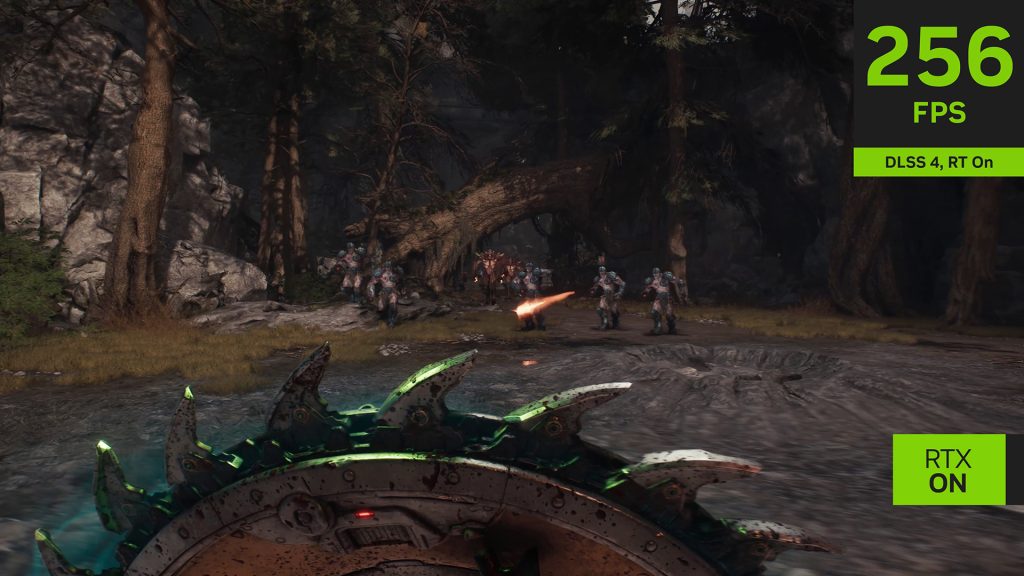
Key Benefits: Performance Gains and Visual Enhancements
DLSS gives you a simple win: way better performance without extra cost. By asking less of your GPU every frame, DLSS can ramp up your frame rates—sometimes by 50% or more—compared to pushing everything out at native resolution. If you want to try heavy-duty graphics features like ray tracing, you no longer need to choose between good visuals and smooth action.
But that’s not all. DLSS actually sharpens visuals too, using AI to fill in missing details and clean up those rough edges. Fire up a high-refresh monitor and you’ll notice the change instantly. For esports fans—especially if you keep up with VALORANT Esports: Rumours—this means you can snag a competitive edge without needing the most expensive gear on the market. DLSS isn’t just about speed; it keeps your graphics looking clean even when the action gets wild.
DLSS Versions: Evolution from 1.0 to 3.0
DLSS has come a long way since it first launched. The original 1.0 version did basic upscaling but sometimes left images looking a little blurry. Things changed with DLSS 2.0—this version uses temporal feedback, pulling details from multiple frames to make images much sharper, often making it tough to spot any difference from native resolution. DLSS 3.0 goes even further by bringing in AI-based frame generation, letting your GPU create brand-new frames for a major performance bump.
Not every title works with every DLSS version, so you’ll want to double-check what your favorite game supports. DLSS keeps evolving, and it’s become one of the hottest topics in gaming—just take a look at GameSpot’s recent coverage to see how much buzz it’s getting.