SA329 & 387 (134.4 ov)
 AUS429
 BAN272 & 79/6 (29 ov)
 WI245
WI245 HAC1
HAC1 PSG5
PSG5 NICE5
NICE5 REN2
REN2 SHA5
SHA5 AHL1
AHL1 ELV1
ELV1 M050
M050 VIL
VIL ESP
ESP LILL
LILL RCL
RCL UAE
UAE NED
NED PAK
PAK SL
SL Chennaiyin
 Kerala
 Chelsea
 Man Utd
 Levante
 Atlético
 Al Taawoun
 Al Ettifaq
 DIR1
DIR1 NEOM2
NEOM2 NEU1
NEU1 BFC1
BFC1 ABH1
ABH1 ITT1
ITT1 NAM168 (41/50 ov, target 299)
 IRE298/8
 SOA154 & 182/1 (48 ov, target 422)
 WA406/5d & 169
 TAS335/5 (96 ov)
 NSW
NSW NZ
NZ IND
IND AS-W
AS-W MS-W
MS-W PS-W
PS-W MR-W
MR-W ST-W
ST-W BH-W
BH-W ND
ND AUCK
AUCK AFG221/7
 ZIM202/5 (20 ov, target 222)
 ENG386/5
 SS-W157/6 (20 ov, target 155)
 HH-W174/8 (20 ov, target 193)
 BODO3
BODO3 VFK2
VFK2 LBK2
LBK2 RAN1
RAN1 OAK0
OAK0 NKU0
NKU0 GRA0
GRA0 HAR2
HAR2 GRE0
GRE0 DIJO1
DIJO1 METZ0
METZ0 PAU1
PAU1 NAN1
NAN1 CLE0
CLE0 AVE1
AVE1 DUN0
DUN0 Bologna
 Monza
Monza Mohun Bagan
 Punjab FC
 Fiorentina2
 Atalanta2
 Al Nassr5
 Al Kholood3
 Al Riyadh0
 Al Qadsiah6
OPPO’s March ColorOS 16 update doesn’t arrive with a flashy headline feature — it arrives with the kind of thoughtful, day-to-day improvements that quietly make a phone feel better to use. Rolling out in phases between March 16 and March 31 across six devices, the update focuses on two headline additions — built-in virus scanning and multiple simultaneous timers — alongside a handful of quality-of-life fixes that round out the experience nicely.
What’s New in the ColorOS 16 March Update
| Feature | What It Does |
|---|---|
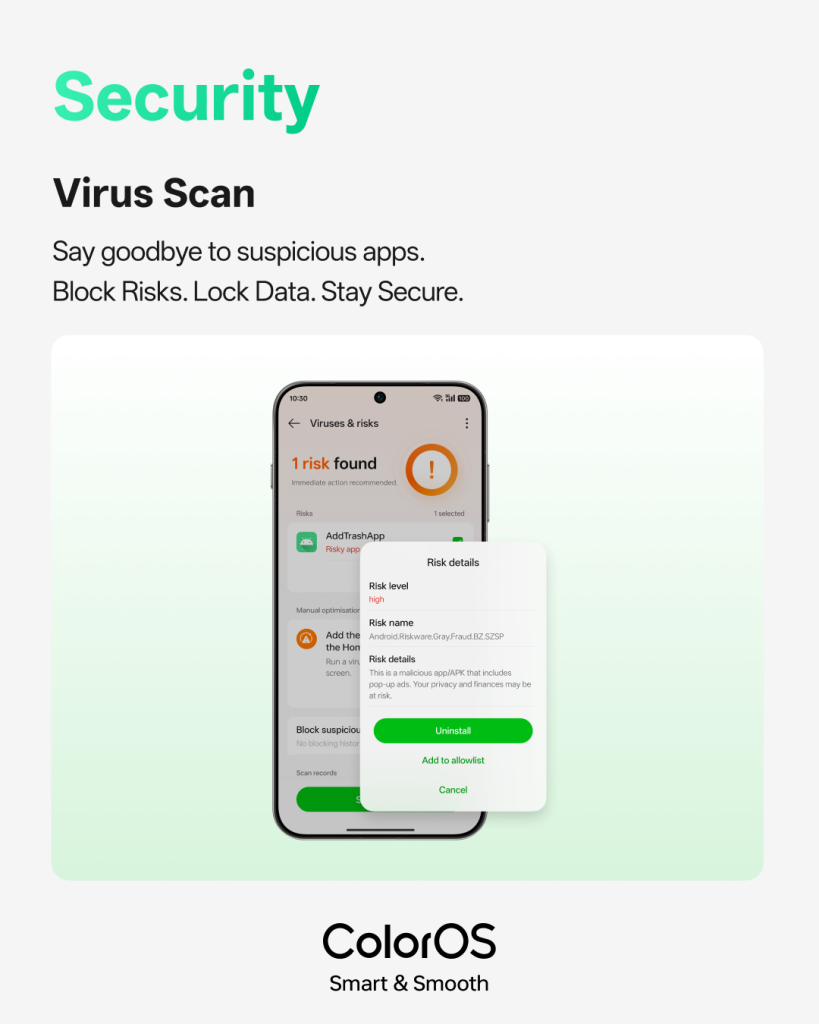
| Virus Scan | Detects and removes suspicious apps directly within ColorOS — no third-party app needed |
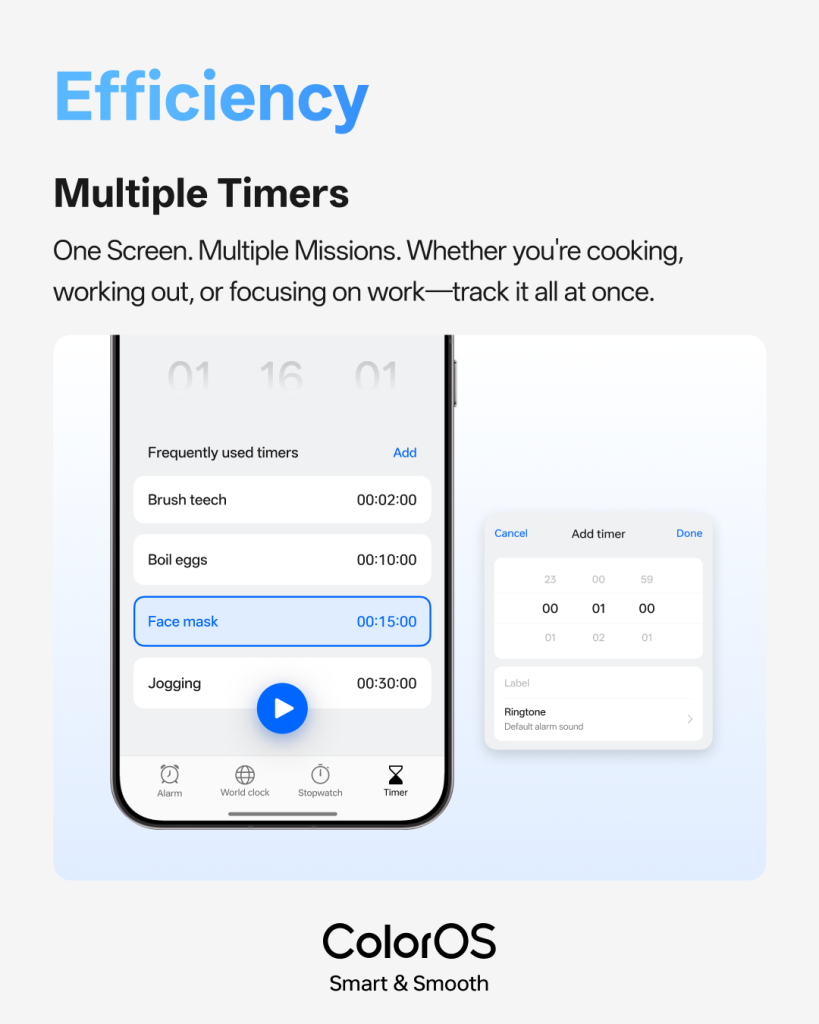
| Multiple Timers | Run several timers at once on a single screen for cooking, workouts, or work sessions |
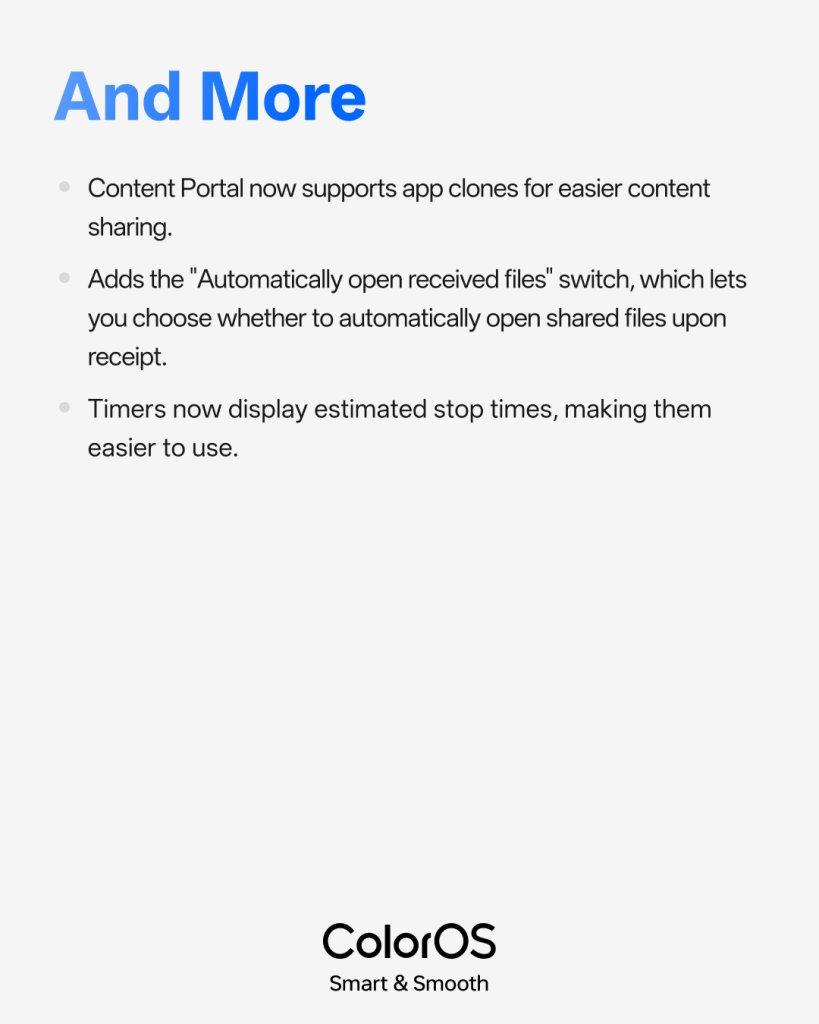
| Content Portal Enhancements | Now supports app clones for smoother content sharing across accounts |
| Auto-open Received Files | New toggle to control whether received files open automatically |
| Timer Stop Time Estimates | Timers now show estimated end times for better time planning |
The Virus Scan addition is more significant than it sounds. Rather than relying on a separate security app, users can now proactively detect and remove threats from within the OS itself — keeping personal data and privacy protected without adding clutter to the app drawer. It’s a quietly meaningful step for users who have always managed security reactively rather than proactively.
The Multiple Timers Feature Is a Practical Win
For anyone who’s juggled a pressure cooker, a gym circuit, and a Pomodoro work session simultaneously — only to realise their phone only supported one timer at a time — this update lands like a relief. Multiple timers running on a single screen, each with its own estimated stop time, makes the feature genuinely useful rather than a gimmick. It’s the kind of thing you don’t know you needed until you have it.
Which Devices Are Getting the Update
The rollout covers six devices: OPPO Find X9, Find X9 Pro, Find X8, Find X8 Pro, Reno14 Pro, and Reno14. If you’re on one of these, check Settings > Software Update to see if the March update has reached your device. For the latest OPPO news and Android updates, stay tuned to TechnoSports.