SA329 & 387 (134.4 ov)
 AUS429
 BAN272 & 79/6 (29 ov)
 WI245
WI245 HAC1
HAC1 PSG0
PSG0 NICE1
NICE1 REN1
REN1 SHA1
SHA1 AHL0
AHL0 KNY0
KNY0 GAL4
GAL4 ELV
ELV M05
M05 VIL
VIL ESP
ESP LILL
LILL RCL
RCL UAE
UAE NED
NED PAK
PAK SL
SL Chennaiyin
 Kerala
 Chelsea
 Man Utd
 Levante
 Atlético
 DIR1
DIR1 NEOM2
NEOM2 NEU1
NEU1 BFC1
BFC1 ABH1
ABH1 ITT1
ITT1 NAM168 (41/50 ov, target 299)
 IRE298/8
 SOA154 & 182/1 (48 ov, target 422)
 WA406/5d & 169
 TAS335/5 (96 ov)
 NSW
NSW AS-W
AS-W MS-W
MS-W PS-W
PS-W MR-W
MR-W ST-W
ST-W BH-W
BH-W ND
ND AUCK
AUCK OTAGO
OTAGO CD
CD WELL
WELL CANT
CANT NZ259/7
 IND172/9 (20 ov)
 AFG221/7
 ZIM202/5 (20 ov, target 222)
 ENG386/5
 SS-W157/6 (20 ov)
 HH-W174/8 (20 ov, target 193)
 AMER0
AMER0 HC0
HC0 DSC2
DSC2 EBS0
EBS0 COT1
COT1 BOC0
BOC0 BODO2
BODO2 VFK0
VFK0 LBK0
LBK0 RAN0
RAN0 OAK0
OAK0 NKU0
NKU0 Al Taawoun
 Al Ettifaq
 Bologna
 Monza
Monza Fiorentina2
 Atalanta2
 Al Nassr5
 Al Kholood3
 Al Riyadh0
 Al Qadsiah6
Mojang just dropped Minecraft Bedrock 1.21.130.22 beta and preview on October 22, 2025, giving players early access to the highly anticipated Mounts of Mayhem drop before its official release. From the redesigned spear weapon to zombie horse improvements and nautilus tweaks, this build is packed with exciting features to test. Here’s your complete platform-by-platform download guide for Xbox, PlayStation, Android, iOS, and Windows—plus what’s new in this beta release.
What’s New in Minecraft Bedrock 1.21.130.22 Beta?
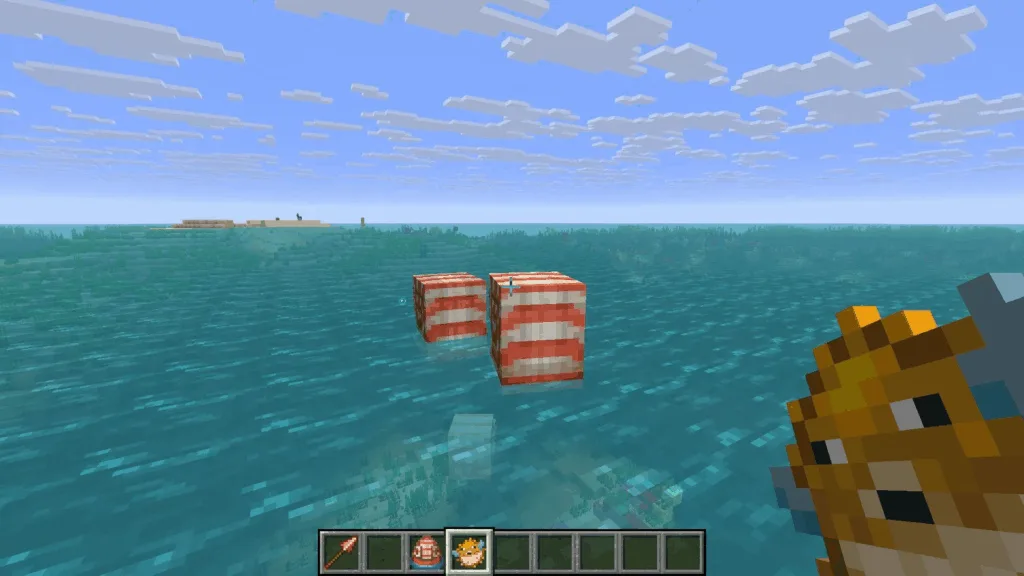
Before diving into downloads, here’s what you’ll be testing:
| Feature | Changes | Status |
|---|---|---|
| Mounts of Mayhem Content | New mobs, items, mount improvements | Testing Phase |
| Spear Weapon | Handy improvements + surprising nerfs | Balance Tweaks |
| Zombie Horse | Gameplay modifications | Enhanced |
| Nautilus | Behavior changes | Updated |
| Bug Fixes | Performance improvements, crash fixes | Ongoing |
Source: Minecraft Official Website
Important Note: Beta/preview builds are only available on purchased copies (not trial versions) and require an active Game Pass subscription for Xbox users.
For more Minecraft beta coverage and update guides, visit our Minecraft updates hub.
Platform Compatibility: Can You Install It?
| Platform | Supported? | Special Requirements |
|---|---|---|
| Xbox One/Series X|S | ✅ Yes | Active Game Pass or purchased copy |
| PlayStation 4/5 | ✅ Yes | Purchased copy required |
| Android | ✅ Yes | Google Play Store account |
| iOS | ✅ Yes | TestFlight app + limited slots |
| Windows 10/11 | ✅ Yes | Microsoft/Xbox Store access |
| Nintendo Switch | ❌ No | Beta not available |
Critical Limitation: Trial versions and inactive Game Pass subscriptions cannot access beta builds.
Xbox One & Series X|S: Installation Guide
Xbox players have the simplest process thanks to Game Pass integration.
Step-by-Step Instructions:
- Navigate to Xbox Game Store or your Game Pass Library
- Open your game library and use the search bar
- Search for “Minecraft Preview” (not regular Minecraft)
- Select the Preview edition and click “Install”
- Wait for download completion (keep console on with stable internet)
File Size: Approximately 1.5-2 GB depending on existing installation
Pro Tip: If you already have the regular Bedrock Edition, the Preview version installs separately, allowing you to switch between stable and beta builds easily.
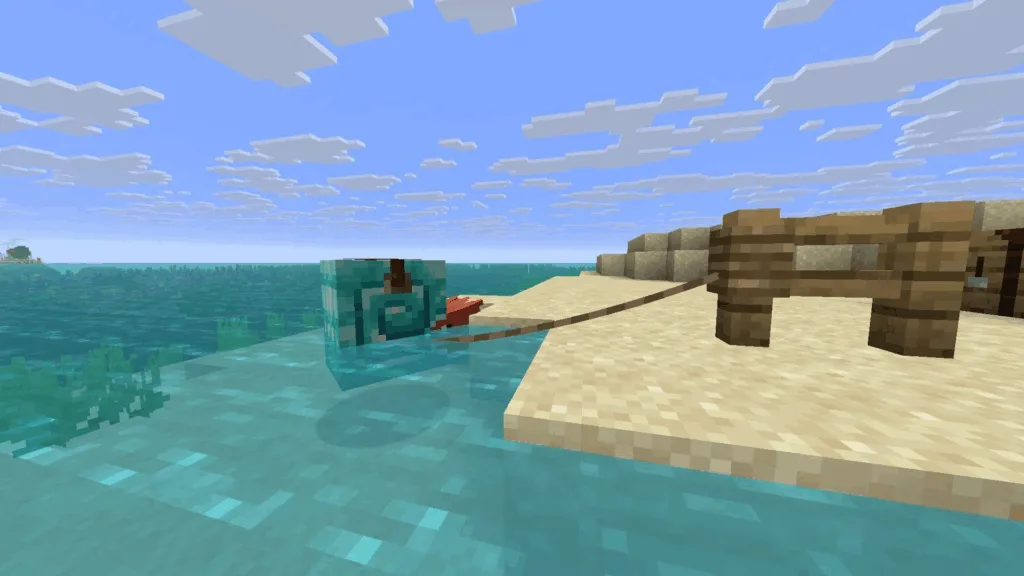
PlayStation 4 & 5: Download Instructions
PlayStation’s process differs slightly but remains straightforward.
Installation Steps:
- Open Minecraft from homepage, “Frequently Played,” or game library
- Navigate to the left sidebar
- Find and select the “Preview” button
- Click “Get PlayStation 4/5 Preview” (depending on your console)
- Choose “Download” and wait for installation
Important PlayStation Notes:
- Keep console powered on during download
- Maintain stable internet connection to prevent file corruption
- Preview version runs alongside regular Minecraft (doesn’t replace it)
Download Size: Similar to Xbox (~1.5-2 GB)
Explore more PlayStation-specific Minecraft tips on our console gaming guide.
Android: Google Play Store Beta Access
Android users get beta access directly through Google Play’s built-in testing program.
How to Join Android Beta:
- Open Google Play Store app
- Navigate to the Minecraft page or search manually
- Scroll to bottom of store listing
- Tap “Join the Beta” prompt
- Wait for beta files to download and install
Critical Warning: Joining the beta replaces your stable version with Minecraft Bedrock 1.21.130.22 beta. Your worlds remain safe, but you can’t open them in the stable version until you leave the beta or it releases officially.
How to Leave Beta Later:
- Return to Play Store listing
- Scroll down and tap “Leave Beta”
- Wait 24-48 hours for stable version to restore
Automatic Updates: If you have auto-updates enabled, new beta builds install automatically. Disable this in Play Store settings if you prefer manual control.
iOS: TestFlight Complexity & Limited Slots
iOS has the most complicated process due to Apple’s TestFlight requirements and limited beta slots.
Prerequisites:
- Download TestFlight app from App Store
- Check if slots are available (refreshes monthly on the 1st)
- Have registered Microsoft account ready
Full Installation Process:
First-Time Users:
- Sign up for beta with Microsoft account
- Wait for confirmation email with access link
- Open email and tap “View in TestFlight”
- Select “Install” to download beta build
Existing Preview Users:
- Open TestFlight app
- Find Minecraft Preview in your list
- Tap “Update” next to the listing
Critical iOS Requirements:
- Play at least 1-2 times per month to maintain access
- Limited slots mean inactive users lose access
- If slots are full, check back on the 1st of next month
Why So Complicated? Apple limits beta programs to 10,000 testers per app, and Minecraft fills this quota quickly. Regular activity proves you’re an active tester.
Windows 10/11: Multiple Installation Methods
PC players have the most options depending on whether they’re new to beta builds or existing testers.
Method 1: For Existing Beta Users (Update Only)
Via Microsoft Store:
- Open Microsoft Store app
- Navigate to “Games” in left sidebar
- Search for “Minecraft Preview” in installed games
- Click “Update” button next to listing
- Wait for download (blue ring shows progress)
If “Update” Doesn’t Appear:
- Click “Get Updates” in top-right corner
- Forces check for all available updates
- Preview update should now appear
Via Xbox App:
- Launch Xbox app on PC
- Find installed games in left sidebar
- Select Preview edition
- Click “Manage” → “Update”
Method 2: For New Beta Users (First-Time Installation)
Using Minecraft Launcher:
- Open official Minecraft Launcher
- Log in with Microsoft account
- Select Minecraft Bedrock from left sidebar
- Find drop-down menu next to green “Play” button (marked “Latest Release”)
- Expand menu and select “Latest Preview”
- Click “Play” to download and install
Download Size: 1.8-2.5 GB depending on existing files
Installation Time: 10-15 minutes on average internet speeds
Where to Buy Bedrock: If you don’t own it, purchase from Mojang official store or Microsoft Store.
What to Expect: Testing Mounts of Mayhem
Once installed, you’ll have access to experimental features from the upcoming Mounts of Mayhem drop:
Testable Features:
- Spear Weapon Updates: Improved throwing mechanics but reduced damage output
- Zombie Horse Changes: Enhanced ridability and spawn conditions
- Nautilus Tweaks: Behavioral modifications for underwater gameplay
- Performance Fixes: Crash prevention and optimization improvements
Testing Best Practices: ✅ Create separate test worlds (don’t use main worlds)
✅ Report bugs through in-game feedback system
✅ Back up worlds before testing experimental features
✅ Expect crashes and instability (it’s beta!)
✅ Avoid Realms play with beta builds
Reverting to Stable Version: How to Go Back
Changed your mind about beta testing? Here’s how to return:
Xbox/PlayStation:
- Uninstall Preview version
- Reinstall regular Minecraft from store
Android:
- Open Play Store listing
- Scroll down and tap “Leave Beta”
- Wait 24-48 hours for stable restoration
iOS:
- Cannot directly revert
- Must uninstall and reinstall stable version
- Losing TestFlight slot may prevent re-joining
Windows:
- Use launcher drop-down menu
- Switch from “Latest Preview” to “Latest Release”