SA329 & 387
 AUS429 & 60/7 (26 ov, target 288)
 UAE93/3 (18.2/50 ov, target 264)
 NED263/4
 PAK
PAK SL238/2 (40/50 ov)
 MOH0
MOH0 SHL0
SHL0 Erzurum0
 Çorum FK1
 CFC
CFC KER
KER CHE
CHE MAN
MAN LEV
LEV ATM
ATM TAA
TAA ETT
ETT BOL
BOL MON
MON MBSG
MBSG PFC
PFC B04
B04 VFB
VFB BMG
BMG SCP
SCP Lille1
 Lens0
Lens0 Villarreal0
 Espanyol1
 Elversberg4
 Mainz1
 Le Havre AC1
 PSG5
PSG5 JER
JER QAT
QAT KENYA
KENYA PNG
PNG BIK
BIK SPR
SPR SWD
SWD EASTN12/0 (1.2/20 ov)
 TAS427
 NSW174/8 (60 ov)
 NZ-A
NZ-A IND-A291/7 (88 ov)
 QLD
QLD VIC282/9 (84 ov)
 DHA
DHA BAR
BAR MYMS
MYMS KHU
KHU NZ
NZ IND
IND NAM
NAM IRE
IRE AFG
AFG ZIM
ZIM ST-W
ST-W BH-W
BH-W SS-W
SS-W HH-W
HH-W MOW
MOW VAG
VAG WAR
WAR WPR
WPR OTAGO
OTAGO CD
CD PS-W138/1 (13.3/20 ov, target 137)
 MR-W136/6
 AS-W185/2
 MS-W164/7 (20 ov, target 186)
 SCOT100/3 (6 ov, target 122)
 GRA0
GRA0 ATL0
ATL0 VAL0
VAL0 EIB0
EIB0 Nice5
Nice5 Rennes2
 Al Shabab6
 Al Ahli1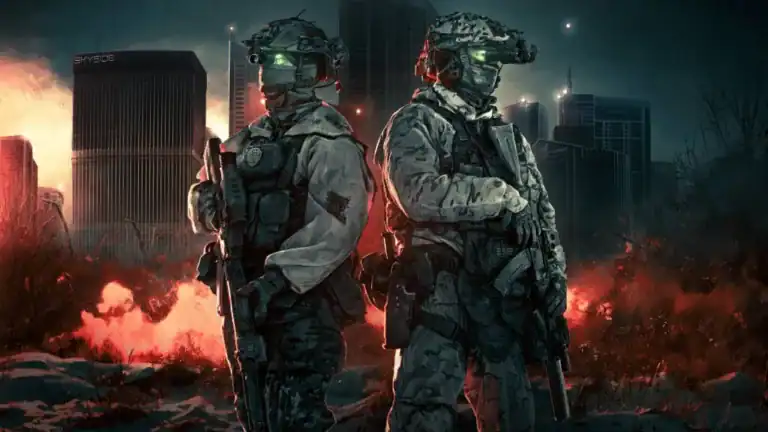
Escape from Tarkov’s 1.0 launch brings an exciting Twitch Drops campaign running from November 15 through December 6, 2025. Players can earn exclusive in-game rewards simply by watching their favorite streamers raid through Tarkov’s unforgiving streets. Free rewards are available until November 28, while subscription-based drops continue until December 6. Here’s everything you need to claim your loot.
Escape from Tarkov Event Overview: Dates & Rewards
| Category | Details |
|---|---|
| Event Start | November 15, 2025 at 6:30 AM EST |
| Free Drops End | November 28, 2025 |
| Paid Drops End | December 6, 2025 at 6:30 AM EST |
| Wipe Survival | Yes – drops survive profile wipes |
| Eligibility | All Tarkov players with linked accounts |
| Streamers | Any streaming in “Escape from Tarkov” category |
All Available Rewards
Free Twitch Drops
By watching participating streamers, you can unlock reward crates containing items like Hideout Targets, Tarkov Figurine, and Nikita’s PMC Voice. Viewers receive unboxable containers with varying rarity levels (Common, Rare, and Epic) at specific watch time intervals.
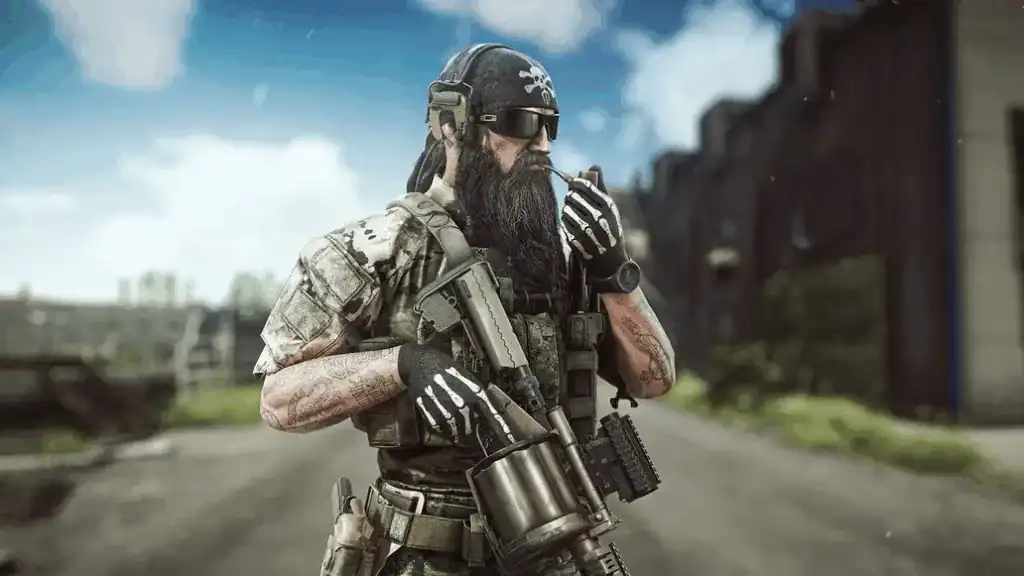
The containers include weapons, attachments, tactical gear, medical supplies, and exclusive cosmetic items unavailable through normal gameplay. These rewards provide substantial advantages, especially for fresh accounts starting after the 1.0 wipe.
Subscription-Based Rewards
Players who subscribe to participating streamers unlock bonus rewards: one subscription earns a Hideout customization set with unique wall, ceiling, and floor variations, while three subscriptions grant PMC dogtags for USEC and BEAR factions with exclusive ‘Twitch’ branding.
These cosmetic items show off your support and provide permanent customization options that survive future wipes—making them valuable long-term investments for dedicated players.
Discover more Escape from Tarkov guides on TechnoSports
How to Link Your Twitch Account
Claiming rewards requires connecting your Twitch and Battlestate Games accounts. The process takes just minutes:
Step 1: Visit the official Escape from Tarkov website and log into your Battlestate Games account. Create one if you haven’t already.
Step 2: Navigate to your profile page and click the “Linked Accounts” tab from the menu options.
Step 3: Find Twitch in the list of supported platforms and click the “Link” button beside it.
Step 4: You’ll be redirected to Twitch. Log in and click “Authorize” to grant permission.
Once linked, you’re ready to start earning drops automatically while watching streams. Your account stays connected unless you manually unlink it.
Earning Drops: Best Practices
Watch any streamer broadcasting in the “Escape from Tarkov” category with drops enabled. Look for the “Drops Enabled” tag beneath stream titles to confirm eligibility.
Watch time accumulates only for one stream at a time—switching streamers resets your progress toward the next reward. For maximum efficiency, find a streamer you enjoy and keep their stream running, whether actively watching or running in the background.
Progress updates appear in your Twitch notifications. Once you’ve earned a drop, claim it from your Twitch Inventory (accessible through your profile icon > Drops & Rewards > Inventory). Rewards transfer to your Tarkov account within minutes after claiming.
Check out more gaming tips on TechnoSports
Why This Event Matters
Twitch Drops arrive perfectly timed with Tarkov’s 1.0 launch and mandatory PvP profile wipe. Starting fresh means everyone needs gear urgently—drops provide immediate advantages without the survival stress of early raids.
The permanent nature of these rewards sets them apart from typical in-game loot. While your character progress resets during wipes, cosmetic items and Hideout decorations remain permanently. This makes subscription rewards especially valuable for long-term players who’ve experienced multiple wipes.
Beta testers and pre-order customers receive exclusive permanent items that won’t be lost during future wipes, making this launch period particularly rewarding for veteran supporters while welcoming new players with generous Twitch rewards.
Common Issues and Solutions
Drops Not Appearing: Verify your accounts are properly linked through the Battlestate Games website. Re-link if necessary and ensure you claimed drops from your Twitch Inventory before expecting them in-game.
Watch Time Not Counting: Confirm the streamer has “Drops Enabled” displayed. Only participating streamers count toward progress. Mute the stream if desired, but don’t minimize or close the tab completely.
Missing Claimed Items: Restart your Tarkov client completely. Drops typically appear within 5-10 minutes but may take longer during high-traffic periods when millions participate simultaneously.
Multiple Device Watching: Watch time only counts on one device. If you’re logged into Twitch on multiple screens or devices, only the primary active stream accumulates progress.
Maximizing Your Rewards
Prioritize the free drops first since they end November 28, giving you less time than paid drops lasting until December 6. If you plan to subscribe, spread subscriptions across multiple streamers to support the community while claiming varied rewards.
The rewards survive profile wipes, making them valuable regardless of whether you play PvP or PvE modes. Even if you wipe your PvE account to experience the new 1.0 story campaign, your Twitch Drop rewards remain intact.
Consider supporting smaller streamers who enabled drops. They often have more interactive communities and appreciate new viewers, enhancing your watching experience beyond passive reward farming.