

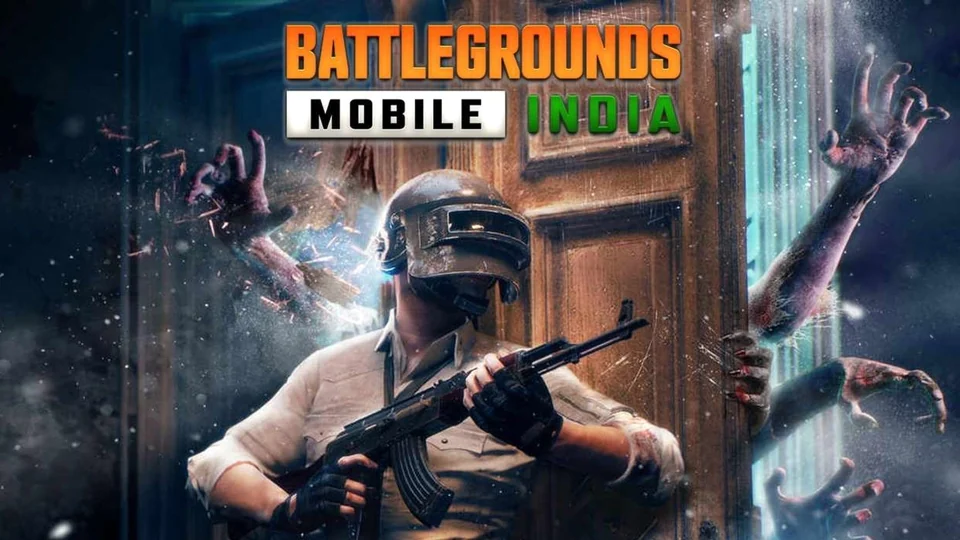
BGMI update download is the latest topic and So we are here to make sure that you know how to get your hands on the game’s latest update. Battlegrounds Mobile India, the latest version of the game, has an active server and is playable on multiple platforms. The upcoming 2.6 Update is set to be released in a few days, starting in May 2023. In the meantime, interested players can try out the beta version of the game.

PUBG Mobile, the worldwide version, recently celebrated its fifth anniversary. Android users can enjoy playing the game using the APK. The BGMI update download has been rolled out for both Android and iOS platforms, and players can download it from their respective app stores. Before the new features and game modes are included in the final release, players have the opportunity to test them out in the PUBG Mobile 2.6 beta version.
Here is the guide for BGMI update download: —
- Go to the BGMI website https://www.battlegroundsmobileindia.com/. and download the APK file for the 2.6 updates.
- After the download has finished, open the file on your device.
- If your device is set to block installations from unknown sources, you will need to change the setting to allow the installation of apps from unknown sources.
- To start the installation, click the “Install” button.
After the BGMI update download is complete, you can start playing the game. Battlegrounds Mobile India (BGMI) frequently releases beta versions of their game for testing purposes, allowing players to try out new features and provide valuable feedback to the developers.
After the completing BGMI update download if you require you can also sign in for the BGMI Beta Testing update:

- Visit the BGMI website: Go to the official website of Battlegrounds Mobile India at https://www.battlegroundsmobileindia.com/.
- Click on “Beta Testing”: On the homepage, you’ll see a section called “Beta Testing”. To enter the signup page, click on it.
- Enter your details: On the registration page, you’ll need to enter your email address, phone number, and name.
- Agree to the terms and conditions: After entering your details, you’ll need to agree to the terms and conditions of the beta testing program.
- Submit your application: Once you’ve filled out all the required fields, click on the “Submit” button to complete your application.
- Wait for an invitation: After submitting your application, you’ll need to wait for an invitation to become a beta tester. If you’re selected, you’ll receive an email with instructions on how to download and install the beta version of BGMI.
You can get your hands on Battlegrounds Mobile India right now by visiting https://www.battlegroundsmobileindia.com/. Because the game’s server is still online.
Also read: