MEX-W
MEX-W ARG-W
ARG-W Chapecoense2
 Fluminense1
 UAE
UAE NED
NED PAK
PAK ENG
ENG IND-W
IND-W ZIM-W
ZIM-W GMB
GMB LES
LES MOZ
MOZ ZMB
ZMB Inter Milan
 Fiorentina
 Churchill
 Punjab FC
 NGA
NGA UGA
UGA ATM1
ATM1 DEP0
DEP0 LAZ2
LAZ2 PAR1
PAR1 RCL2
RCL2 PAR1
PAR1 RIY2
RIY2 TAA1
TAA1 NZ-A212/6 (64.2 ov)
 IND-A113
 SYL
SYL KHU
KHU MYMS299/4 (87 ov)
 CHATT
CHATT DHA293/3 (84.1 ov)
 RAJ
RAJ RAN320/5 (80 ov)
 BAR
BAR DEN
DEN PNG
PNG NAM321/6
 IRE290 (47.3/50 ov, target 322)
 NZ180/5
 IND181/6 (19.5/20 ov, target 181)
 WEL0
WEL0 MBV0
MBV0 Athletic
 Getafe
 C Palace
 Newcastle
 Hull
Hull Brentford
 Liverpool
 Brighton
 Man United
 Bournemouth
 Atalanta
 Frosinone
 CHE0
CHE0 TOT2
TOT2 VAL1
VAL1 VIL2
VIL2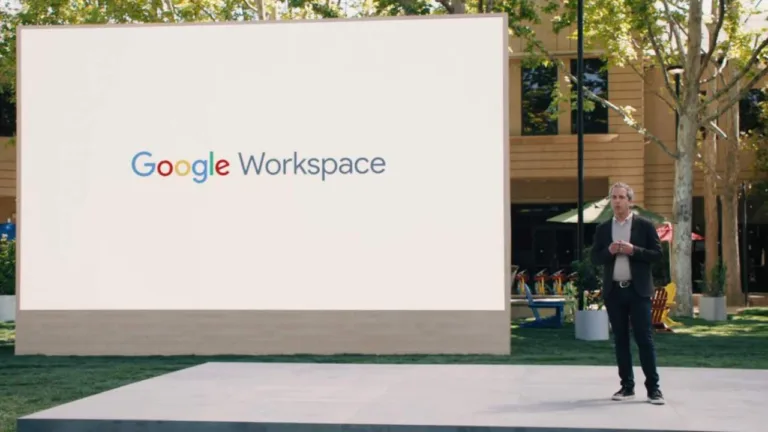
Alphabet Inc.’s Google launched a slate of new features for its Workspace productivity suite on Tuesday, starting with new “smart chips” that connect Google Docs to other products. As part of the “smart canvas” initiative, just like you can tag people with an @ symbol, you can use it to specialize links inside docs that hook up other files or meetings, starting from Tuesday. The new initiative promises to increase the cadence of product improvements for Workspace.
Google’s ultimate aim seems to be making every single part of its Workspace suite of apps interconnected. You’ll be able to start a Meet video chat directly within Docs or vice versa, you can share your Doc directly into a Meet call with a button in the doc. All of that integration will be useful, but it will also benefit Google by persuading users not to opt for competing products like Zoom or Slack and instead use Google’s cohesive suite.
A smattering of other small updates have also been released: in addition to traditional comments, emoji reactions will also be available in Google Docs, a new timeline view in Google Sheets for improved project management. An update you’ll love to have is the new “pageless” view in Google Docs that does away with the assumption that your document is meant for an 8.5 x 11 piece of paper. It dynamically resizes the doc to the size of your web browser the way a web app ought to.
Finally, Google is adding some “assisted writing” features to Google Docs, which will range from warning you about wordiness, offensive language, or non-inclusive language.
We need to keep an eye on the smart canvas function, which is built on a new framework for Workspace apps that could accelerate development.
SMART CHIPS AND TEMPLATES
Starting with Google Docs, the smart canvas feature will make it easier to dynamically insert “chips” — smart objects — that are linked to other parts of Google’s office suite. Google is starting small, though, as the smart chips will only connect with other documents, contacts, and meetings. Hovering over one of them will pop up a box with the relevant information you can interact with.
To insert a chip, type an @ symbol into Google Docs, and it’ll pop up a menu that will list a bunch of those elements, hit enter on whichever option you want, and it will make a smart chip.
“We don’t want you to have to learn a new affordance,” says Erika Trautman, director, Google Workspace, according to The Verge. “This is something that people know how to use and millions of people use it every day.”
SMART CHIPS ARE A NEW WAY TO LIVE THE OLD OPENDOC DREAM
Creating hover boxes is not the only purpose of the smart chips, the @ symbol can bring up custom templates for things like project management tables, complete with voting and task tracking. If a meeting template is selected by you, it will auto-populate smart tags for the attendees and any files attached to the calendar invite.
You can also create task lists inside a Google Doc and then assign them to a contact.
Google says that smart chips will also come to Google Sheets “in the coming months.”
PAGELESS VIEW, TIMELINES, AND OTHER FEATURES
Many of the new smaller features announced will probably have a more immediate impact on many people’s day-to-day work.
The pageless format in Google Docs, especially considering how simple it is, was wildly overdue. According to The Verge, the pageless format “just does away with the wholly unnecessary concept of a “page break” and also makes the text flow smoothly no matter the width of the browser window. It’s arriving just in time for the 11th anniversary of Ethan Marcotte’s seminal Responsive Web Design article.”
:no_upscale()/cdn.vox-cdn.com/uploads/chorus_asset/file/22520932/Sheets_Timeline_View.jpg)
:no_upscale()/cdn.vox-cdn.com/uploads/chorus_asset/file/22520937/Assisted_analysis_formula_suggestions.jpg)
:no_upscale()/cdn.vox-cdn.com/uploads/chorus_asset/file/22520940/Assisted_writing_word_warnings.png)
A not-so-necessary update on Docs is that Instead of leaving comments, you’ll soon have the option to just put an emoji reaction on a paragraph.
Last but not least, another squiggly underline has been added to the red for misspellings and green for grammar: purple for style. Google Docs will be able to make suggestions about different kinds of writing style issues ranging from the genuinely important (suggesting inclusive language like “delivery person” for “mailman”) to patronizing (suggesting “to” for “in order to”) to the downright Victorian (underlining swear words). It’s similar to Grammarly and Microsoft Editor.