
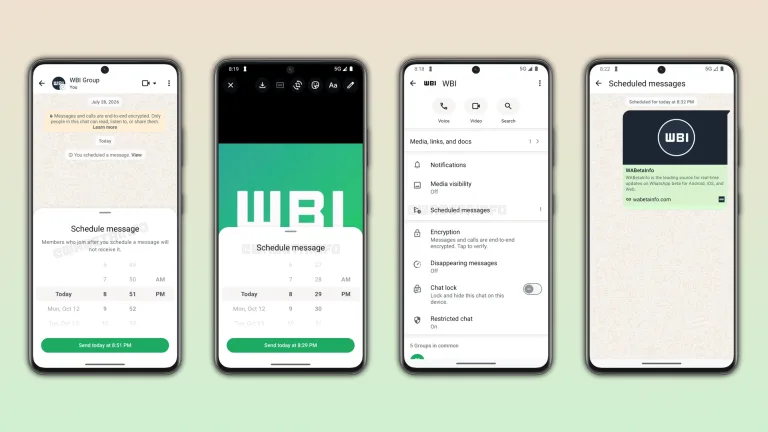
WhatsApp is reportedly testing a feature many users have asked for: scheduled messages. Tech creator Abhishek Yadav said the option is rolling out to some Android users now.
If it reaches you, you will not need a third-party app to send a message later.
More on this topic: TechnoSports WhatsApp coverage.
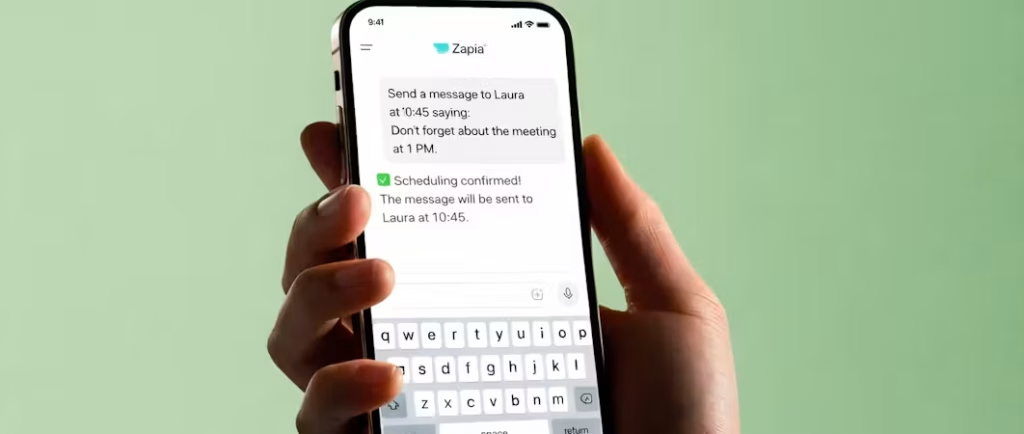
WhatsApp: Key Details
| Detail | Report |
|---|---|
| Feature | Schedule Message |
| Platform | Android |
| Rollout | Some users, gradual |
| How to use | Type message, long-press Send, pick date and time |
| Extra apps needed | None |
How It Works
According to the post, you type your message as usual, long-press the Send button, pick a date and time, and WhatsApp sends it for you at that moment. That is the whole flow, and the feature is described as a native one that does not need third-party apps.
Until now, people relied on automation apps or workarounds with accessibility permissions, which carried privacy and ban risks. A built-in option removes that concern.
Who Gets It and When
The rollout is limited. Features from WhatsApp often appear for a small share of beta or stable users first, then expand over weeks. If you do not see the option, updating the app from the Play Store may help, but it does not guarantee access.
Our WhatsApp coverage will update when a wider release is confirmed.
Why It Is Useful
Scheduled messages help with birthday wishes, reminders, work notes sent at a better time, and messages across time zones. They also reduce the pressure to reply right away at odd hours.
Questions remain about edge cases, such as what happens if the phone is off at the scheduled time or the number of messages you can queue. Those details were not part of the post.
Privacy and Practical Tips
Because the feature is built into the app, scheduled messages should follow the same end-to-end encryption as normal chats, though WhatsApp has not detailed that for this feature. Do not assume anything about queued messages until the company publishes its notes.
Until the option reaches you, keep an eye on the Play Store changelog and make sure automatic updates are on, since features often arrive silently with a server-side switch.
What Is Not Confirmed
- Whether iPhone users will get the feature.
- The date it reaches all Android users.
- Limits on how far ahead a message can be scheduled.
- Behaviour when the phone is offline at the scheduled time.
Quick Answers
How do I schedule a message on WhatsApp?
Type the message, long-press Send, then choose the date and time, if the feature is available on your phone.
Is it available to everyone?
No. It is rolling out to some Android users.
Do I need another app?
No, it is built into WhatsApp.
Source: Abhishek Yadav on X, WhatsApp on Wikipedia, WhatsApp official site.
Tips for Using Scheduled Messages Well
Once the option reaches you, use it for things that benefit from timing, such as wishes at midnight or reminders for a group on a set morning. Avoid scheduling anything sensitive or urgent that you might need to cancel, because the post does not say how editing or cancelling works.
Remember that a scheduled message still goes out under your name. Double-check the recipient and the time zone, especially for contacts in other countries, since a message sent at the wrong hour can feel more intrusive than one sent late.


