

In the ever-evolving world of Minecraft, the Spring to Life update has brought us version 1.21.5, opening up new possibilities for visual enhancement through shaders. These powerful modifications can transform your blocky universe into a breathtaking landscape, adding depth, realism, and atmosphere to every corner of your virtual world. Whether you’re a seasoned builder or a curious newcomer, mastering the art of shader installation can take your Minecraft experience to new heights.
Table of Contents
As we dive into the world of Minecraft shaders, we’ll explore two popular methods for installation: Iris Shaders and OptiFine. Each offers unique advantages, from user-friendly interfaces to extensive customization options. We’ll guide you through the process step-by-step, ensuring that even those new to modding can follow along with ease. By the end of this guide, you’ll be ready to turn your Minecraft 1.21.5 worlds into stunning visual masterpieces that push the boundaries of what’s possible in this beloved sandbox game.
So, grab your pickaxe and prepare to mine deep into the world of Minecraft shaders. Whether you’re looking to add subtle enhancements or completely overhaul your game’s aesthetics, this guide has you covered. Let’s embark on a journey to unlock the full visual potential of Minecraft 1.21.5!
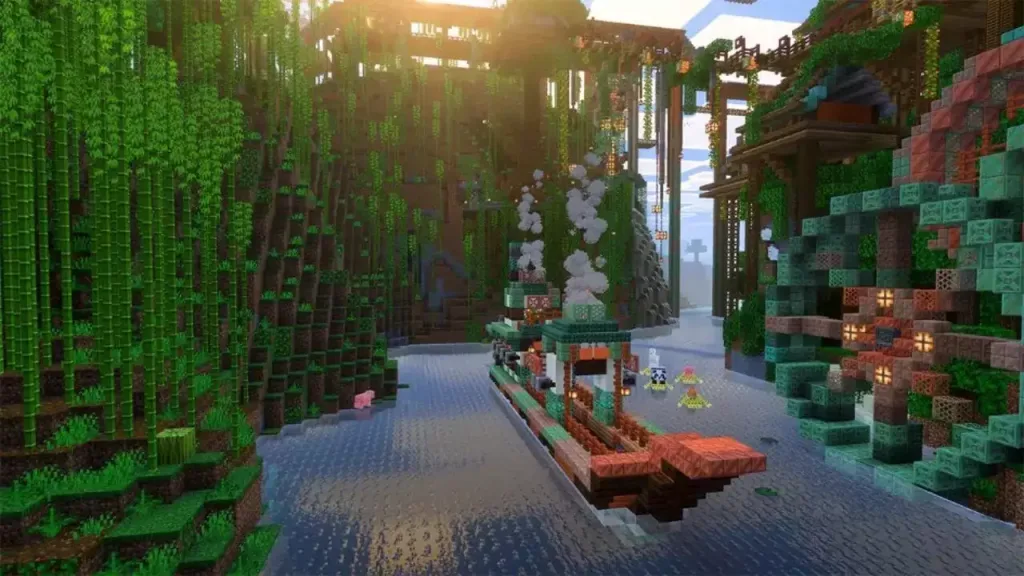
Illuminating Your World: Mastering Shader Installation in Minecraft 1.21.5
The path to a visually enhanced Minecraft experience begins with choosing the right tool for the job. In this guide, we’ll focus on two popular options: Iris Shaders and OptiFine. Both offer unique advantages, catering to different preferences and needs.
Iris Shaders: The Newcomer’s Choice
Iris Shaders has quickly gained popularity for its user-friendly interface and compatibility with modern Minecraft versions. Here’s how to get started:
Download and Install:
- Visit the official Iris Shaders website and download the universal JAR file.
- Run the JAR, selecting version 1.21.5.
- If you don’t have Fabric installed, opt for the Iris+Fabric combination.
- Ensure the installation directory is set to .minecraft and click “Install.”
Adding Shaders:
- Download your chosen shader pack from repositories like CurseForge or Modrinth.
- Launch Minecraft with Iris Shaders installed.
- Navigate to Options > Video Settings > Shader Packs.
- Click “Open Shader Pack Folder” and drag your downloaded shaders into this directory.
Activating and Customizing:
- Back in the game, select your desired shader from the list and click “Apply.”
- Explore the Shader Pack Settings to fine-tune lighting, water effects, and more to your liking.
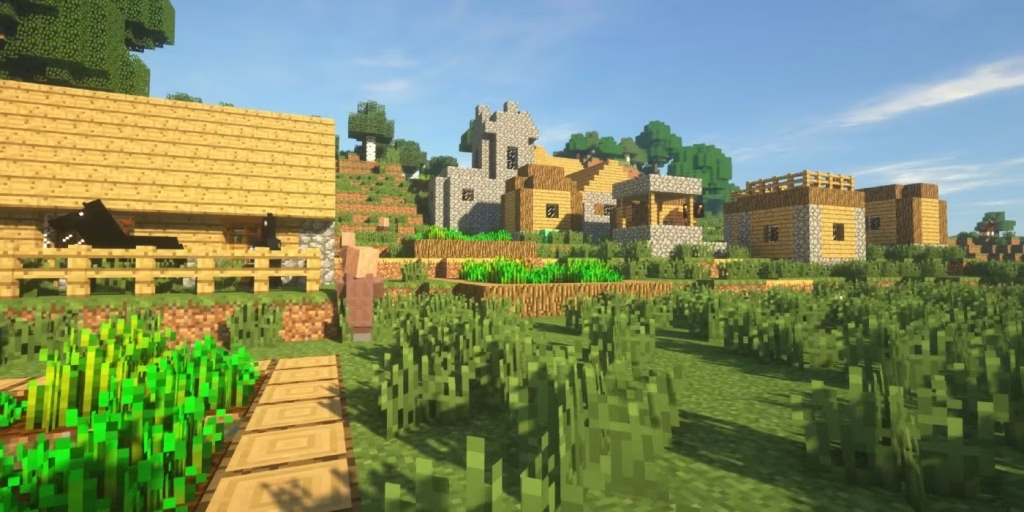
OptiFine: The Veteran’s Favorite
OptiFine has long been a staple in the Minecraft modding community, known for its optimization capabilities and extensive shader support:
Installation:
- Download OptiFine for Minecraft 1.21.5 from the official website.
- Run the JAR file and click “Install,” preferably using the default directory.
Adding Shaders:
- Acquire shader packs from trusted sources like CurseForge or Modrinth.
- In Minecraft, go to Options > Video Settings > Shaders.
- Click “Shader Folder” and place your downloaded shaders here.
Customization and Activation:
- Select your shader from the list in the Shaders menu.
- Use “Shader Options” to adjust settings for optimal performance and aesthetics.
- Click “Done” to apply your changes and transform your Minecraft world.
Comparison of Iris Shaders vs OptiFine for Minecraft 1.21.5
| Feature | Iris Shaders | OptiFine |
|---|---|---|
| User Interface | Modern, intuitive | Classic, functional |
| Performance Impact | Generally lighter | Can be more resource-intensive |
| Customization Options | Good | Extensive |
| Compatibility with Mods | Excellent with Fabric mods | Wide range, especially with Forge |
| Installation Complexity | Straightforward | Simple |
| Shader Pack Variety | Growing selection | Vast library |
Tips for a Smooth Shader Experience
- Start with lighter shaders and gradually move to more intensive ones as you gauge your system’s performance.
- Remember that shader application may take a moment – don’t panic if your game appears frozen briefly.
- Experiment with different shaders to find the perfect balance between visual appeal and gameplay performance.
- Keep your Minecraft, Iris Shaders, or OptiFine installations up to date for the best compatibility and features.

As you embark on your shader journey in Minecraft 1.21.5, remember that the perfect setup is a matter of personal preference. Don’t be afraid to experiment with different packs and settings until you find the visual style that brings your Minecraft worlds to life in ways you’ve never imagined.
Whether you’re crafting sprawling cities, exploring deep caverns, or battling in the Nether, shaders can add a new dimension of immersion to every aspect of your Minecraft adventure. So go forth, install those shaders, and prepare to see your blocky universe in a whole new light!
Honkai Star Rail 2nd Anniversary Bonanza: Free 5-Star Heroes and More!
FAQs
Q: Will using shaders affect my Minecraft performance?
A: Shaders can impact performance, especially on older hardware. Start with lighter shaders and adjust settings to find the right balance between visuals and performance for your system.
Q: Can I use Iris Shaders and OptiFine together?
A: While it’s possible, it’s generally not recommended as it can lead to conflicts. Choose one or the other based on your preferences and system capabilities.