A new wave of AI-generated throwback photos has flooded Instagram feeds, with users feeding their pictures into tools like ChatGPT and Gemini to get a full 1980s makeover. Unlike a simple filter, this trend rebuilds the entire image — clothing, hairstyle, lighting, background, and even film grain — to make it look like it was pulled straight from an old family album. If you’ve been wondering how everyone’s getting that authentic retro look, here are 10 prompts to get you started, along with what makes each one work.
Table of Contents
10 AI Prompts to Turn Your Photos Into 1980s Classics
1. The Mall Portrait “Transform this photo into an authentic 1980s mall studio portrait, with a laser-grid background, soft pastel lighting, and big, voluminous hair.” This is the most iconic 80s look — think department store photo booths with dramatic backdrops.
2. Neon Arcade Vibes “Place me in a retro 1980s arcade with neon lighting, vintage game cabinets, and denim jacket styling.” Arcades were cultural hubs in the 80s, and the neon glow adds instant nostalgia.
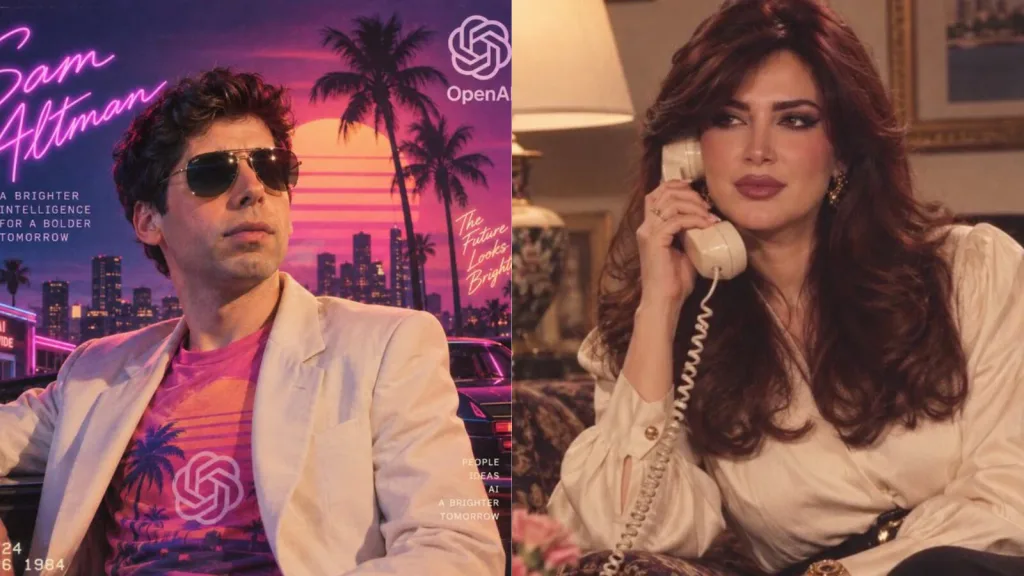
3. VHS Home Video Still “Make this look like a grainy VHS home video screenshot from the 1980s, with slight tracking lines and warm, faded colors.” Great for a candid, unpolished throwback feel.
4. Prom Night Glamour “Style this as an 80s prom photo, with a puffed-sleeve dress or tuxedo, big curled hair, and a soft-focus studio background.” Perfect for couple or solo formal shots.
5. Rock Band Poster Look “Turn this photo into a 1980s rock band poster style image, with bold typography energy, leather jacket, and dramatic stage lighting.” Ideal for a bold, statement-making edit.
6. Family Album Snapshot “Recreate this as a casual 1980s family photo taken with a point-and-shoot camera, including natural film grain and warm indoor lighting.” This keeps things authentic and homely.
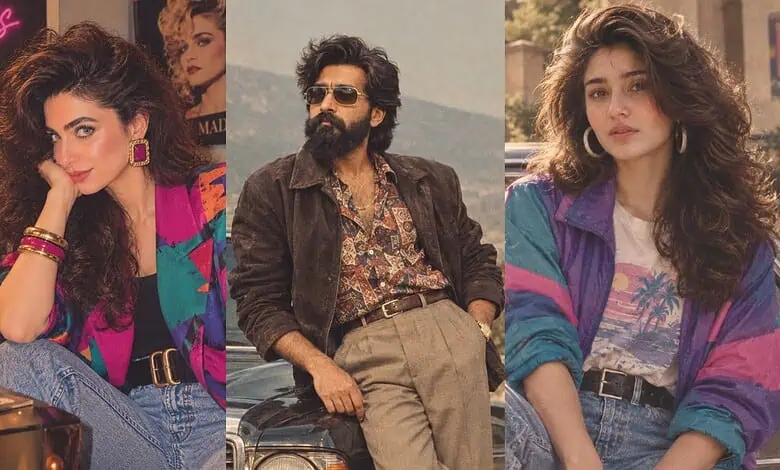
7. Aerobics Studio Energy “Show me in an 80s aerobics studio, wearing a colorful leotard and leg warmers, with mirrored walls in the background.” A fun, high-energy option that leans into fitness-era fashion.
8. Sitcom Character Cameo “Place me into a classic 1980s sitcom living room set, dressed in period-accurate casual wear, as if I’m part of the cast.” Great for group photos recreated with a TV-show twist.
9. Yearbook Photo Edit “Convert this into a 1980s high school yearbook photo, with a plain gradient background and classic studio lighting.” Simple, clean, and instantly recognizable.
10. Convertible Road Trip “Style this as an 80s road trip photo, in a classic convertible car with sunglasses, windswept hair, and warm golden-hour lighting.” A cinematic option that feels effortlessly cool.
How to Get the Best AI Results
| Tip | Why It Matters |
|---|---|
| Name the exact decade | Prevents the AI from mixing 80s and 90s styles |
| Use subtle grain, not heavy sepia | Keeps the photo looking authentic, not overly filtered |
| Ask AI to preserve your face | Avoids distorted or unrecognizable features |
| Check hands, text, and logos | AI models often glitch on small details |
| Try one variable at a time | Helps you fine-tune lighting, outfit, or background separately |
Why This Trend Has Taken Off
Much of the appeal comes down to nostalgia for the 1980s — a decade widely remembered for its bold fashion, music, and pop culture, all of which translate well into shareable, eye-catching social content. Since these edits recreate an entire era rather than applying a single filter, they feel more personal and “real,” which is exactly why they’re spreading so fast across Instagram Stories and Reels.
For more trending tech and social media stories like this, check out the latest coverage on TechnoSports.
FAQs
Which AI tools work best for the 1980s photo trend?
ChatGPT and Gemini (Nano Banana) are currently the most popular, though most AI image editors that accept reference photos can work.
Is it safe to upload personal photos to AI tools for this trend?
Generally yes, but always check the app’s privacy policy before uploading personal or identifiable images.