
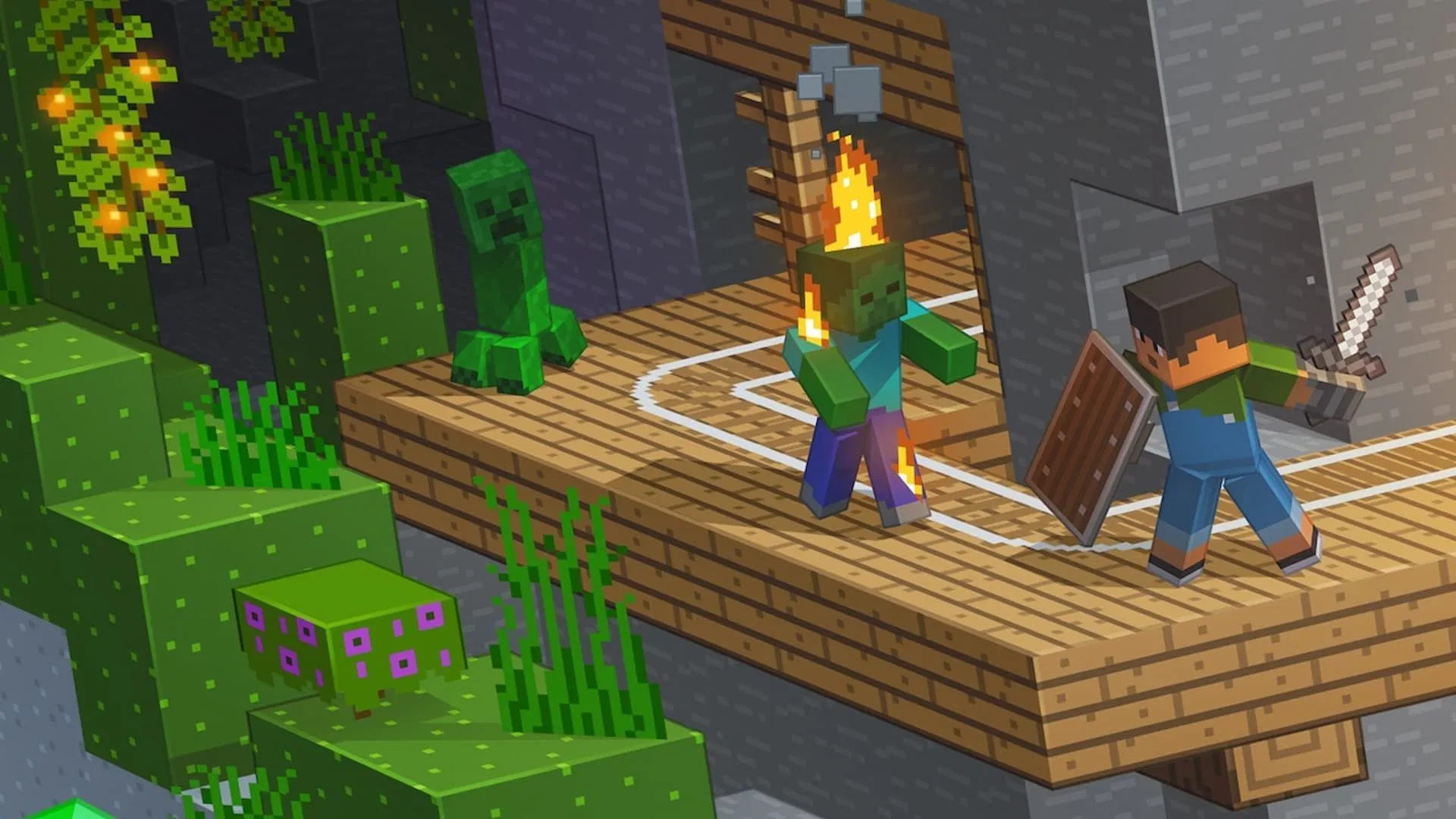
Mojang Studios has dropped Minecraft Bedrock 26.0.23 beta and preview, marking a revolutionary shift in how updates are numbered. Abandoning the confusing 1.21.xxx.xx format, the new year-based system starts with “26” for 2026, matching Java Edition’s approach. Beyond the numbering overhaul, this update delivers long-awaited gameplay subtitles to Bedrock after over a decade on Java, alongside crucial mob behavior fixes, graphical improvements, and enhanced accessibility features.
Table of Contents
Minecraft Update Quick Overview
| Category | Key Changes |
|---|---|
| Version Number | 26.0.23 (new year-based system) |
| Release Date | December 2025 |
| Major Feature | Gameplay Subtitles Added |
| Platforms | Android (Beta), Windows/Xbox/PlayStation/iOS (Preview) |
| Mob Fixes | Vindicator “Johnny” behavior, baby mob drops, Nautilus improvements |
| Graphics | Vibrant Visuals fixes, Ray Tracing corrections |
| Accessibility | Subtitle toggle in settings |
| Technical | Command macro support, @minecraft/server 2.5.0 |
Revolutionary Versioning: Why It Matters
The shift from 1.21.40.xx to 26.0.23 eliminates confusion that plagued players trying to understand update chronology. Under the new system:
- 2026 updates: Begin with “26”
- Both editions aligned: Java and Bedrock now share version logic
- Clearer progression: Year-based numbers make update timing obvious
This change addresses community frustrations stemming from “game drop” releases where version numbers became increasingly convoluted. Players can now instantly identify when an update released based solely on its number.
Subtitles Finally Arrive on Bedrock
After existing in Java Edition for over a decade, gameplay subtitles have finally crossed over to Bedrock. This accessibility feature displays on-screen text for in-game sounds, helping:
- Hearing-impaired players identify threats and events
- Stealthy gameplay by showing enemy positions through audio cues
- Better situational awareness in chaotic combat scenarios
Enable subtitles through Accessibility settings—a game-changer for inclusive Minecraft experiences.
For official Minecraft updates, visit Minecraft.net.
Major Mob Behavior Fixes
Vindicator “Johnny” Now Works Properly: The Easter egg where naming a Vindicator “Johnny” makes it attack all mobs (except other illagers) now functions correctly. Previously buggy, this fan-favorite feature finally delivers the chaos it promised.
Baby Mob Drop Corrections:
- Baby Zombies, Zombie Villagers, Drowned, and Husks now properly drop items when killed
- Baby Squid and Glow Squid no longer incorrectly drop items
- Baby Polar Bears attack Foxes but no longer turn hostile toward players
Nautilus Movement Overhaul: Underwater mobs received significant AI improvements—they navigate around obstacles when tempted, no longer get stuck on block edges, and move smoothly vertically without excessive spinning.
Graphical Enhancements and Fixes
Ray Tracing Screenshots Fixed: Screenshots taken with Ray Tracing enabled now render accurately, preserving visual quality.
Vibrant Visuals Improvements: Multiple fixes address block highlight visibility, water extinction rendering, darker skin colors appearing washed out, and End Portal lighting issues. Dithering effects now work properly on burning mobs and Snow Golem pumpkin heads.
Map Color Component: New BlockComponentTypes enum values include map_color, precipitation_interactions, and redstone_producer for enhanced creator control.
Discover more gaming updates at TechnoSports.
Armor Toughness Values Added
Diamond and Netherite equipment received important balance changes:
- Diamond Horse Armor: Now provides 2 toughness
- Netherite Horse Armor: Now provides 3 toughness
- Diamond/Netherite Nautilus Armor: Similar toughness additions
All armor types now display toughness, armor, and knockback resistance values when greater than zero, improving transparency for players optimizing gear.
Command Macro Support for Creators
A powerful new feature allows players to bind commands to keyboard shortcuts:
- 10 new key mappings: Alt + chosen key combinations
- Creator Settings toggle: Enable through dedicated menu
- In-game only: Commands execute during gameplay, not in menus
This streamlines repetitive tasks for map creators, server administrators, and technical players who frequently use specific commands.
Technical Updates for Creators
@minecraft/server Version 2.5.0 Released:
- Fixed ItemStack getComponents returning undefined in arrays
- EntityHurtAfterEvent now sends when damage is zero
- PlayerSwingStartAfterEvent released from beta
- BlockCustomComponent.onRedstoneUpdate now stable
Biome and Block Improvements:
- Biomes without namespaces apply to worlds below base_game_version 1.21.40
- Redstone consumer component renamed propagates_power (typo fix)
- Liquid clipping behavior now customizable through detection_rules
Stay informed about Minecraft updates at TechnoSports.
Bug Fixes Worth Celebrating
- Adventuring Time Achievement: No longer unlocks prematurely after visiting fewer than 17 biomes on PC
- End Gateway Portal: Fixed teleportation to void area bug
- Window Size Issue: Windows version no longer resets to smaller size on reopening
- Bundle Item Saving: Adding items to Bundles in Chests now saves properly after leaving games
- Spear Rotation: Charging spears now rotate consistently in first and third-person views
How to Access the Update
Beta (Android): Available through Google Play Store beta program Preview (Windows/Xbox/PlayStation/iOS): Downloadable through respective platform preview programs
Remember: Beta and preview versions contain experimental features subject to change before full release. Always backup worlds before testing new versions.
FAQs
Q1: Why did Minecraft change from 1.21.40 to 26.0.23 versioning?
Mojang adopted year-based versioning to eliminate confusion caused by the previous 1.21.xxx.xx format, which became increasingly convoluted after “game drop” releases introduced mid-cycle updates. The new system uses the year as the first number—”26″ for 2026—making update timing instantly recognizable. This change aligns Bedrock and Java Edition versioning logic, creating consistency across platforms. Players can now determine when an update released simply by reading its version number, whereas the old system required consulting changelogs or community resources to understand chronological order.
Q2: What are gameplay subtitles and how do I enable them in Bedrock 26.0.23?
Gameplay subtitles are on-screen text descriptions of in-game sounds, displaying events like “Zombie groans,” “Creeper hisses,” or “Chest opens.” This accessibility feature, present in Java Edition for over a decade, helps hearing-impaired players and provides tactical advantages by revealing enemy positions through audio cues even when sounds are muted or difficult to hear. Enable subtitles by navigating to Settings > Accessibility and toggling “Show Gameplay Subtitles.” The feature displays text at the screen’s edge, indicating sound direction and type, fundamentally improving situational awareness during exploration and combat.