
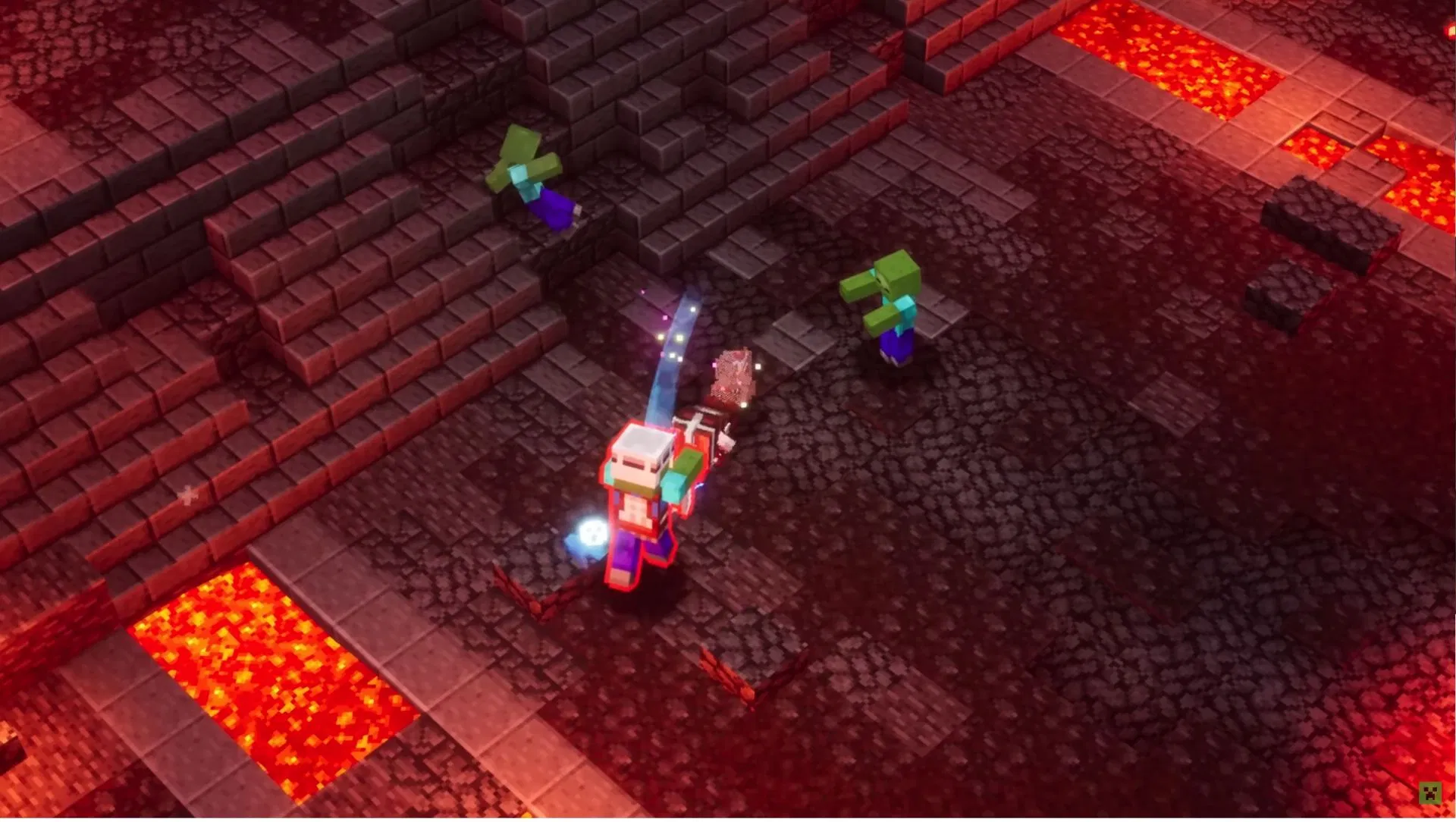
Planning to battle the Arch-Illager with friends on different gaming systems? Good news—Minecraft Dungeons is cross platform across all major platforms! Since the November 2020 update, this dungeon-crawling spin-off supports full crossplay between PC, Xbox, PlayStation, and Nintendo Switch. Here’s your complete guide to playing with friends regardless of their device.
Table of Contents
Minecraft Dungeons Crossplay Quick Reference
| Feature | Details |
|---|---|
| Cross Platform Support | ✅ Yes (Since November 2020) |
| Supported Platforms | PC (Steam/Windows), Xbox One/Series X |
| Requirement | Microsoft Account (Free) |
| Max Players | 4 Players Per Session |
| Cross-Save Support | Coming Soon (Cloud Save Feature) |
| Version Required | 1.6.0.0 or Later |
| Online Subscription Needed | Xbox Game Pass, PS Plus, Nintendo Switch Online |
Does Minecraft Dungeons Support Cross Platform Play?
Yes, Minecraft Dungeons is cross-platform and natively supports crossplay between all major gaming systems. Players across PC, Xbox, PlayStation, and Nintendo Switch can play together online since the major crossplay update released in November 2020.
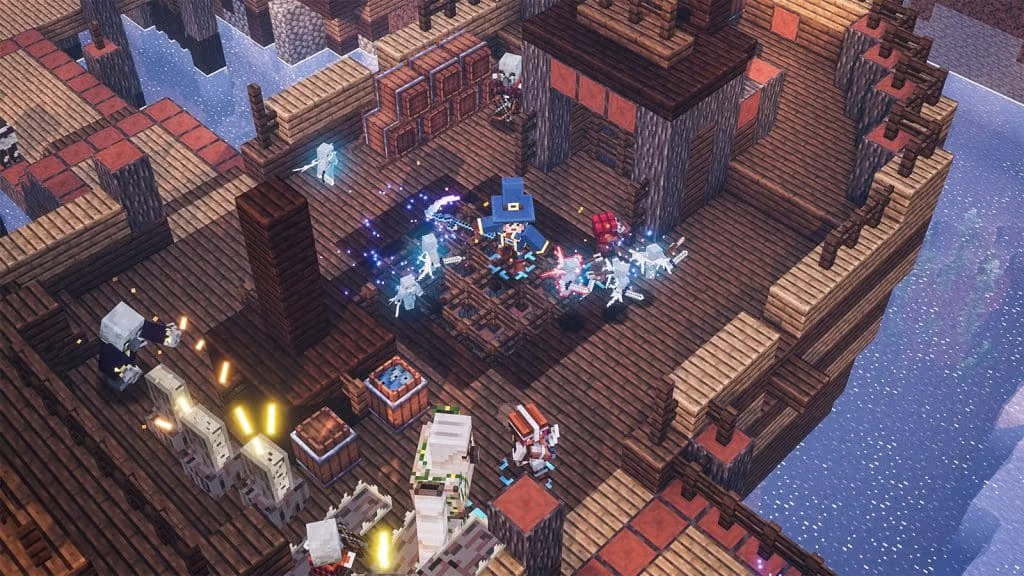
This means you can team up with friends no matter what platform they’re using—PC players can join PlayStation friends, Xbox users can adventure with Switch players, and any combination works seamlessly once properly configured.
For more Minecraft guides and gaming tips, visit TechnoSports.
How to Enable Cross Platform Play in Minecraft Dungeons
Setting up crossplay is straightforward but requires a few essential steps:
Step 1: Create or Link Your Microsoft Account
Crossplay in Minecraft Dungeons depends on your Microsoft account. When you launch the game, sign in or link your Microsoft account. This is free and works across all platforms except Xbox (where it’s automatic).
Step 2: Update to Latest Version
All players must be on the same version of Minecraft Dungeons, with cross-platform play introduced in version 1.6.0.0. Check for updates on your respective platform to ensure compatibility.
Step 3: Enable Cross-Play Option
In the game settings, enable the “Cross-Play” option. If this option isn’t visible, updating your game should resolve the issue.
Step 4: Add Friends via Microsoft Gamertag
You can only add and play with others using their Microsoft Gamertag. Navigate to the ‘Friends’ tab in the main menu and add friends by their gamertag or Microsoft account username.
Step 5: Create or Join Session
Once friends are added, create or join multiplayer sessions. Friends will appear in your multiplayer lobby regardless of their platform, and you can tackle the main campaign, explore DLC content, or dive into daily trials together.
For esports news and competitive gaming coverage, check out TechnoSports.
Platform Compatibility Breakdown
PC Players: Available via Steam or Microsoft Store
Xbox Players: Xbox One and Xbox Series X|S (requires Game Pass for online)
PlayStation Players: PS4 and PS5 (requires PS Plus for online)
Switch Players: Available via Nintendo eShop (requires Nintendo Switch Online)
No matter the combination—PC to Switch, PlayStation to Xbox—you can play together. This works for both online multiplayer and cross-platform co-op sessions.
Important Limitations to Know
No Cross-Save (Yet)
Your character progress, gear, and DLC purchases do not transfer between platforms. If you play on Xbox and later switch to PlayStation or Switch, you’ll need to start over unless using cloud saves within the same ecosystem.
However, cloud saves are coming soon to Minecraft Dungeons, meaning you’ll be able to play on one platform, use the new cloud save feature, then pick up the game and your progress on another platform.
Version Synchronization Required
All players need to have the same version of the game to play together. This applies to seasonal updates and DLC content as well.
Platform Subscriptions Still Apply
Each platform still requires its own online subscription: Xbox Game Pass for Xbox, PS Plus for PlayStation, and Nintendo Switch Online for Switch. PC players don’t need additional subscriptions.
DLC Compatibility
All players in a session need access to the same DLC content to explore those areas together. If one player owns the Creeping Winter DLC but others don’t, you can’t explore that content as a group.
Benefits of Cross Platform Play
Crossplay allows players to team up with friends, irrespective of the platform they use, and increases the multiplayer pool. The gaming community becomes more unified, creating a rich, diverse, and competitive ecosystem.
Key Advantages:
- Play with friends regardless of their gaming platform
- Larger player pool for matchmaking
- No need to buy multiple copies for different systems
- Future-proof your gaming friendships
- Access to diverse playstyles from different communities
Visit the official Minecraft Dungeons support page for troubleshooting and additional details.
Troubleshooting Common Crossplay Issues
Can’t See Friends Online?
Ensure both players have enabled cross-play in settings and are signed into their Microsoft accounts. Double-check that you’ve added them via their exact Microsoft Gamertag.
Version Mismatch Errors?
All players must update to the latest version. Check your platform’s store for available updates.
Cross-Play Option Missing?
This usually indicates an outdated game version. Update Minecraft Dungeons to the latest version to restore the option.
Connection Failed When Joining Session?
Verify that all players have active online subscriptions for their respective platforms and stable internet connections.
What Makes Minecraft Dungeons Cross Platform Special
Unlike many games that limit crossplay to specific platform combinations, Minecraft Dungeons offers full universal compatibility. Once you download the free cross-platform play update, you will be able to play with your friends no matter what platform or console they’re playing on.
This commitment to accessibility ensures that the game remains social and inclusive, removing barriers that typically divide gaming communities. Whether you’re a casual player with friends on various systems or a dedicated dungeon crawler seeking the largest possible player pool, crossplay enhances every aspect of the experience.
For daily Minecraft guides, mod reviews, and gaming news, stay connected with TechnoSports.
Frequently Asked Questions
Q1: Do I need to pay for a Microsoft account to play Minecraft Dungeons cross platform?
No, creating and linking a Microsoft account for Minecraft Dungeons crossplay is completely free. While the account itself costs nothing, you will still need platform-specific online subscriptions to play multiplayer—Xbox Game Pass for Xbox consoles, PlayStation Plus for PlayStation systems, and Nintendo Switch Online for Switch. PC players don’t need any subscription beyond the Microsoft account. The Microsoft account simply serves as the unified login system that enables crossplay functionality across all platforms. Without it, you’ll be restricted to playing only with others on your same platform. Setting up the account takes just a few minutes: visit the Microsoft website, create a free account, then link it through the Minecraft Dungeons main menu. Once linked, you can add friends via their Microsoft Gamertag and play together regardless of whether they’re on PC, Xbox, PlayStation, or Nintendo Switch.
Q2: Can I transfer my Minecraft Dungeons progress between platforms with crossplay?
Currently, no—character progress, gear, levels, and DLC purchases do not transfer between different platform families, even with crossplay enabled. If you play on Xbox and then switch to playing on PlayStation or Nintendo Switch, you’ll need to start a new character from scratch. However, there is good news: Mojang Studios has announced that cloud save functionality is coming in a future free update, which will allow you to play on one platform and seamlessly continue your progress on another platform. This feature isn’t available yet, but the development team is actively working on it. In the meantime, crossplay still allows you to play with friends on different platforms—you just can’t move your personal save file between systems. If you primarily play within one platform ecosystem (like Xbox and Windows PC via Game Pass), those platforms may share saves through their existing cloud systems.