


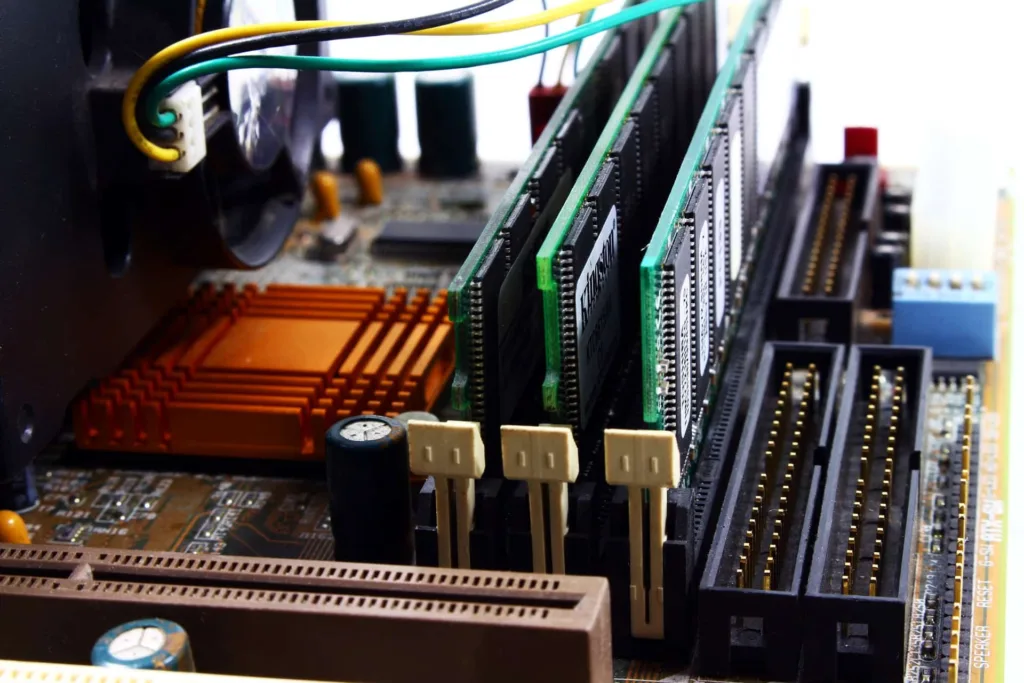
These days when most of the people are still in their homes to help contain the pandemic, work-from-home culture has increased considerably. People are now using their home desktops or laptops more often than not, some using it for all-day productivity or for gaming as well.
Also, this situation has led people upgrading their system or get a new PC or laptop but not everyone can afford it especially when there’s an economic crisis. Naturally, this has aroused a lot of queries among gamers and enthusiasts which Kingston has answered courteously:


Why is my PC suddenly so slow?
If you are not a tech geek and never have tried any method to basically fix your PC/laptop for while then these are solution Kingston recommends to do first:
- Use the Disk Clean-Up for getting rid of Temp files
- The disk can be full with the backups you took on your last working day. Manually Free some space first from the OS drive & keep backups on external drives
- You might have too many internet intensive apps working, which your home internet is struggling to manage. You might have to work with One software at a time.
- If you are working with remote access, that’s an additional load on the home internet. Also, you might want to get all accesses from the server admin for better bandwidth.
If following these procedures have helped to boost up your performance, then luckily, you won’t need any hardware upgrade. But if your problem still exists then there are certain solutions Kingston has answered to:

I tried all these already, it doesn’t help. My PC still cannot manage the heavy files & Office software. This is last minute and low on Budget. Do I really HAVE to get a new PC/ Laptop ??
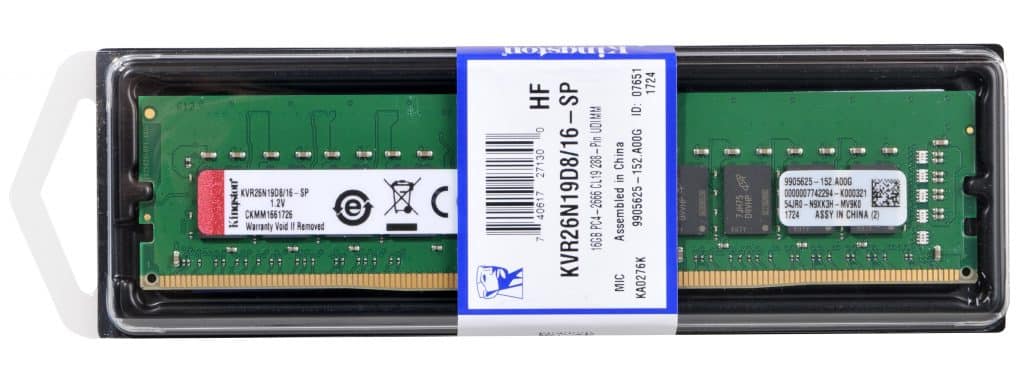
- If the bottleneck is in the hardware, there’s still no need to upgrade the entire system. Start with the low-cost ones – the RAM.
- Shortage of Memory (RAM) capacity limits the performance. Upgrading the frequency or adding more RAM, can reduce system lags and make the software more responsive.
Generally with days, applications and softwares have become heavier, so a PC or laptop you buy today will obviously not be able to handle after 3-4 years, provided you have enough RAM. Yes, the memory is the main part here, as this is a partnered content, I too feel likewise as Kingston recommends you.

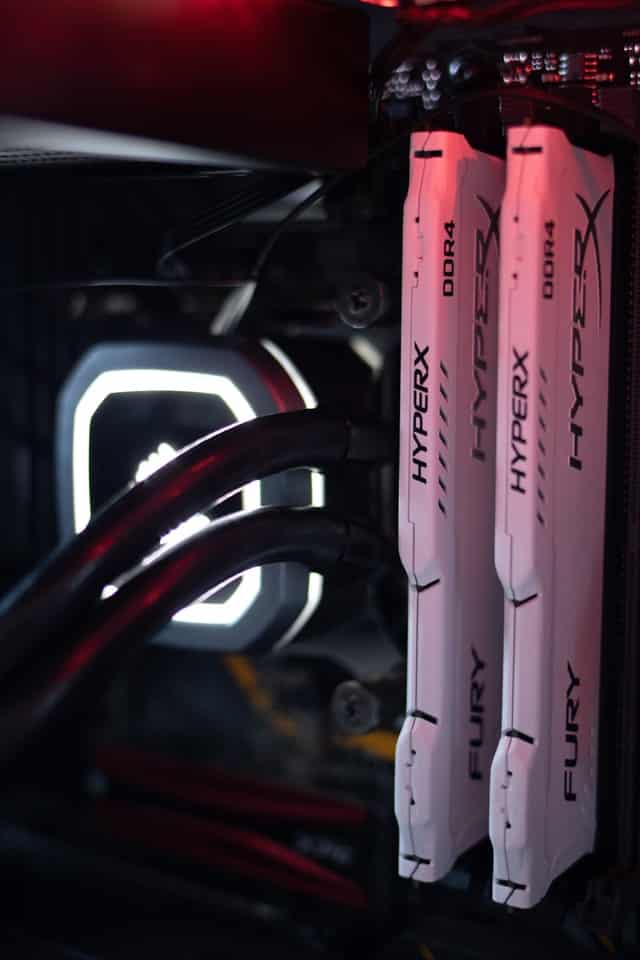
From my experience, I’ve seen PC bottlenecking with 8GB RAM as well and even with 2GB RAM also. CPUs have great longevity, so if you buy a CPU today it can easily serve you for next 5-7 years easily but if the RAM is not enough “for your job” then you need to make upgrades.
A PC or laptop never totally dies, you can tweak on a software level as discussed previously, but if that is not enough, you have to make few hardware adjustments, RAM being a key part right away. 3-4 years ago for browsing and other low end tasks 2-4 GB RAM was enough but these days Chrome will eat all your memory if you try to open more than 4-5 tabs.
On top of that, video streaming, playing casual games are separate genre, people start panicking about their systems and ask various questions about upgrade. Obviously, each one has its own needs, separate processors and require a specific amount of RAM. These users should get this amount of RAM:


- If you are a guy who still runs a 5-7-year-old potato PC with an Intel CPU along with 2GB RAM – Do upgrade your PC by adding another 2GB RAM to barely be able to use your PC
- So, let’s assume you are an entry-level user, have a decent dual-core or a quad-core CPU and require basic stuff like browsing, playing videos, playing old games and using Microsoft Office – 4GB RAM might still be valid for you but better get 8GB, if you do have some budget, add another 4GB RAM which can increase your experience in large scale.
- If you an average user with a quad-core CPU who likes to play games and work on different stuff like Microsoft Office, Photoshop, Visual studio and more – 8GB RAM will actually suffice such users, but if you are facing bottleneck while gaming or work, then you should better be getting a 16GB of RAM.
- Now if you are an enthusiast who owns a quad-core or 6-core CPU and likes to game a lot, browse a lot of stuff by opening too many tabs, and do 1080p video editing and stuff – 16GB RAM mostly does the job for you but do get faster RAMs to catch up with your CPU.
- You are a tech enthusiast who games, work, stream and does a lot of stuff altogether, you also own a great 6-core or 8-core CPU – 32GB of RAM is more than enough for you, do use faster RAMs for best results.
- So, you are a professional guy who does 3D modelling, 4K or 8K video rendering – 64GB RAM or 128GB of RAM is quite necessary to do such tasks without any bottlenecks
Now, having known how much RAM you should be actually be going for you obviously need to get the RAM you want to, paired with your CPU or matched with your existing RAM or motherboard configuration. Kingston has totally sorted that out for you:

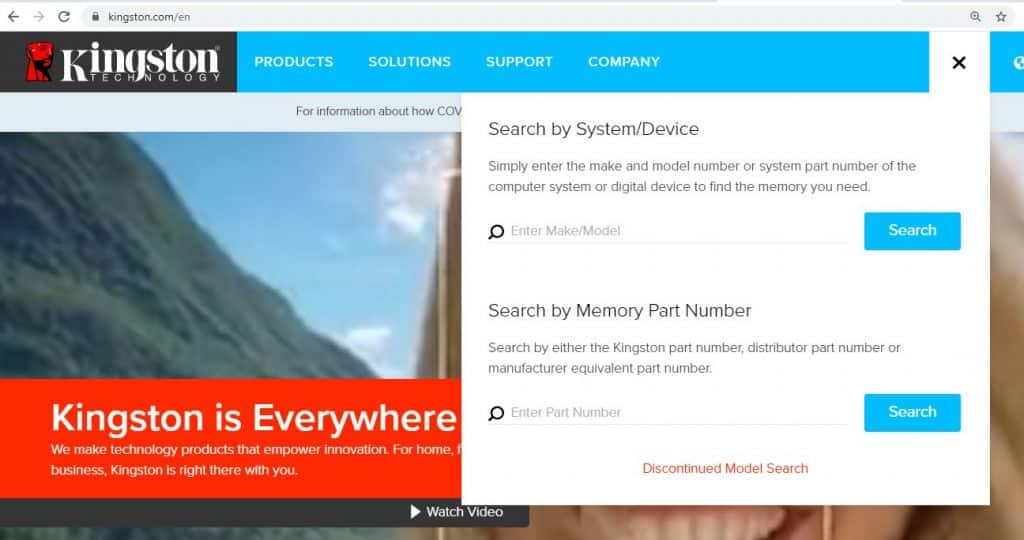
For ages, Kingston Technology has built an automated Memory Search feature on its website. This is the easiest part – to find compatible memory for your system.
Kingston has Two Memory (RAM) Product Lines,
- 1st option is the ‘Kingston Value RAM’ (KVR)
- This has standard specifications and works with most OEM PCs & Laptops sold today.
- You can use this if you don’t remember your PC’s or motherboard’s model number. Simply surf through Kingston’s ValueRam page with your requirement and the search results will give multiple options to choose from. Example: You just want to upgrade to a 16GB DDR4 RAM, you search for a 16GB Kingston ValueRAM and choose any options from it.
- Kingston Specific Memory is not available at this time due to the COVID-19 pandemic.
So why you should go for Kingston memory?
- All Kingston Memory (RAM) has a Lifetime Warranty and
- Kingston has a FREE Technical Support option for you via email, even before purchasing anything.
I hope this guide did help you to upgrade your PC/laptop and thanks to Kingston for answering the users and their queries as well. For more guides like this do keep an eye here…
Do check out:
😎TechnoSports-stay UPDATED😎