


It is of a critical nature for you to keep your online accounts in a secure manner, for which you need to have a strong password as part of protecting your digital identity. But with a strong password there is a chance that maybe you still can have your account compromised.

All things considered, it’s a good idea to change your password from time to time, especially if you’re worried about someone gaining unauthorized access to your carefully crafted playlists. If you forgot your password or just simply want to change it. This article will walk you through two ways how to change or reset your Spotify password.
How to Change or Reset Spotify Password
Method 1: Resetting a Forgotten Spotify Password
- If you find yourself unable to recall your Spotify password, the process to reset it can be easily accomplished through Spotify’s web app.
- Go to the Spotify password reset web page in your web browser and enter your email address.
- Type in your email and connect and click on the option “Send link” and you will receive an email that will contain the link to reset the password

- The Password Reset Email will arrive in your email inbox, click the “Reset Password” button inside.
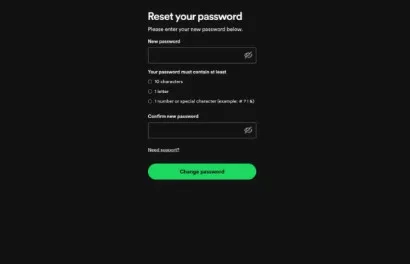
- Go ahead and type in your new password on the “Reset your password” page and go ahead and click “Change Password” to confirm.
Method 2: Changing Password Using the Web App
For users who remember their current Spotify password and wish to change it without initiating a reset, follow these steps on Spotify’s web app:
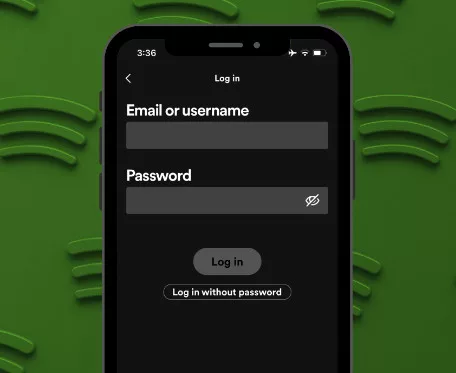
- Visit Spotify.com > Log in with your email address and existing password.
- Go to the top right corner, click on your profile picture, and choose an Account in the dropdown menu.
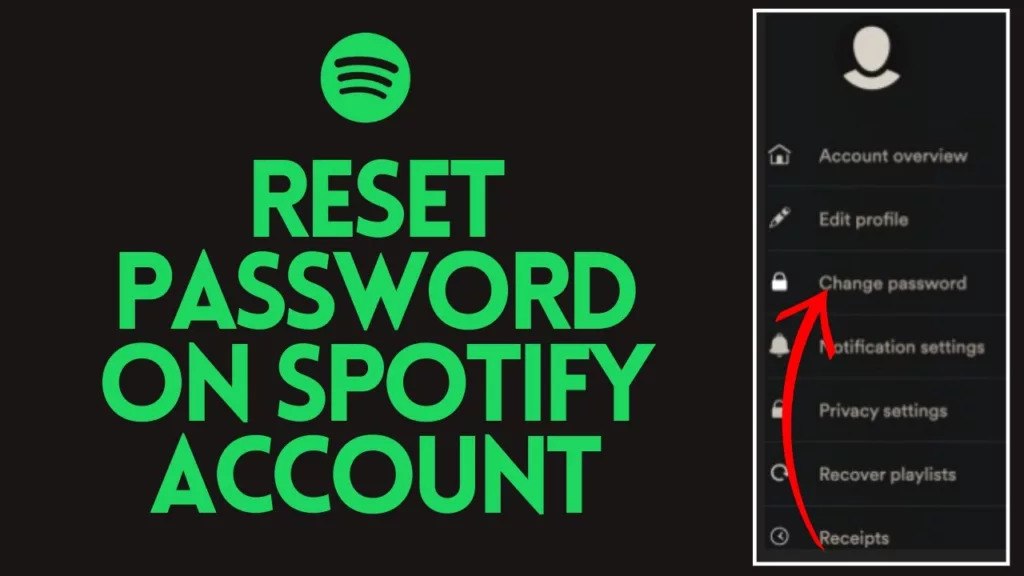
- Click on “Change password,” which you can find under the “Security and privacy” section on the next tab.


- Type in your current password, then your new password, and your password once again to change it. After that, hit “Set new password” to complete your update.
By following these steps you will be able to change your password and it will take effect immediately which is also good for security of your Spotify account. Password managers are a good way to sort your passwords for future, and also to curb issues like forgetting it over and again.