
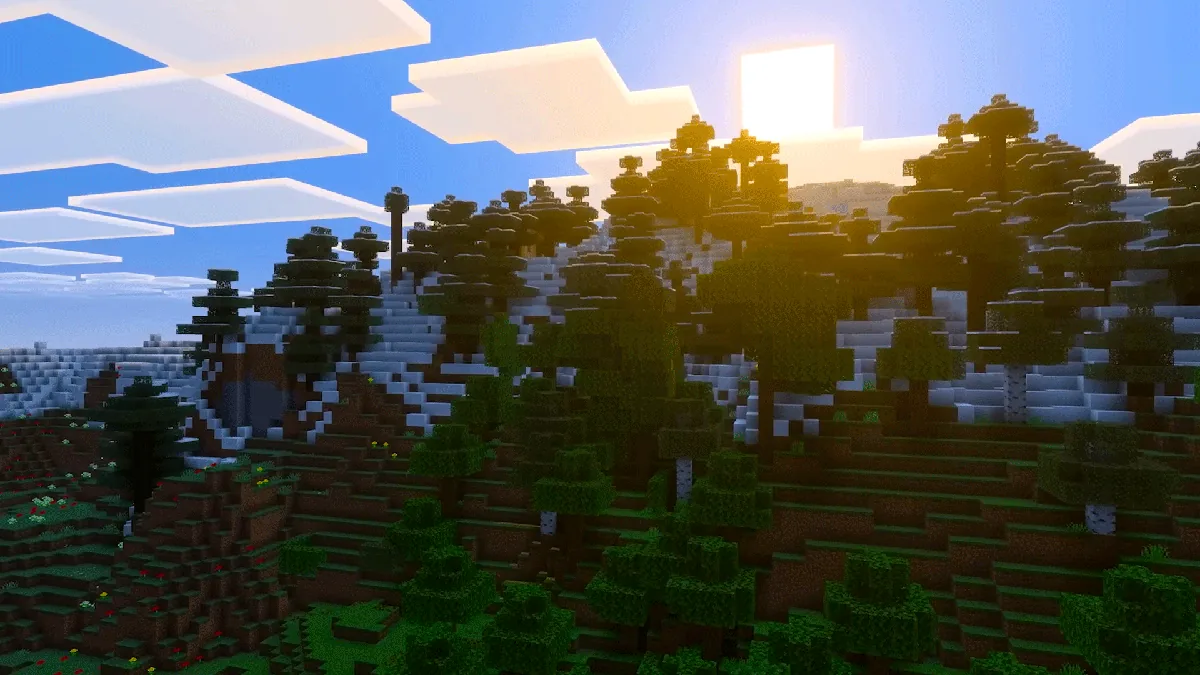
Transform your Minecraft multiplayer experience with the incredible “What Are They Up To” (WATUT) mod that’s taking the community by storm! This innovative visual enhancement brings player actions to life in ways you never imagined, making every multiplayer session more immersive and engaging. Whether you’re building with friends or exploring vast worlds together, WATUT adds that perfect touch of realism that makes Minecraft feel truly alive.
Table of Contents
Minecraft WATUT Mod Complete Overview
| Mod Details | Information |
|---|---|
| Official Name | What Are They Up To (WATUT) |
| Developer | Corosus |
| Latest Version | 1.21.1 Compatible |
| Mod Loaders | Fabric, Forge, NeoForge, Quilt |
| Dependencies | Coroutil (Required) |
| Download Source | CurseForge Official |
| Installation | Client & Server Required |
| File Size | ~2.5 MB |
Revolutionary Features That Transform Gameplay
Real-Time Action Visualization
The WATUT mod displays the actions of fellow players in real-time, making gameplay more intuitive and realistic. It shows activities such as typing, interacting with the world, or navigating through UI menus with stunning visual indicators.
Immersive Inventory Interactions
One of the most impressive features occurs when players open their inventory or crafting interface. The mod displays a dynamic HUD that depicts their actions, creating a truly realistic experience that seamlessly brings the game to life.
Sleep & Idle Indicators
WATUT adds charming “Zz” indicators in the player list when someone falls asleep, plus sends idle notifications when players are inactive. These small details make multiplayer worlds feel more authentic and connected.
Seamless Visual Integration
Despite adding these comprehensive gameplay elements, WATUT blends perfectly with Minecraft’s vanilla design without creating distracting elements or breaking immersion.
Step-by-Step Installation Guide
Method 1: CurseForge Launcher (Recommended)
- Download the CurseForge launcher and sign in with your Microsoft account
- Search for “What Are They Up To” by Corosus in the mod directory
- Click the orange “Install” button to create a new instance
- Name your installation and click “Create”
- Wait for automatic download and dependency installation
- Launch Minecraft using the orange “Play” button
Method 2: Manual Installation
- Download the WATUT mod ZIP file from CurseForge
- Install Coroutil dependency (required for functionality)
- Place both files in your Minecraft mods folder
- Launch Minecraft with compatible mod loader
Important: For multiplayer servers, install WATUT on both client and server sides to ensure proper functionality.

Why WATUT Enhances Your Minecraft Experience
Enhanced Communication
Visual cues help players understand what teammates are doing without constant voice chat or text communication. This is particularly valuable for content creators and streamers who want to showcase collaborative gameplay.
Improved Teamwork
Knowing when friends are crafting, building, or exploring helps coordinate group activities more effectively. No more wondering why someone isn’t responding – you can see they’re deep in their inventory!
Content Creation Gold
Streamers and YouTube creators love WATUT because it makes multiplayer content more engaging for viewers. Audiences can follow along with everyone’s actions, creating more dynamic and interesting gameplay footage.
For comprehensive Minecraft mod guides and tutorials, visit our Minecraft section featuring the latest updates and community favorites.
Compatibility and Performance
WATUT works flawlessly with most popular Minecraft mods and shader packs. The lightweight design ensures minimal performance impact while delivering maximum visual enhancement.
Supported Versions:
- Minecraft 1.21.1 (Latest)
- Minecraft 1.20.x series
- Minecraft 1.19.x series
Community Reception and Reviews
The Minecraft modding community has embraced WATUT enthusiastically, praising its innovative approach to multiplayer visualization. Players consistently highlight how the mod transforms anonymous multiplayer servers into vibrant, connected communities.
Stay updated with the latest gaming mods and enhancements through our gaming section for cutting-edge content and reviews.
Troubleshooting Common Issues
If WATUT isn’t working properly, ensure:
- Coroutil dependency is installed
- Both client and server have the mod installed
- You’re using compatible Minecraft and mod loader versions
- No conflicting mods are interfering with player data
Ready to revolutionize your Minecraft multiplayer experience? Download WATUT today and watch your world come alive! Follow TechnoSports for more incredible mod discoveries and gaming enhancements.
Frequently Asked Questions
Q: Does the WATUT mod work on single-player worlds, or is it only for multiplayer servers?
A: While WATUT is designed primarily for multiplayer experiences, it does function in single-player mode with limited features. The mod’s core functionality revolves around displaying other players’ actions, so in single-player, you’ll mainly see your own action indicators. The real magic happens in multiplayer environments where you can observe teammates crafting, sleeping, typing, and interacting with the world in real-time.
Q: Will installing WATUT affect my game’s performance or cause compatibility issues with other popular mods?
A: WATUT is extremely lightweight (~2.5 MB) and designed for minimal performance impact. It’s compatible with most popular mod packs, shaders, and other gameplay modifications. However, since it requires the Coroutil dependency and needs to be installed on both client and server sides for multiplayer, some server administrators may need to approve its installation. The mod integrates seamlessly with vanilla Minecraft’s visual style, avoiding conflicts with most other visual enhancement mods.