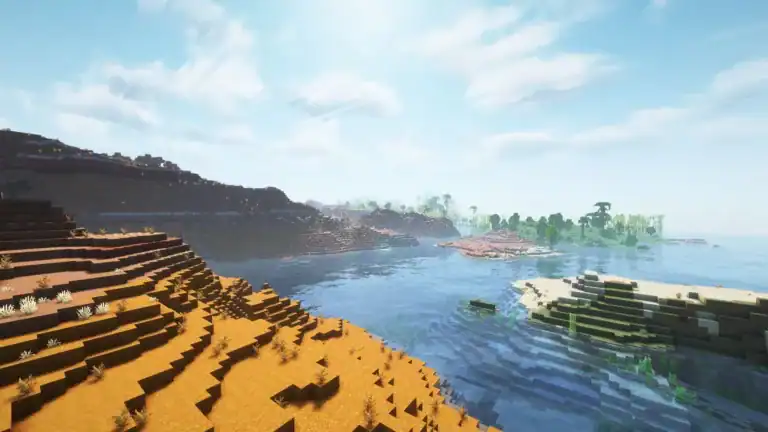
Mojang just dropped the Minecraft Bedrock 1.21.124 hotfix update, and if you’ve been struggling with texture memory leaks or mouse interaction bugs, this patch is your new best friend. Here’s everything you need to know about getting this critical update installed across every platform—from PlayStation to mobile devices.
Table of Contents
What’s New in Version Minecraft 1.21.124?
This isn’t a content update—it’s a performance-focused hotfix addressing persistent issues that have been frustrating players since the Bundles of Bravery release. The update targets stability problems, graphics glitches, and interaction bugs that were affecting gameplay quality.
Update Overview
| Platform | Update Size | Rollout Status | Version Number |
|---|---|---|---|
| Windows/Xbox | ~150-200 MB | Available now | 1.21.124.0 |
| PlayStation 4/5 | ~120-180 MB | Available now | Latest patch |
| Nintendo Switch | ~140-190 MB | Available now | v1.21.124 |
| Android/iOS | ~100-150 MB | Available now | 1.21.124.01 |
| ChromeOS | ~120-160 MB | Available now | 1.21.124.01 |
Note: The update is rolling out gradually on certain platforms. If it’s not showing up immediately, check back within a few hours.
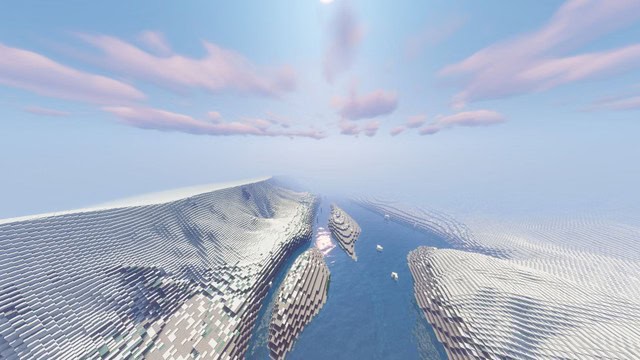
How to Download on Windows and Xbox
Getting the update on Microsoft platforms is straightforward, though the process differs slightly between Xbox and Windows devices.
For Xbox consoles:
- Navigate to your Xbox home screen
- Locate Minecraft in “My Games & Apps” or search your library
- Highlight the game and press the Menu button (three horizontal lines)
- Select “Manage game and add-ons”
- Check for updates—the system will automatically detect version 1.21.124
- Confirm the download and wait for installation to complete
For Windows PCs: Open the Microsoft Store application, search for Minecraft, and click “Get updates” if automatic updates aren’t enabled. The Bedrock launcher will also prompt you automatically when launching the game if an update is available.
PlayStation Download Instructions
PlayStation 4 and 5 users can download the update by navigating to the console’s homepage, locating Minecraft in their library, selecting Options, and choosing “Check for Updates”. The system will detect the hotfix and add it to your download queue automatically.
Critical tip: Keep your PlayStation connected to the internet throughout the download process. Interruptions can corrupt game files, requiring a complete reinstallation of Minecraft.
Nintendo Switch Update Process
Switch users receive a notification when they launch Minecraft, with a pop-up appearing at the top of the screen that redirects them to the Nintendo eShop when selected. From there, the update downloads and installs automatically.
Make sure your Switch remains powered on during installation. Unlike other platforms, the Switch’s sleep mode can sometimes interrupt downloads, especially for larger updates.

Mobile Device Installation (Android & iOS)
Most mobile players have automatic updates enabled, meaning the 1.21.124 hotfix will download without manual intervention. However, if you need to update manually:
Android (Google Play Store):
- Open the Google Play Store app
- Search for “Minecraft” or access it from your library
- Tap “Update” if available
- Wait for the download to complete before launching
iOS (Apple App Store):
- Open the App Store
- Tap your profile icon in the top right
- Scroll to “Available Updates”
- Find Minecraft and tap “Update”
For Pocket Edition players, this update is essential—it resolves several mobile-specific bugs that were affecting touch controls and performance on lower-end devices.
Why This Hotfix Matters
The 1.21.124 update specifically addresses texture memory leaks that were causing gradual performance degradation during extended play sessions. Players reported frame drops after 30-60 minutes of gameplay, especially in resource-intensive areas with complex builds or multiple entities.
Mouse interaction bugs on Windows and cursor responsiveness issues have also been resolved, making menu navigation and precise block placement significantly smoother. These might seem like minor issues, but they drastically impact gameplay quality, especially for builders and redstone engineers.
Post-Update Best Practices
After installing the update, launch Minecraft and verify your worlds load correctly. Check resource packs and behavior packs to ensure they’re still compatible—though this hotfix shouldn’t break existing content, it’s always wise to confirm.
For more Minecraft updates and gaming news, explore our comprehensive Minecraft coverage and check out the latest esports and gaming insights.
Stay updated with official Minecraft news by visiting the Minecraft feedback portal for patch notes and community discussions.
Frequently Asked Questions
Q: Will the 1.21.124 update delete my worlds or saved data?
No, this hotfix only modifies game files related to performance and bug fixes. Your worlds, marketplace purchases, character customizations, and achievements remain completely safe. However, it’s always good practice to back up important worlds before any major update, especially on mobile devices where storage issues can occasionally cause problems.
Q: Do I need to download this update to play multiplayer with friends?
Yes, Minecraft Bedrock Edition requires all players to be on the same version for multiplayer compatibility. If your friends have updated to 1.21.124 but you’re still on an older version, you won’t be able to join their worlds or Realms. The game will prompt you to update before accessing any online features, so it’s best to install the hotfix as soon as it becomes available for your platform.